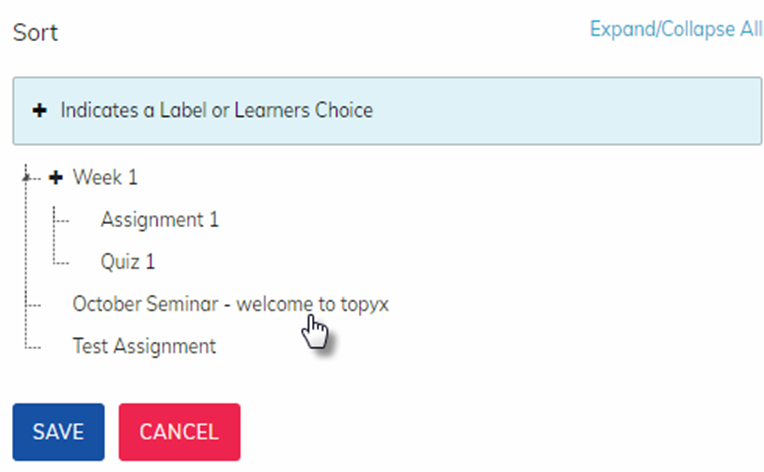
You can drag and drop items in a course to change the order of materials. To use, click on Sort in Manage Course Materials.

Administrators and instructors may now drag the items inside the course to the order or under the labels they prefer. Clicking Save will save any changes made. Clicking Cancel will return the user to the existing course material order.
Was this article helpful?
That’s Great!
Thank you for your feedback
Sorry! We couldn't be helpful
Thank you for your feedback
Feedback sent
We appreciate your effort and will try to fix the article