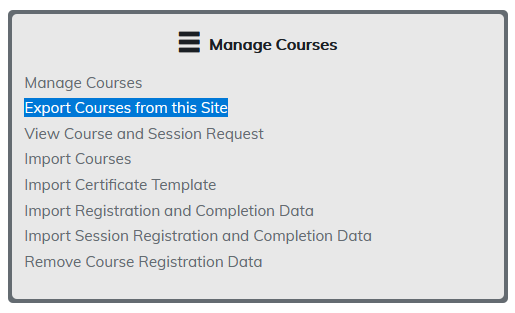
As a safety measure, this feature is turned off by default on your site. If you would like to use it, please contact us and we will enable it for you. Once enabled you will be able to export courses from your site.
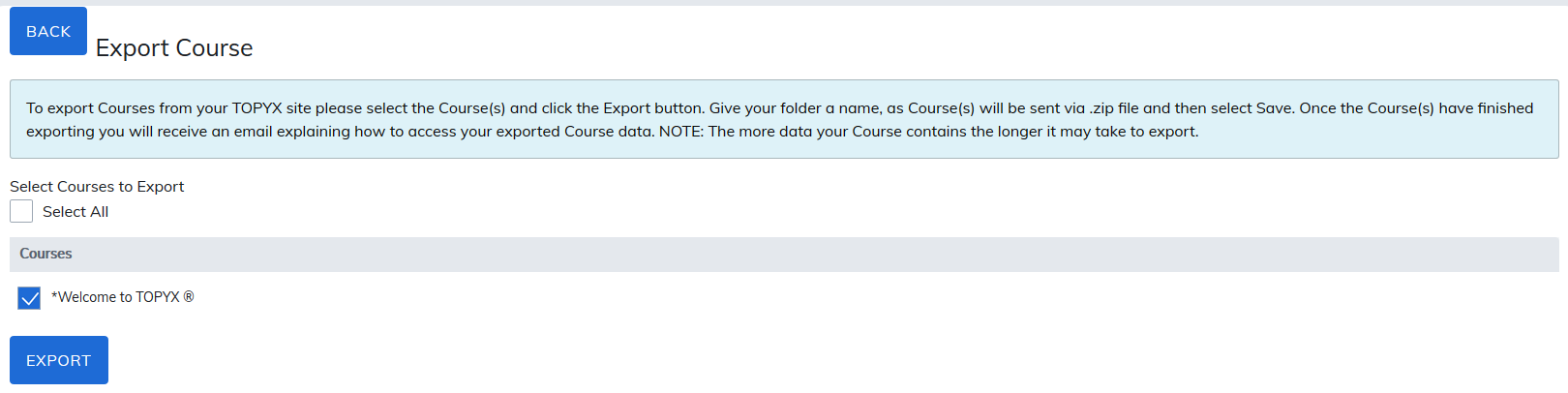
To export courses from your site please select the course(s) and click the Export button.
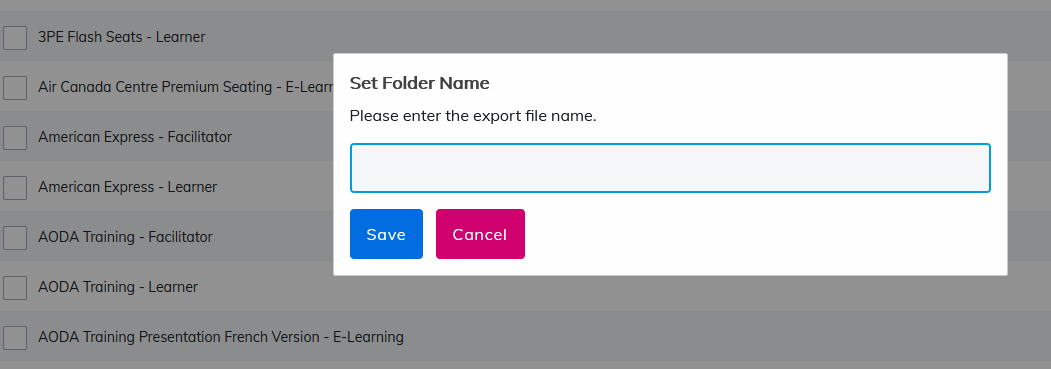
Give your folder a name, as course(s) will be sent as a .zip file. Click Save.
Once the course(s) have finished exporting, you will receive an email explaining how to access your exported course data. The email will be delivered to the login-credential you are using.
Note: The more data your course contains, the longer it may take to export.
The email received will contain a link to download the materials for seven (7) days. After for seven (7) days have passed, the course will need to be downloaded again from the site.
Was this article helpful?
That’s Great!
Thank you for your feedback
Sorry! We couldn't be helpful
Thank you for your feedback
Feedback sent
We appreciate your effort and will try to fix the article