To add an assignment to course contents, click on Add New Assignment.

Assignments you have created will display on the next page. Highlight the assignment you would like to add, fill in other items on page as needed, then click Save.
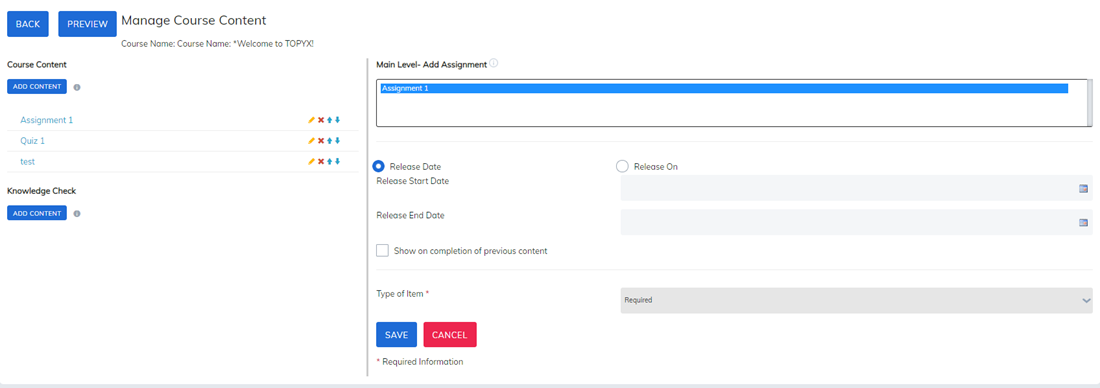
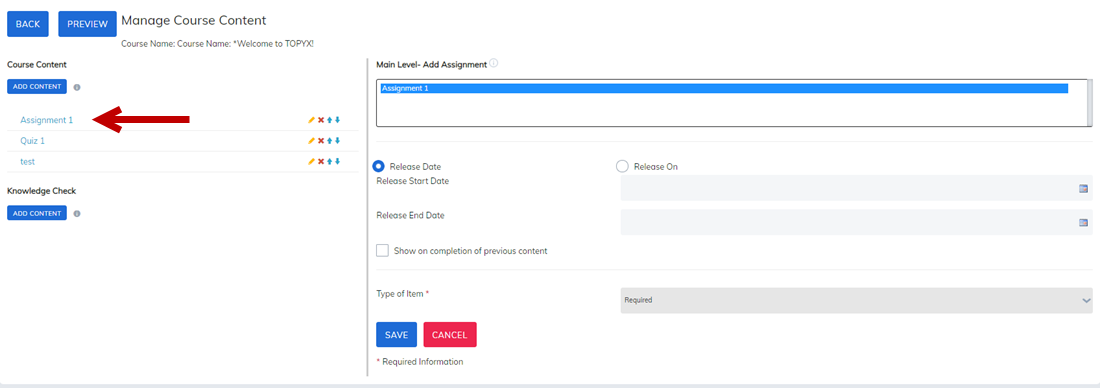
The Assignment will now display in your course contents section.
Was this article helpful?
That’s Great!
Thank you for your feedback
Sorry! We couldn't be helpful
Thank you for your feedback
Feedback sent
We appreciate your effort and will try to fix the article