This option allows the learner to choose which item to attempt to complete the course when presented with two or more options.

Give the learner choice header a name and select the number of items to be completed.
Multiple items may be added to this section. However, the learner will only need to complete the required number of items. If, for example, five materials are added, and the number of required elements is one, the learner will only need to complete one item for learner choice to be marked complete.
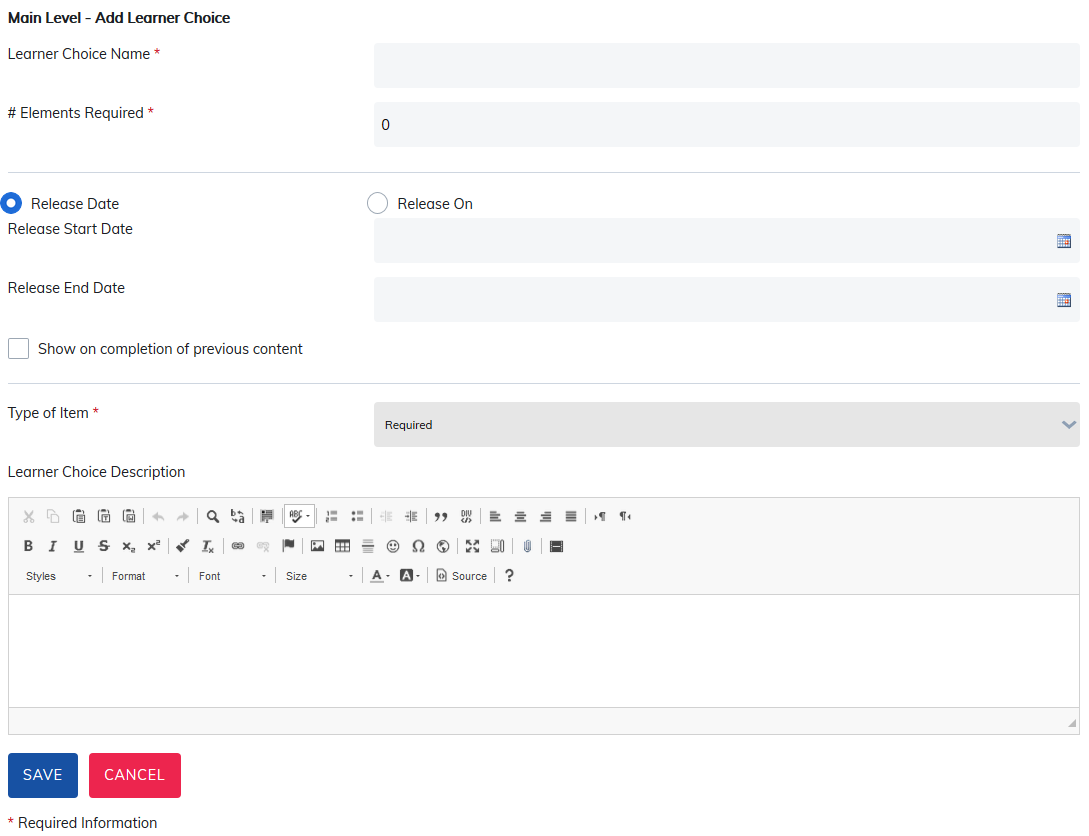
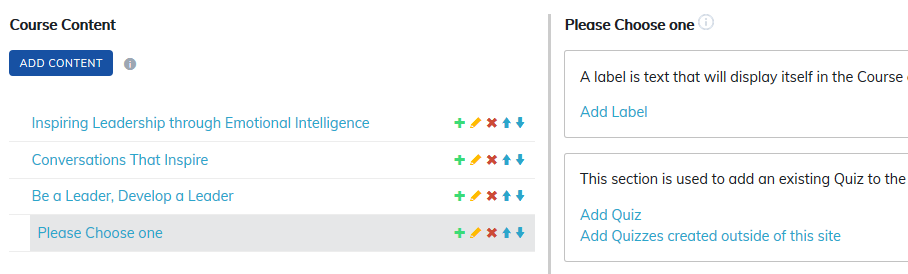
Once created, select the addition icon to add items to this learner choice.
The instructor or admin may choose to add labels, quizzes, assignments, content and LTI content to the learner choice from which the learner will select from to complete this section of their course.
A common use of learner choice is for content offered in multiple languages.
Was this article helpful?
That’s Great!
Thank you for your feedback
Sorry! We couldn't be helpful
Thank you for your feedback
Feedback sent
We appreciate your effort and will try to fix the article