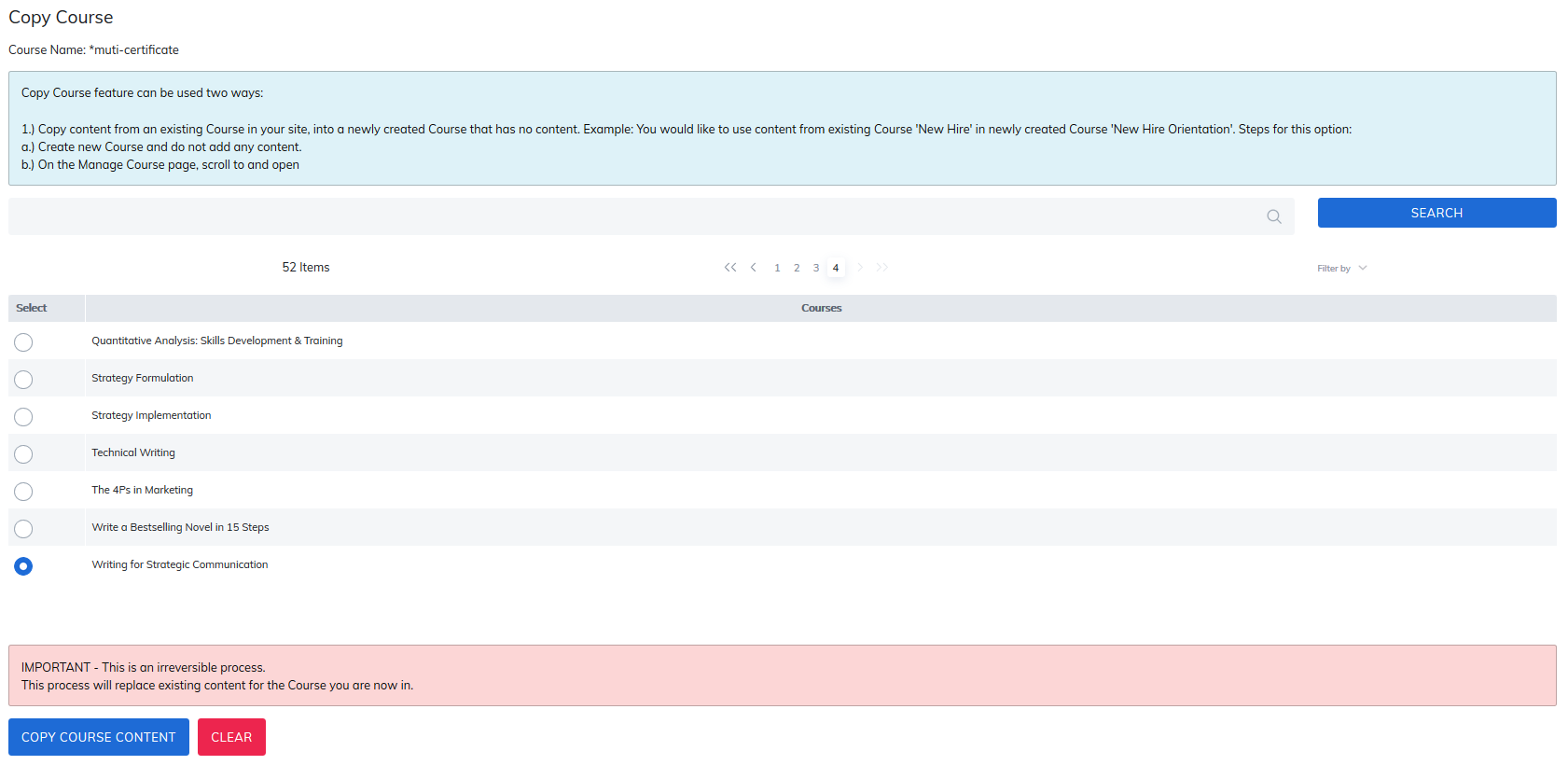
Copy Course functionality enables the ability to replicate a course. To begin, create a new course, then select Copy Course.

Next, select the course you would like to copy and click the Copy Contents button at the bottom of the page.
Note: The copied content will replace all content in the course.
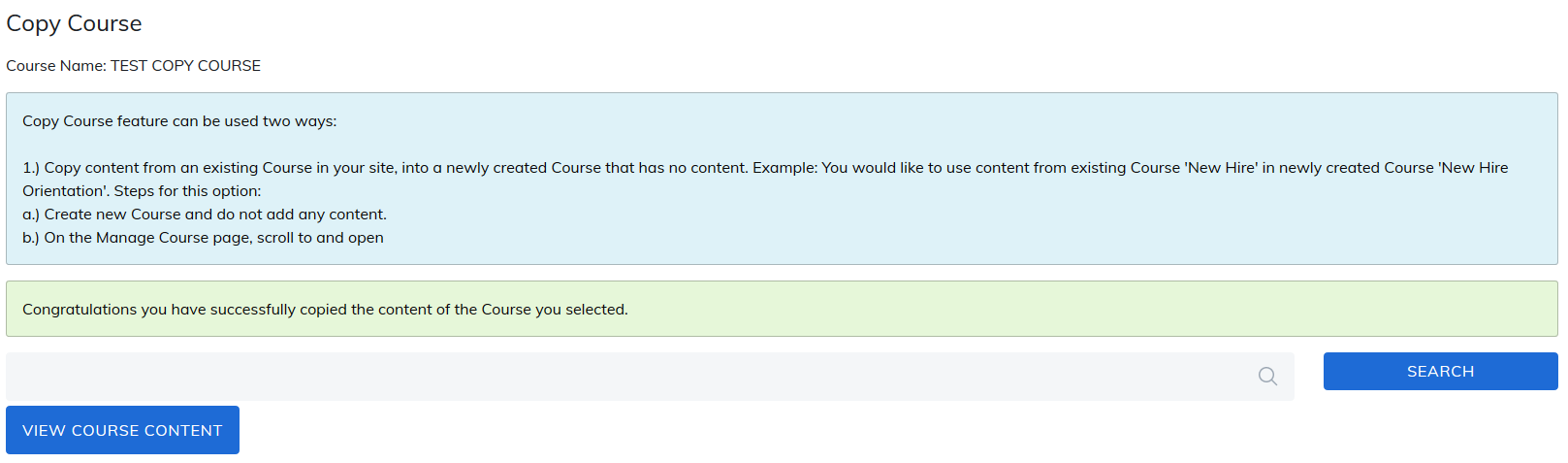
After Copy Course is complete, you can view the new contents by clicking on View Course Content inside this new Course.
Note: Sessions and course certificates will not copy from one course to another.
Was this article helpful?
That’s Great!
Thank you for your feedback
Sorry! We couldn't be helpful
Thank you for your feedback
Feedback sent
We appreciate your effort and will try to fix the article