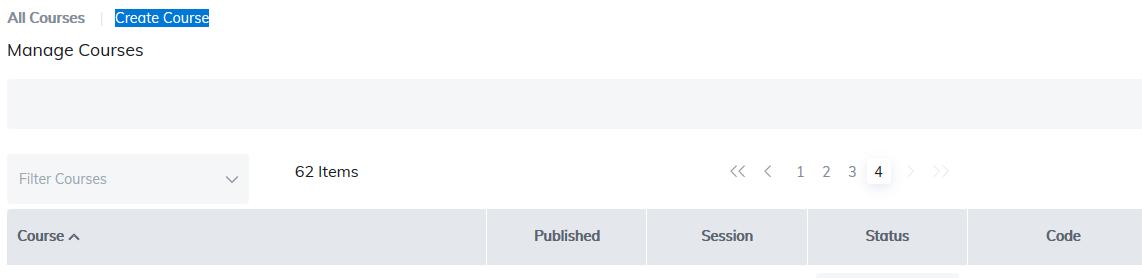
This page allows you to create new courses or edit existing courses.
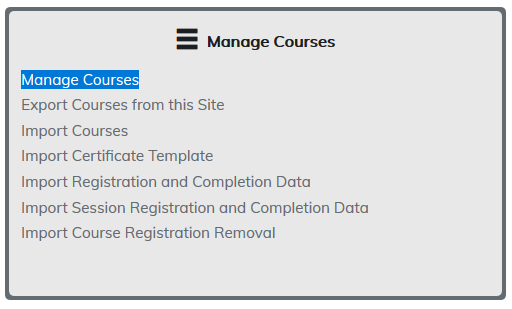
Upon launching Manage Courses, a list of all courses on your site will be presented. Click on any course title to open.
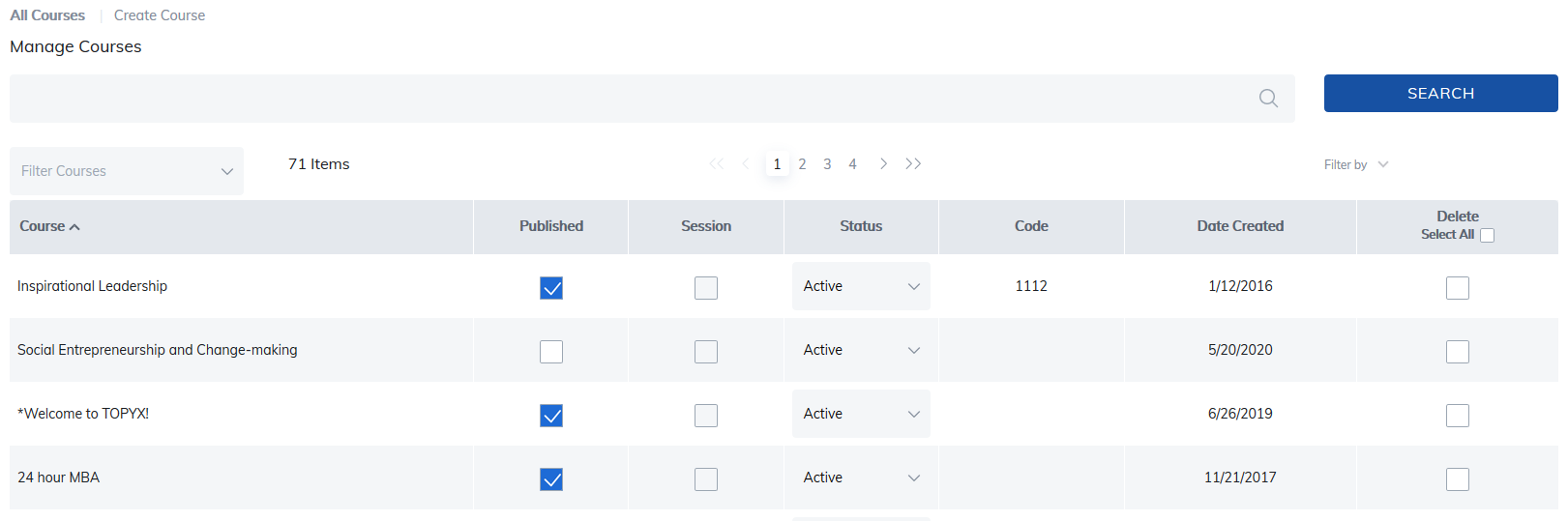
As multiple pages of courses start to accumulate, some of our features will help you find what you're looking for quicker.
- The Search feature allows you to search courses by name.
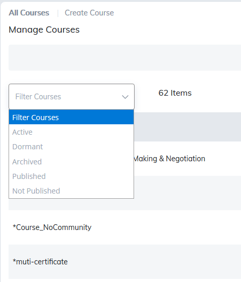
- Filter Courses allow you to filter based on Active, Dormant, Archived, Published, and Not Published.
ABC Keypad Filter
- Use the ABC keypad to filter the course list by the selected letter.
- Select # to clear the filter and display all courses.
Publish Status
- To publish a course to the catalog, check the box in the Published column.
- To unpublish a course, uncheck the box.
Status
- The Status column shows whether a course is marked Active, Dormant, or Archived by administrators or instructors.
- This setting is for filtering purposes only and does not affect course dates or availability.
Column Sorting
- All columns support reverse sorting.
- Click a column header (for example, Date Created) to sort from oldest to newest or newest to oldest.
Deleting Courses
- Delete courses individually using the Delete column.
- To delete multiple courses, select Select All and then click Delete Selected Items.
Note: Deleting a course removes it from your site; however, user course completion history remains available in reports.
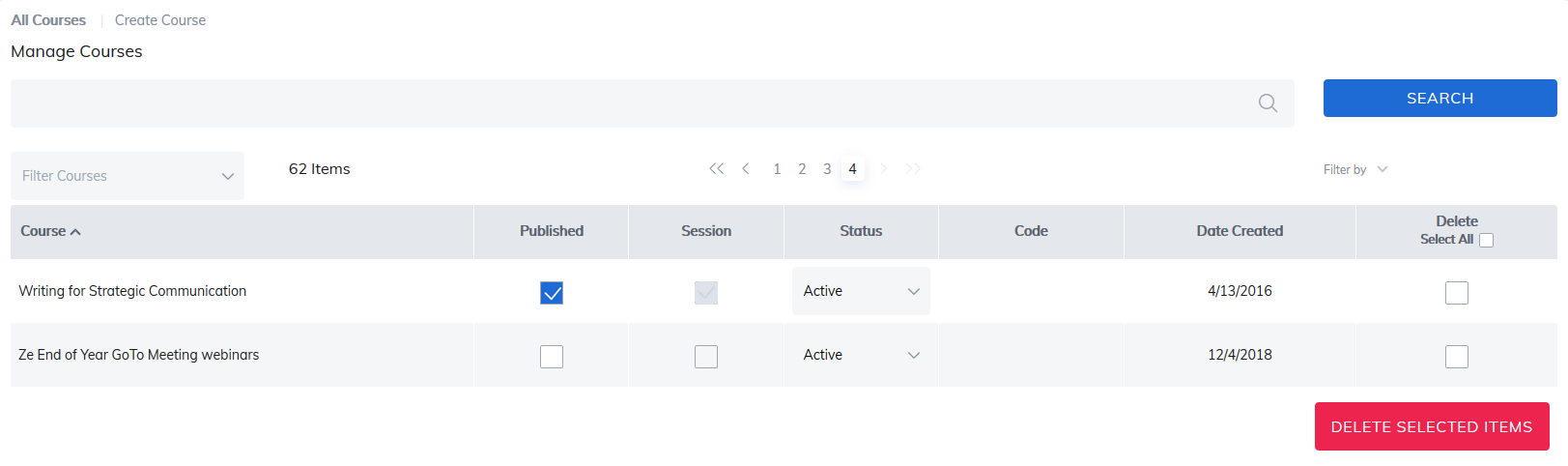
Click Create Course to create a new course.
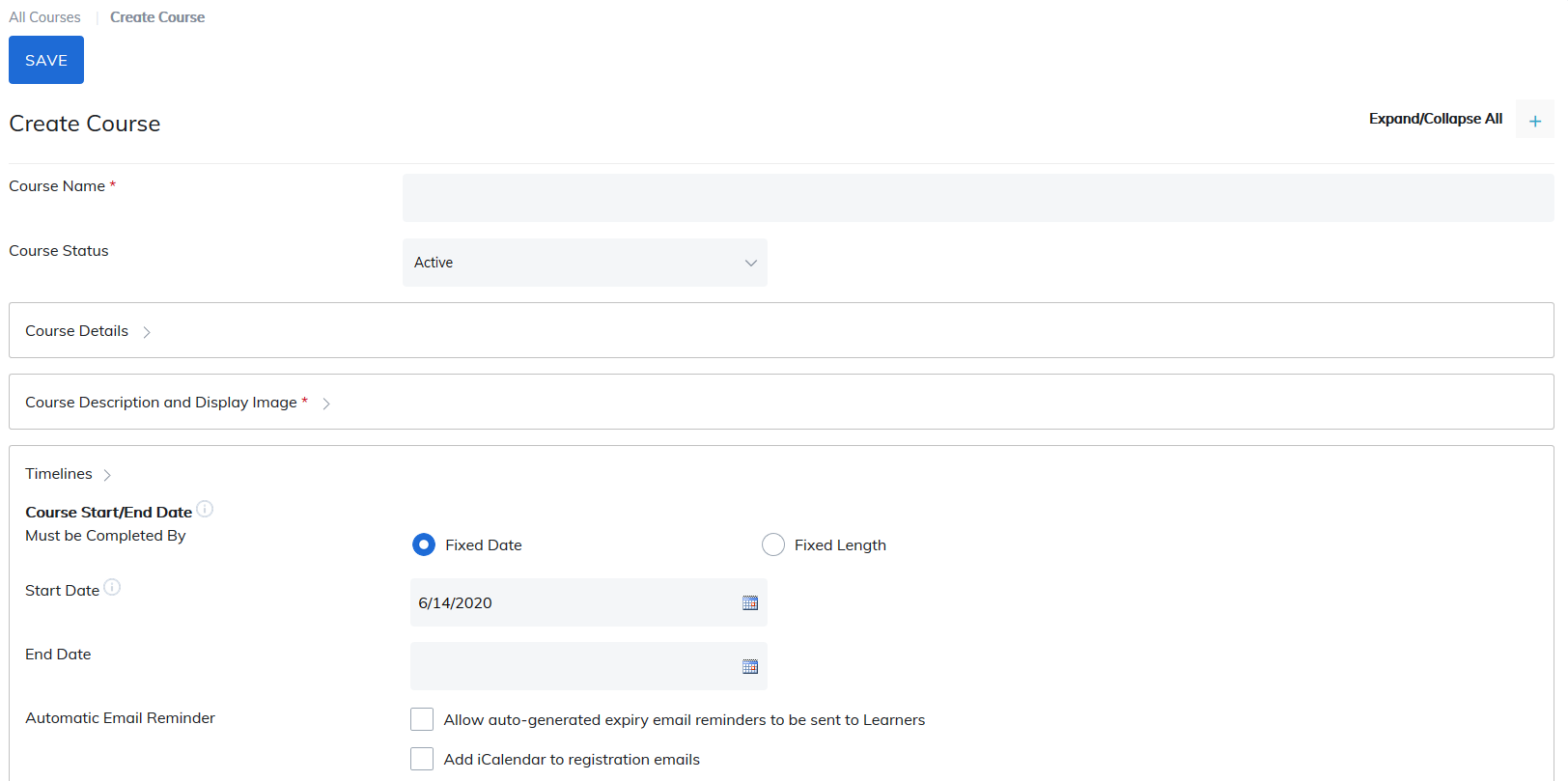
You will be taken to Create Course page. Fields with a red star are required to be completed before the Course can be created.
Please proceed to Course Information for in-depth details on new course creation.
Was this article helpful?
That’s Great!
Thank you for your feedback
Sorry! We couldn't be helpful
Thank you for your feedback
Feedback sent
We appreciate your effort and will try to fix the article