The My Training section displays all content you are currently registered in, including programs, courses, materials, and learning paths. You can switch between content types using the sub-links in the navigation menu.
There are several options available within My Training:
- Launch content by clicking the Start button.
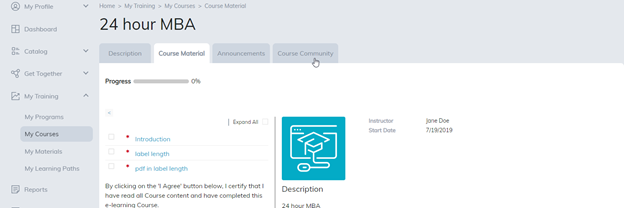
- Go to the item’s main page.
- Visit the community page
- Drop the item, which allows you to unregister from the content. This will only appear if enabled.
- If your site uses scheduling, your assigned schedule will also appear on the My Training page.
Depending on your site settings, completed content may remain visible on the My Training page.
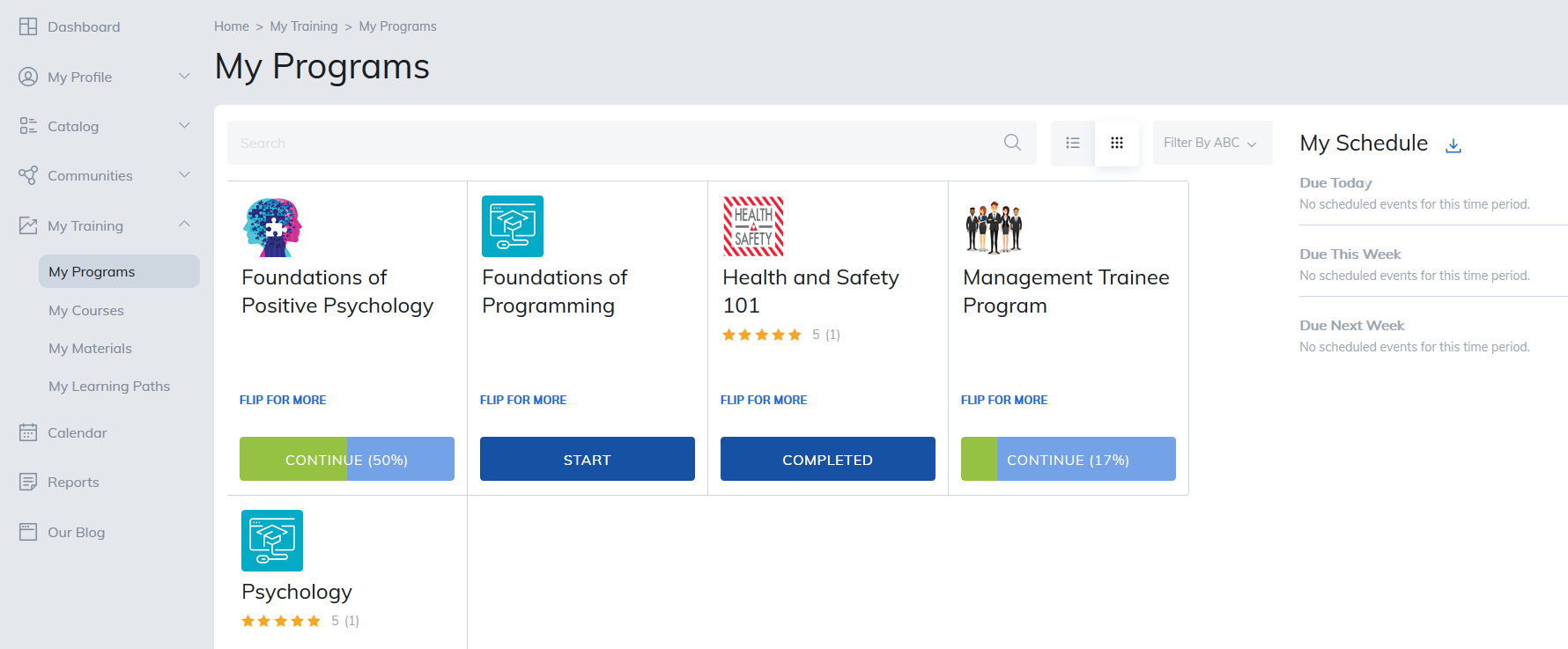
Sub-navigation links will display as soon as a learner is enrolled with content. For example, if Justin registered for a program and a course, then Justin will see My Programs and My Courses sub navigation links.
This also offers easy access to enter the community.
Viewing and Finding Content
- Content can be displayed in either List View or Tile View.
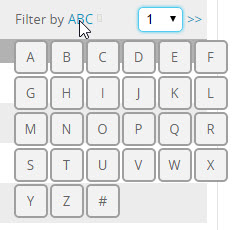
- You can search for specific items or use the “ABC” filter at the top of the page to quickly locate content.
Was this article helpful?
That’s Great!
Thank you for your feedback
Sorry! We couldn't be helpful
Thank you for your feedback
Feedback sent
We appreciate your effort and will try to fix the article