Under Program Content, administrators can:
- Add Required and Elective Courses and Materials to Programs
- Add Prerequisites within the Program for access to Courses and Materials
- Manage the Display Order Courses and Materials within the Program will appear
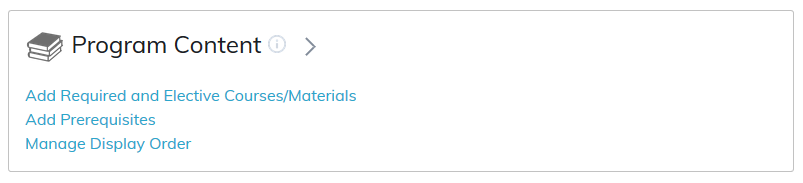
Add content to a program by selecting Add Required and Elective Courses/Materials.
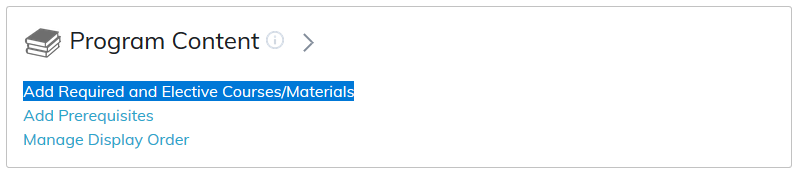
Required and elective courses will enable adding courses and materials to your program.
Radio buttons enable the selection between adding courses and materials to the program.
Selecting a course or material from the list on the left and selecting the first Add button will make this course or material required to complete the program.
Selecting a course or material from the list on the right and selecting the first Remove button will remove this course or material from the program.
Selecting a course or material from the list on the left and selecting the second Add button will make this course or material an elective option available to complete the program.
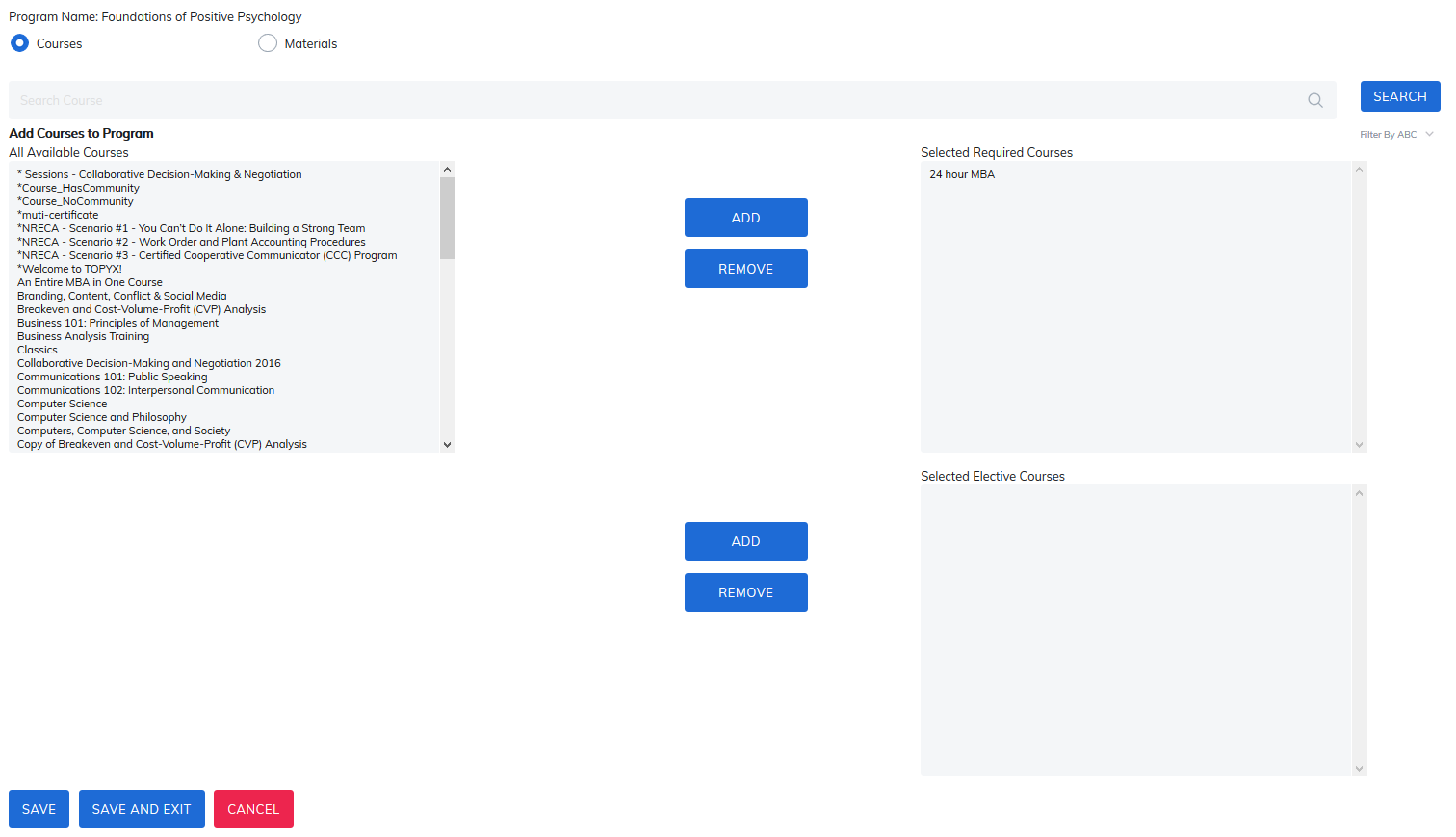
- Please make sure you click Save before moving away from this page to save courses or materials to this program.
- Clicking Save and Exit will save any changes and return the administrator to the program home page.
- Clicking Cancel will not save any changes made.
Add Prerequisites within the Program
In the Program Content area within the program, courses, and materials may need to be completed prior to launching other courses and materials in the program. This is commonly used if you want your learners to do content in a particular order in the program.
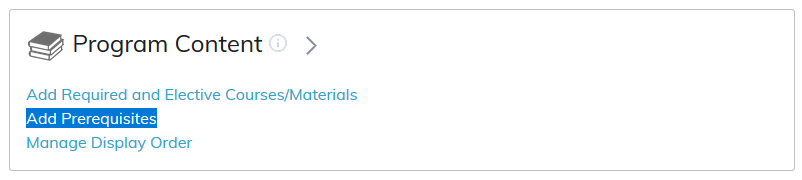
Step 1: Select if it's a course or material in the program that will require a prerequisite, and then select the course or material requiring a prerequisite from the drop-down list.
Note: This list will only show courses or materials added to this program and not all courses or materials added to the site.
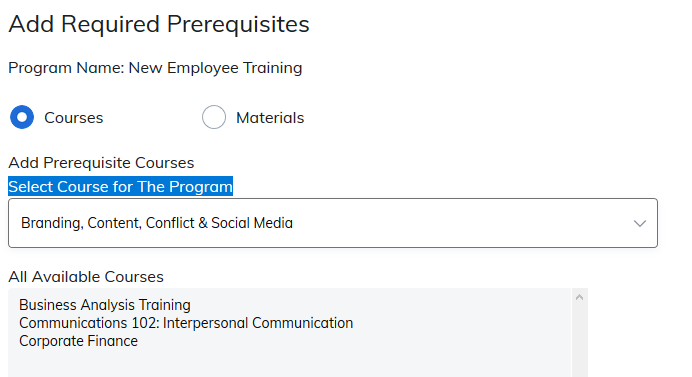
Step 2: Select the course or material required to be completed prior to completing the course or material selected in the drop-down list. All other courses in the program (or materials, depending on the radio button selected) will appear on the left. Select the required prerequisite and select Add, then click Save. This course or material will now be a prerequisite.
To remove a prerequisite, please select the name of the course or material from the list on the right. Select Remove, then Save. The course or material will no longer be a prerequisite.
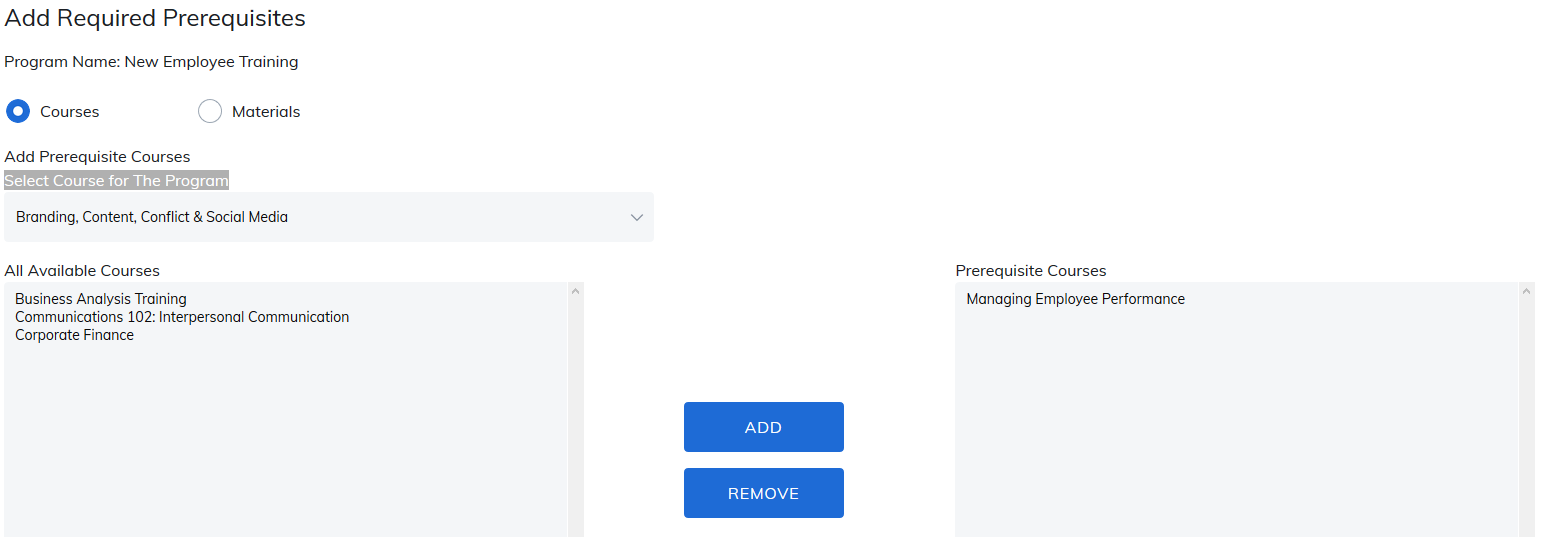
- Please make sure you click Save before moving away from this page to save courses or materials as prerequisites within this program.
- Clicking Save and Exit will save any changes and return the administrator to the program home page.
- Clicking Cancel will not save any changes made.
Manage Display Order
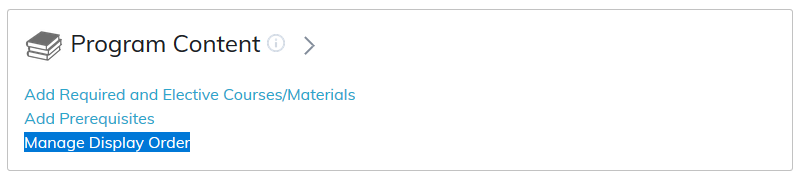
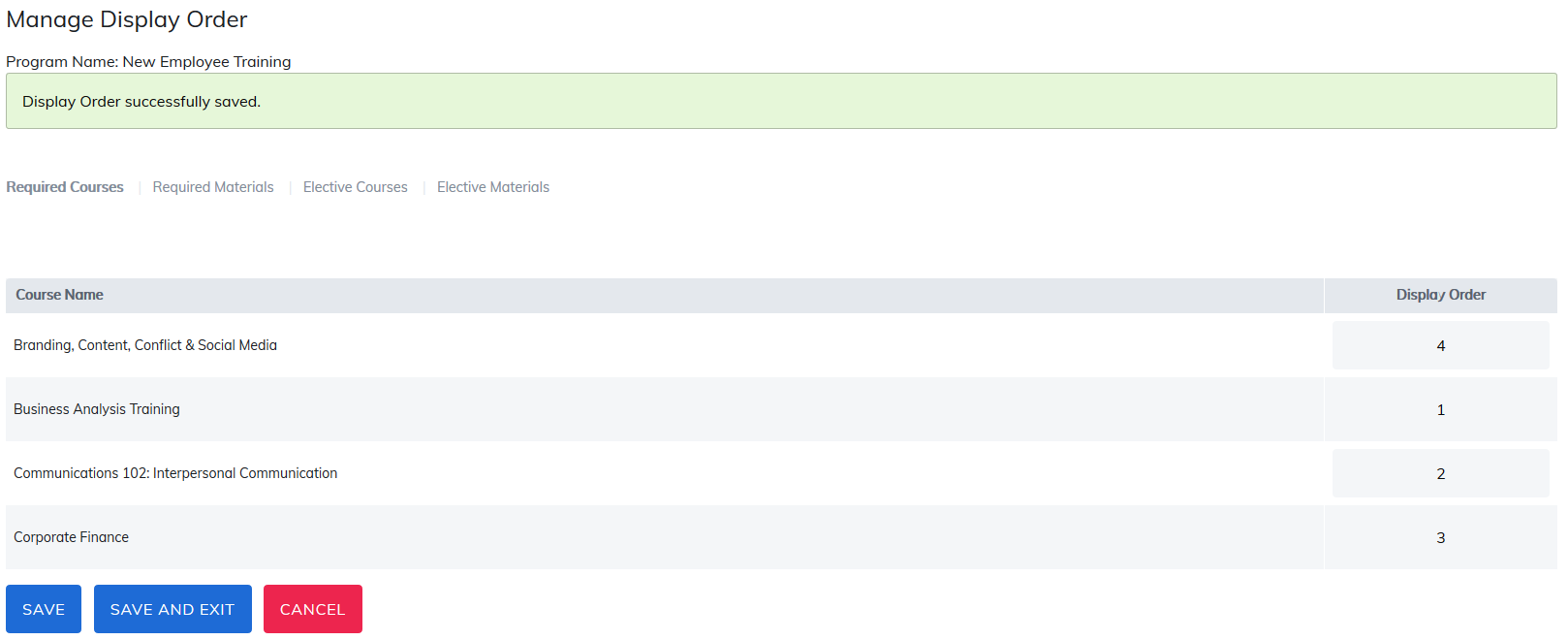
Courses and materials added to a program will appear according to the type of content they are and if they are required or elective.

- Required Course(s): Will display all courses required to complete the program.
- Required Material(s): Will display all materials required to complete the program.
- Elective Courses(s): Will display all elective courses added to the program.
- Elective Material(s): Will display all elective materials added to the program.
By default, within each section courses and materials will be listed alphabetically with a display order of 0.
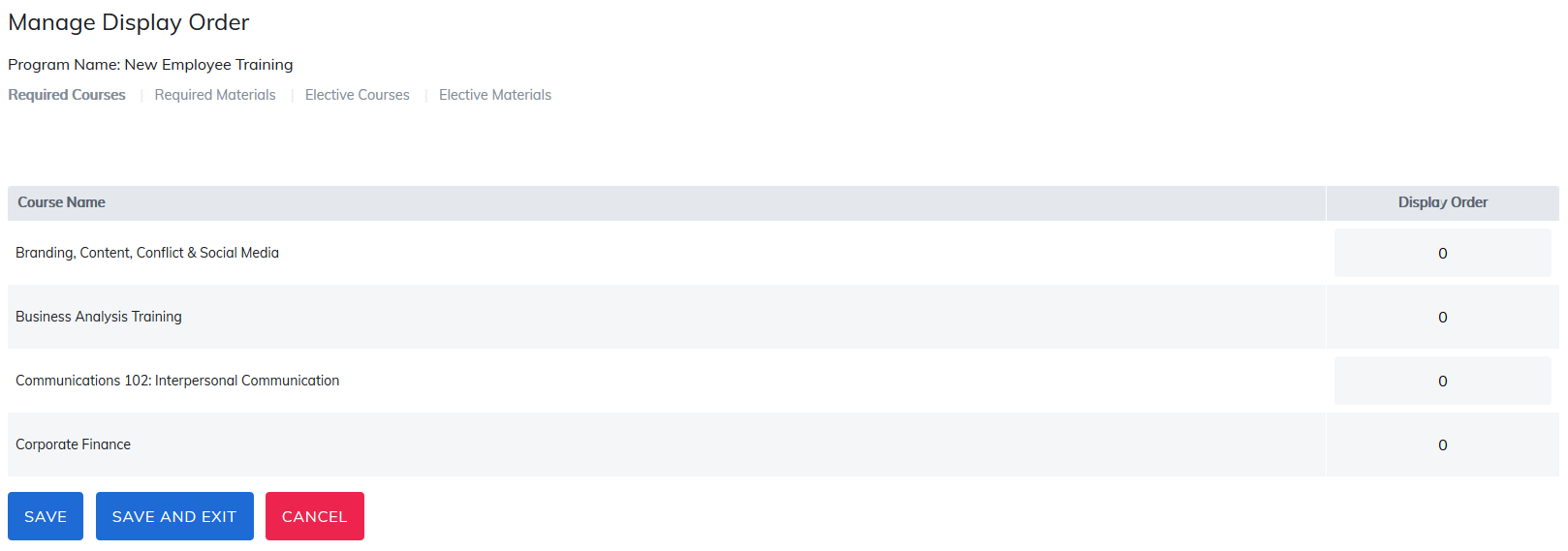
To change the order, use a numerical system, courses and materials to appear first should have a 1 in the display column, courses and materials to appear second should have a 2 in the display column, etc. Clicking Save will return the administrator to the program home page. Viewing the program again will display the list in the numerical order added.
Was this article helpful?
That’s Great!
Thank you for your feedback
Sorry! We couldn't be helpful
Thank you for your feedback
Feedback sent
We appreciate your effort and will try to fix the article