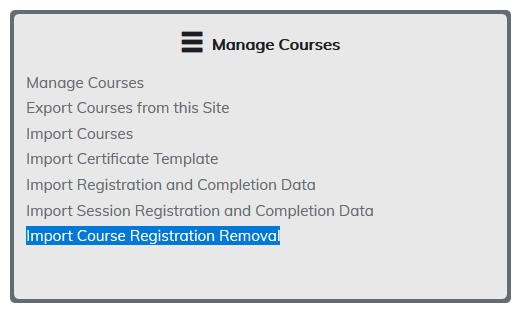
To remove a record, the administrator must know the username for the learner, the course ID for the removal, and the registration date of the record to be removed.
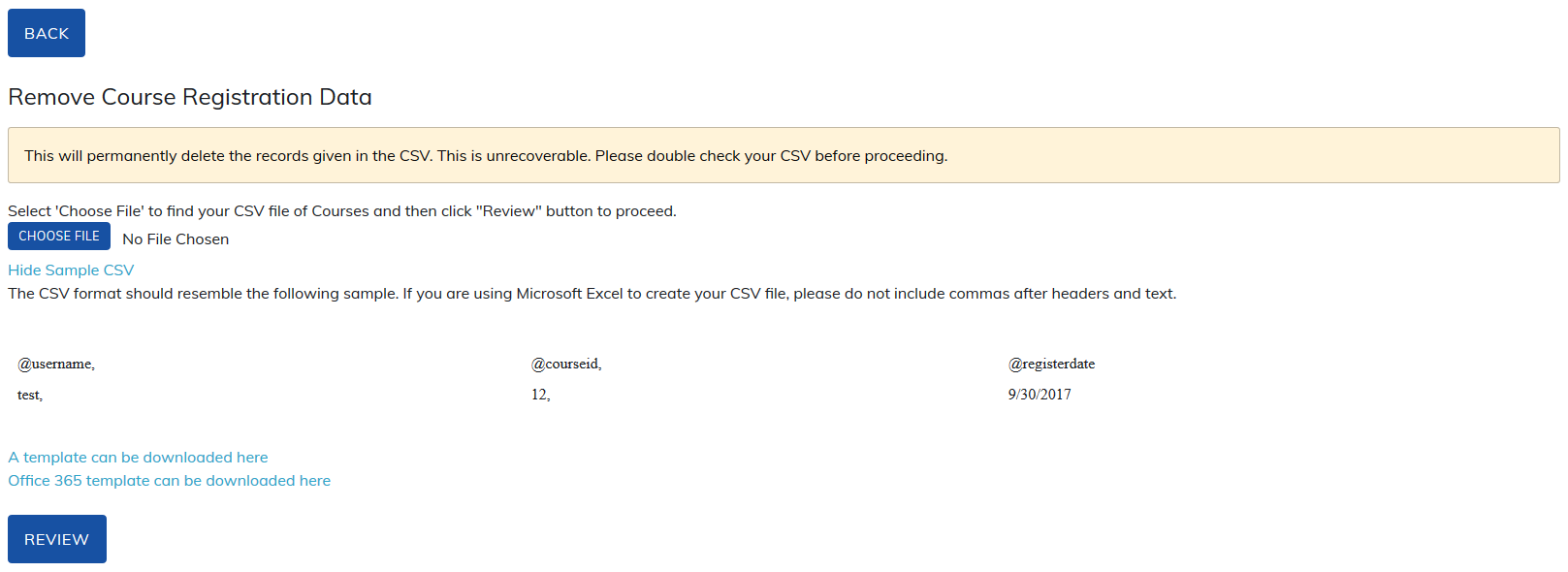
This data is added to a CSV file which can be downloaded directly from the Remove Registration Data page, then uploaded to TOPYX. Any registration and completion records for learners added to the file, with matching course IDs and registration dates, will be removed from the learners' reports.
Note: if a learner has multiple records with the same course ID and registration date, uploading the CSV file will remove all those records.
Always use the Review option on your file as it will:
- Alert you if there are any users in your site with a username contained within your file.
- Alert you if any data is missing for required fields.
- Alert you to errors in the file. For example, periods and commas. Smith Jr. would fail as no periods are allowed.
Was this article helpful?
That’s Great!
Thank you for your feedback
Sorry! We couldn't be helpful
Thank you for your feedback
Feedback sent
We appreciate your effort and will try to fix the article