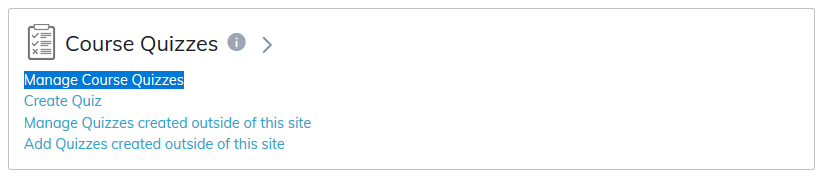
Any quiz created (published or unpublished) will be listed under the Manage Course Quizzes area.
Learners enrolled in this course will be able to view a quiz once it's published to the course. To publish a quiz, add it to the course content tree from the Manage Course Content page.
Quizzes that have been created but not yet published will remain private. Unpublished quizzes can only be previewed by the course instructors and administrators.
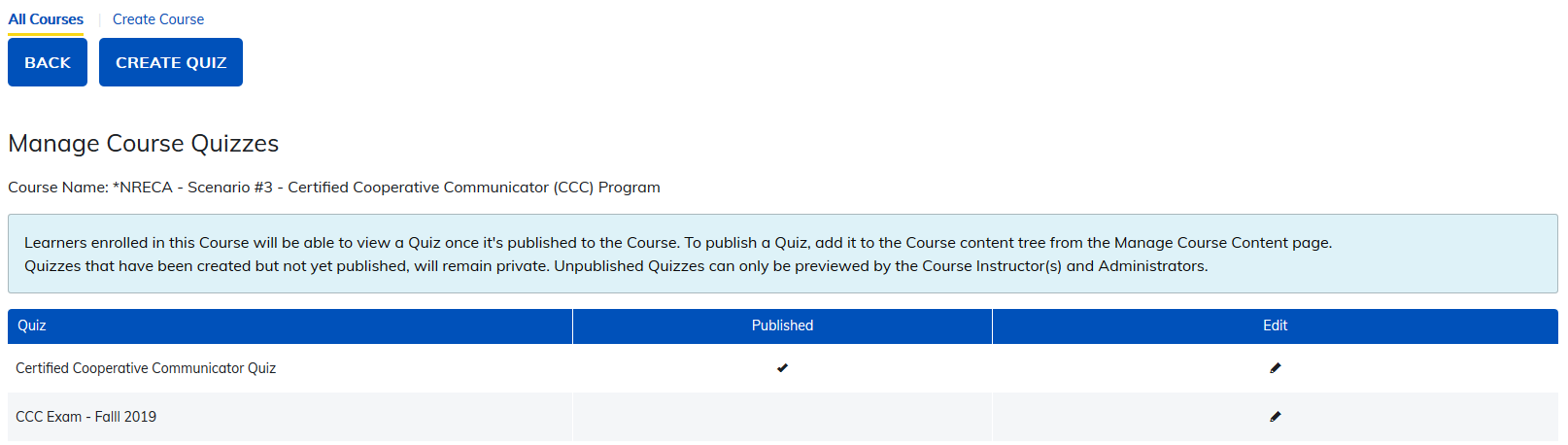
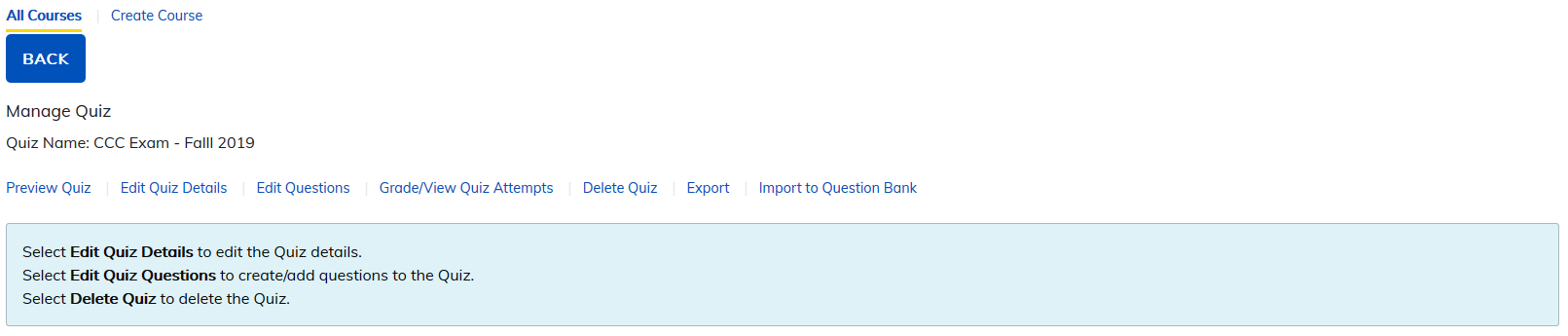
You can edit quizzes from this page by clicking on the Edit icon (pencil). You can:
- Preview the quiz
- Edit quiz details
- Edit questions
- Grade/view quiz attempts
- Delete Quiz
- Export
- Import to Question Bank
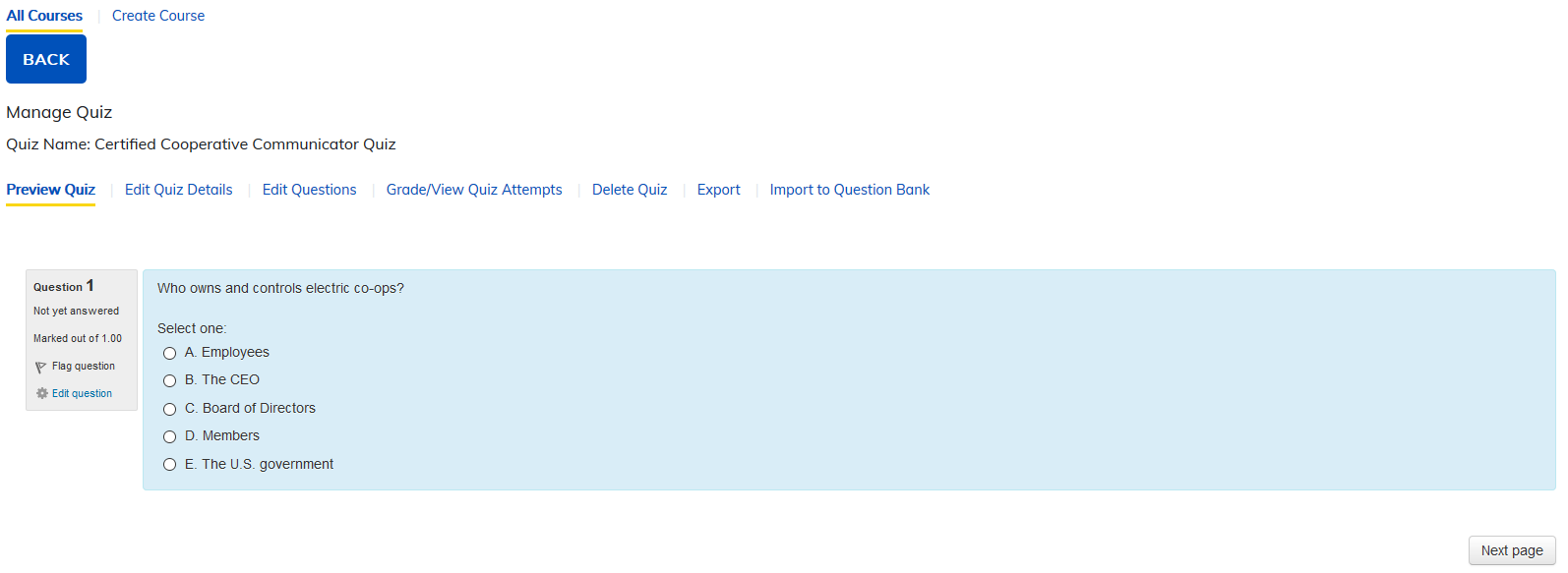
Preview Quiz: This section allows you to preview the quiz as your learners will see it.
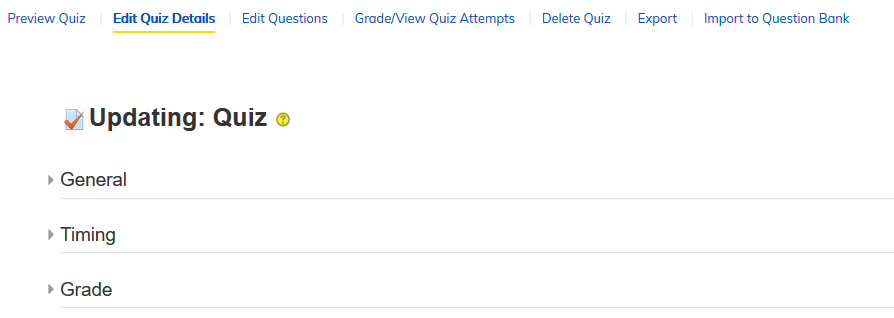
Edit Quiz Details: This section lets you update the quiz details, but only if no one has attempted the quiz.
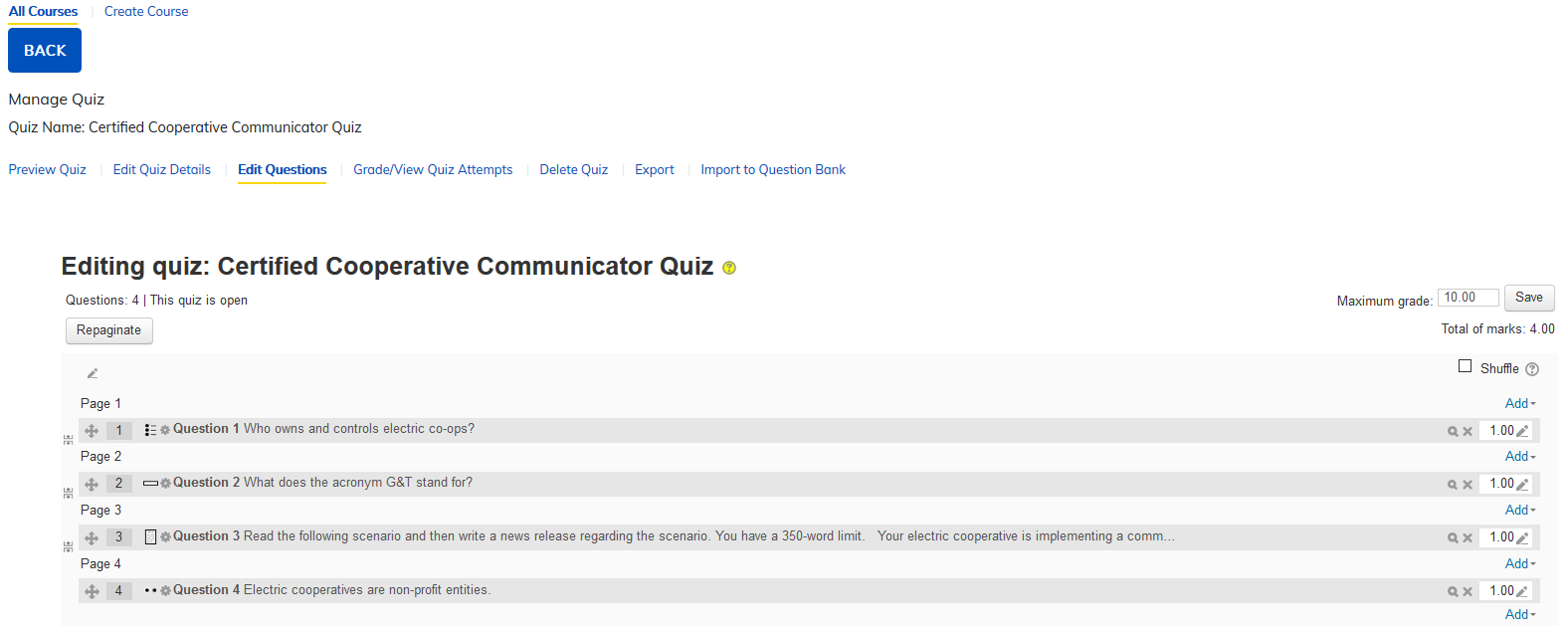
Edit Questions: This section allows you to add and edit questions in your quiz.
- There are 15 quiz question types.
- You can create question banks.
- You can add random questions to the quiz
Note: On short answer questions, you can place an asterisk (*) in the answer space. This will allow any answer and not require a correct answer.
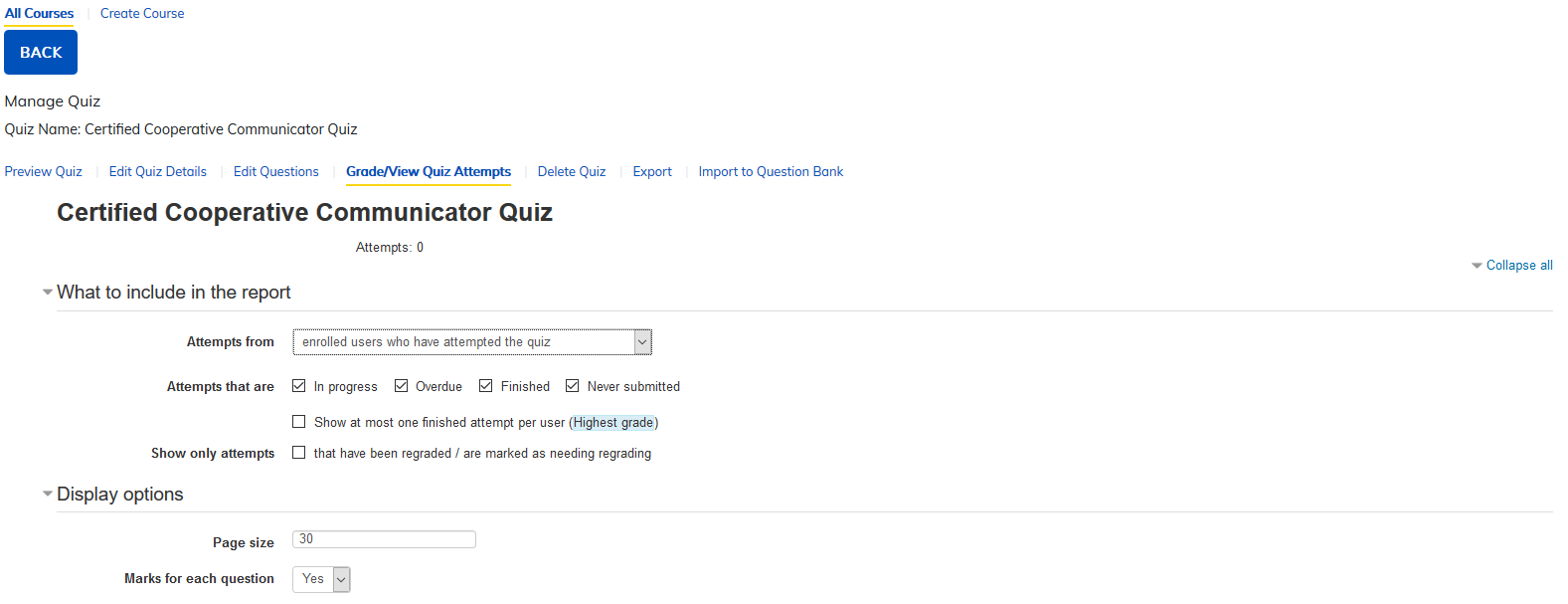
Grade/View Quiz Attempts: This section allows you to see the graded and ungraded attempts for each user in the quiz and assignments.
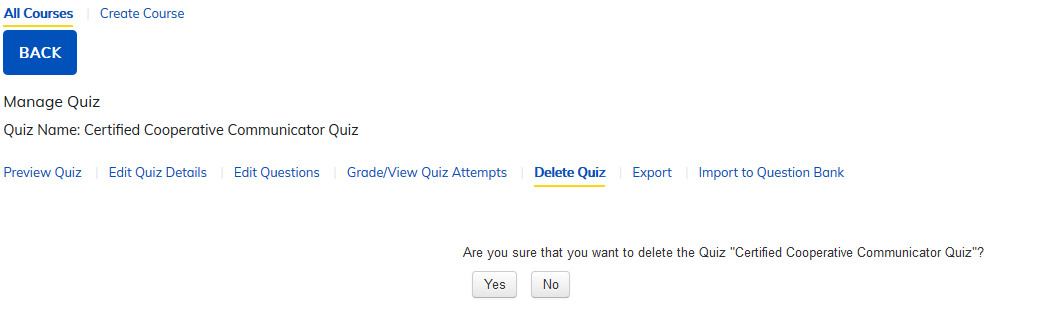
Delete Quiz: Allows you to delete a quiz from the course.
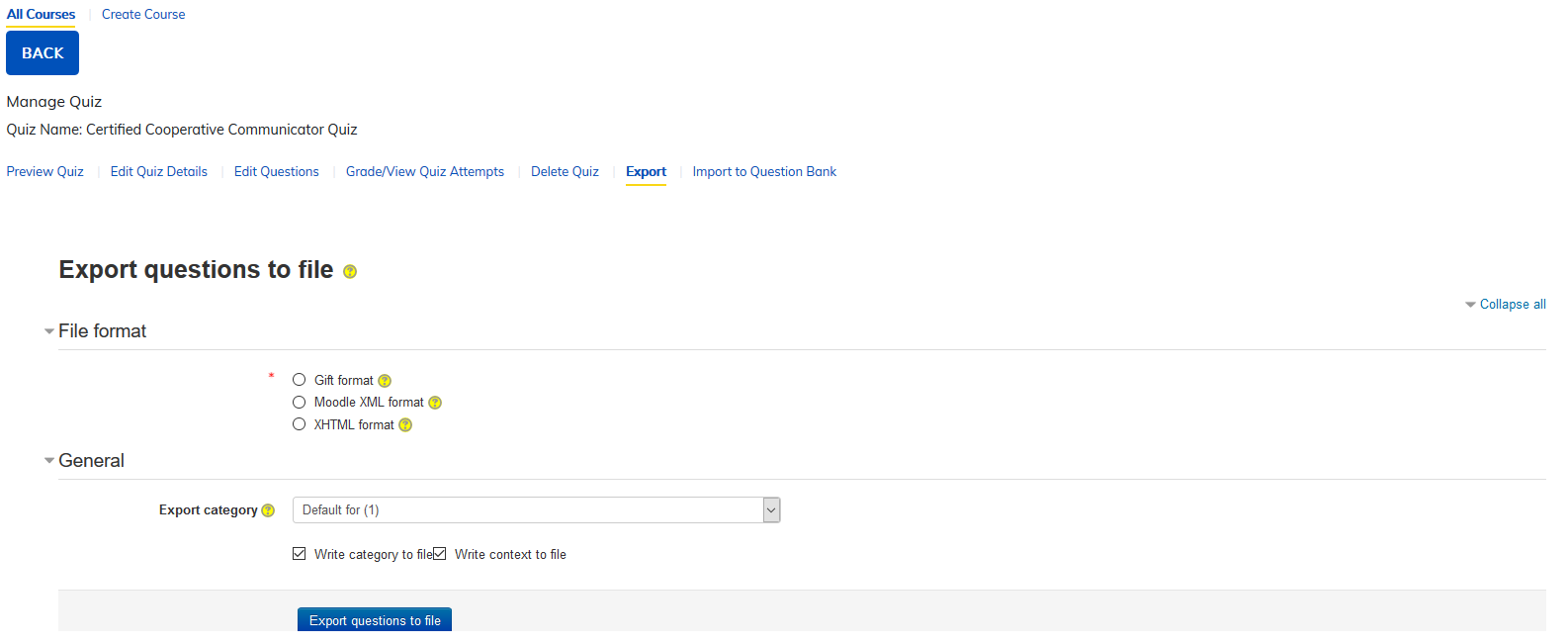
Export: This section allows you to export quiz files from your site to be used in other tools.
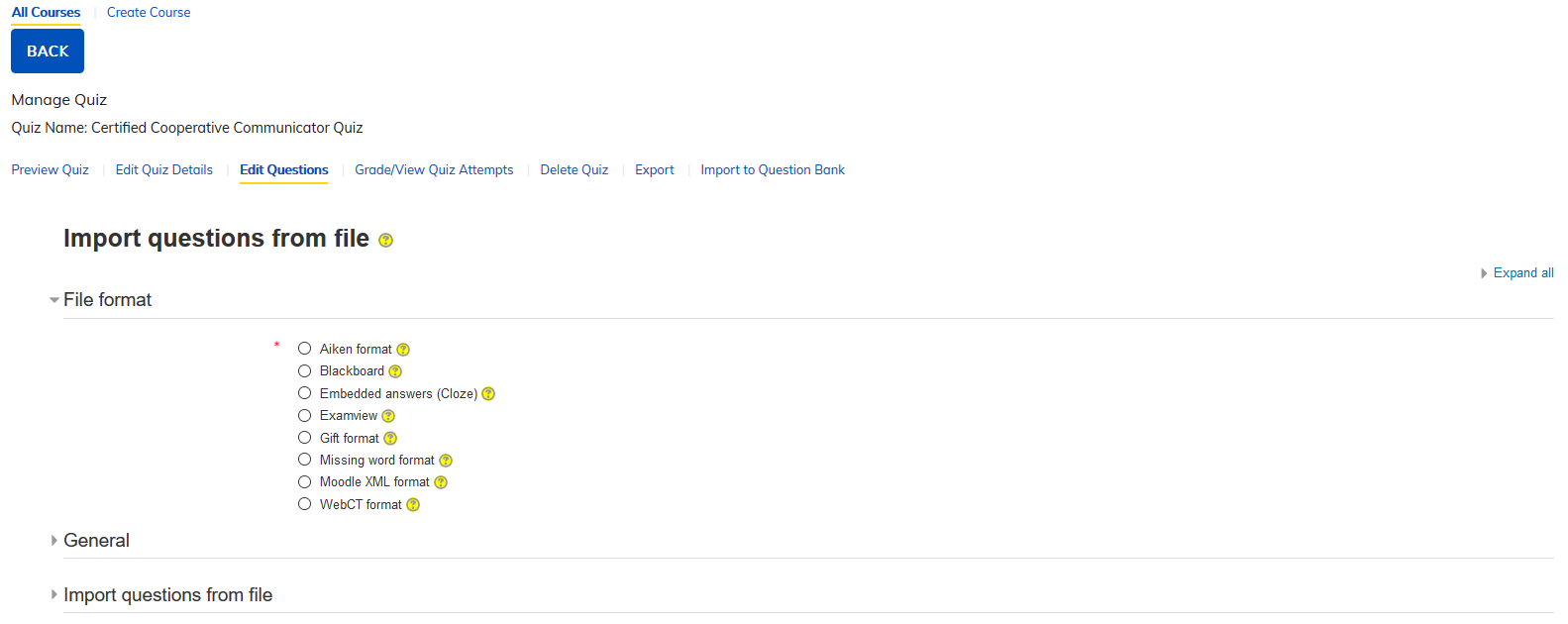
Import to Question Bank: This section allows you to import quizzes created in other tools using any of the listed formats.
- Aiken format
- Blackboard
- Embedded answers (Cloze)
- Examview
- Gift format
- Missing word format
- Moodle XML format
- WebCT format
Was this article helpful?
That’s Great!
Thank you for your feedback
Sorry! We couldn't be helpful
Thank you for your feedback
Feedback sent
We appreciate your effort and will try to fix the article