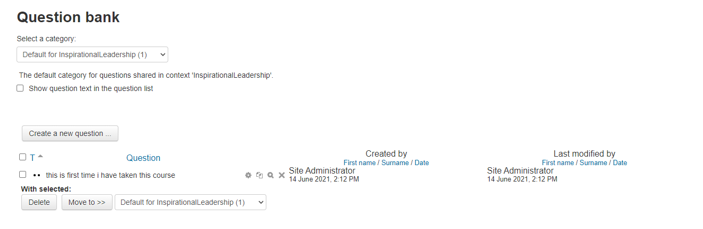
This option allows administrators and instructors to edit, delete, and view all questions available to be added to any quizzes.
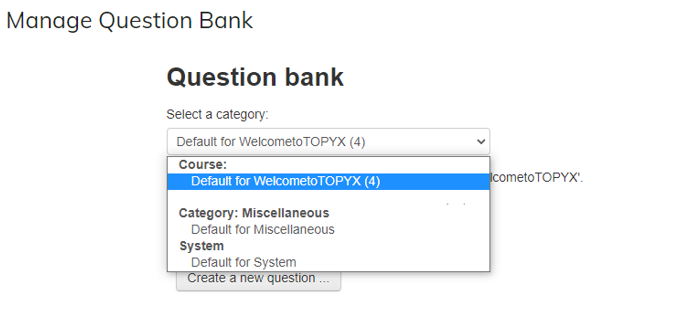
Administrators and instructors may first view all questions available within the course, or within the site (miscellaneous and system) using the category drop down.
Administrators may then choose to edit, copy, view, delete, or move the quiz question using the icons available.
Was this article helpful?
That’s Great!
Thank you for your feedback
Sorry! We couldn't be helpful
Thank you for your feedback
Feedback sent
We appreciate your effort and will try to fix the article