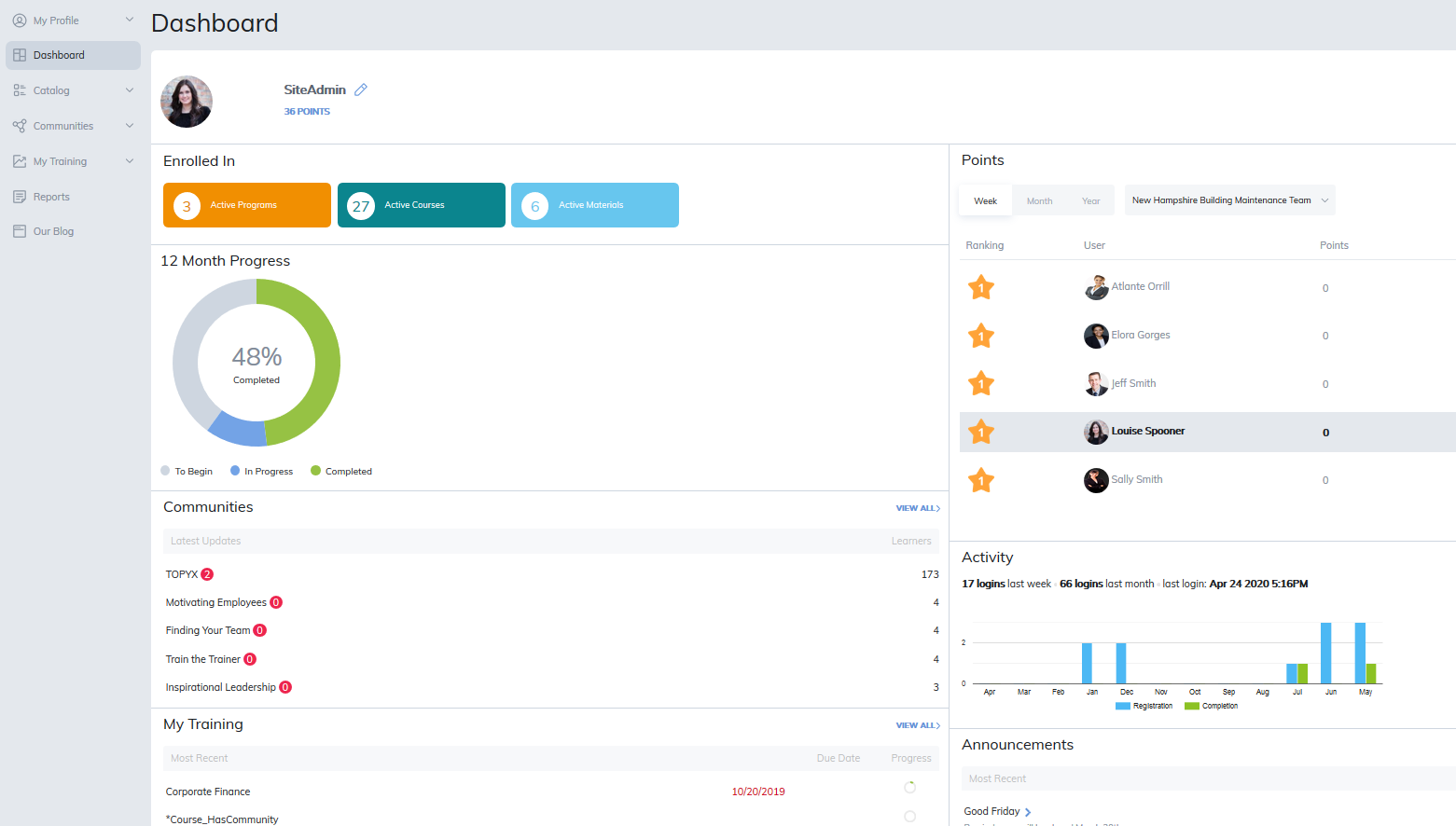
The Learner Dashboard provides a convenient, at-a-glance view of your activity and learning progress. It brings important information and quick links together on one page for easy access.
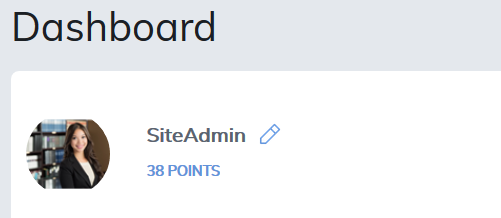
Edit Your Profile
From the Dashboard, you can quickly access and edit your Profile.
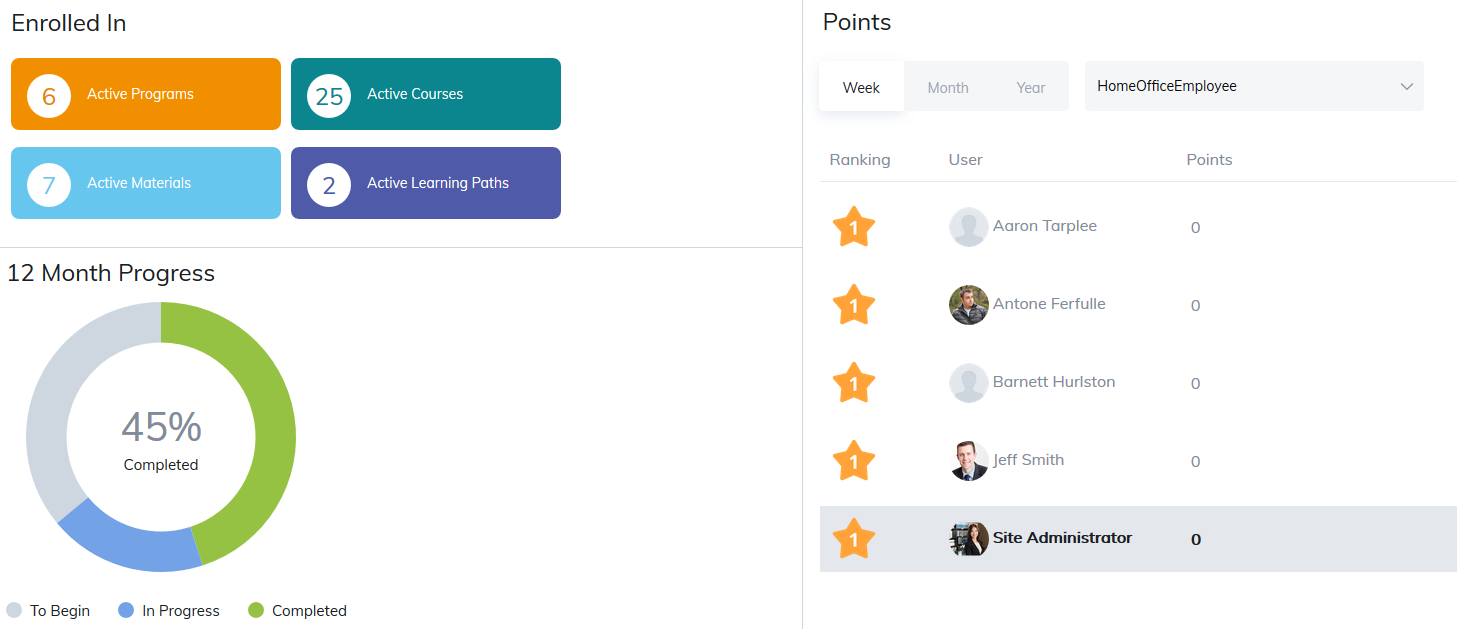
Enrolled In
The Enrolled In section displays the total number of programs, courses, materials, and learning paths available in your My Training tab.
Clicking any of these items will take you directly to the corresponding page, where you can continue working on or review your active training.
If your site uses leaderboards and points, this section will also display your points and ranking information.
Additional Dashboard Features
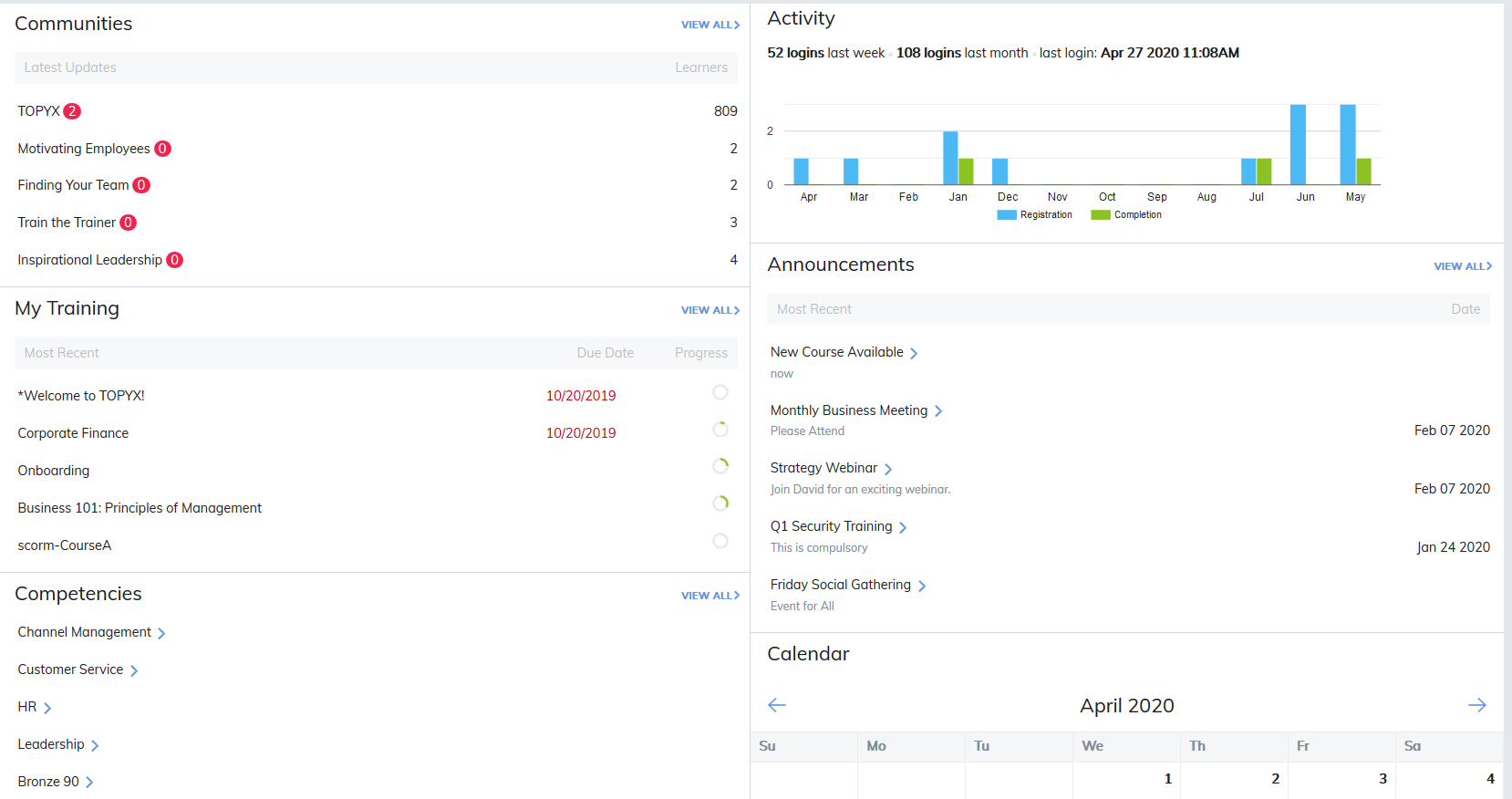
You may see additional panels if they are enabled by your Site Administrator.
- Communities: View recent community activity and quickly navigate to active discussions.
- Activity: Review your 12-month learning history and other activity details.
- My Training: Access your My Training panel directly from the Dashboard. This section highlights items with upcoming due dates or overdue assignments.
- Announcements: Quickly view announcements sent by Managers, Instructors, or Administrators.
- Competencies: See which competencies you are currently working toward and which you have completed.
- Calendar: Access the Calendar panel and view the current month’s schedule and events.
Was this article helpful?
That’s Great!
Thank you for your feedback
Sorry! We couldn't be helpful
Thank you for your feedback
Feedback sent
We appreciate your effort and will try to fix the article