The Manager Dashboard provides managers with a centralized view of learner activity within their assigned user groups. From this single tab, managers can monitor progress, track performance, and take action as needed.
At the site admin level, you can configure which tables and charts appear on the Manager Dashboard. This allows you to tailor the dashboard to display the most relevant information for your managers. For details on specific manager views, see the Manager Dashboard section of the documentation.
Available Dashboard Settings
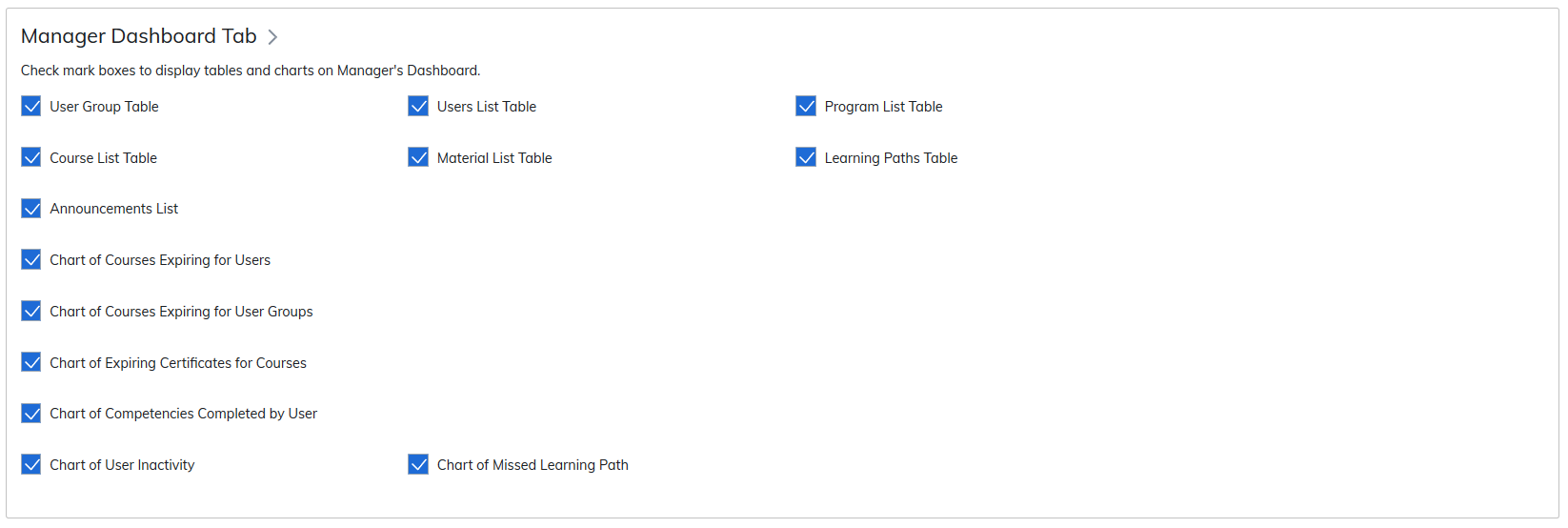
Admins can enable the following tables and charts for managers:
- User Group Table
- Users List Table
- Program List Table
- Course List Table
- Material List Table
- Learning Paths Table
- Announcements List
- Chart of Courses Expiring for Users
- Chart of Courses Expiring for User Groups
- Chart of Expiring Certificates for Courses
- Chart of Competencies Completed by User
- Chart of User Inactivity
- Chart of Missed Learning Path
Was this article helpful?
That’s Great!
Thank you for your feedback
Sorry! We couldn't be helpful
Thank you for your feedback
Feedback sent
We appreciate your effort and will try to fix the article