The Site Settings page allows administrators to enable or disable features across the site, helping control the learner experience and site functionality.
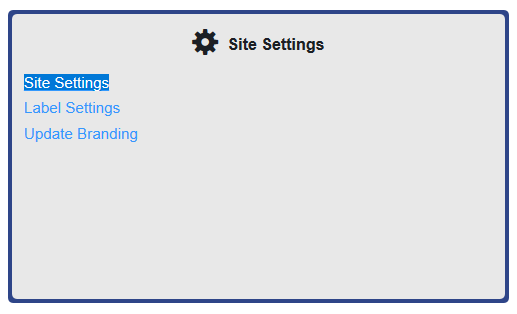
To access this page, click the Site Settings link.
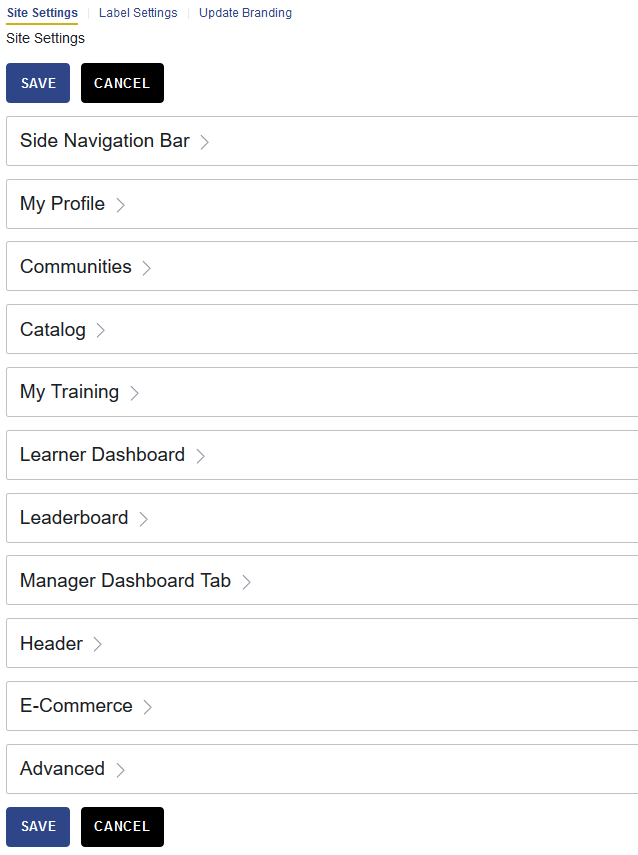
Administrators can review and update settings across 11 sections. Be sure to save your changes after making updates.
For additional guidance, select the information icons (ⓘ) throughout the page. These provide helpful details about each option.
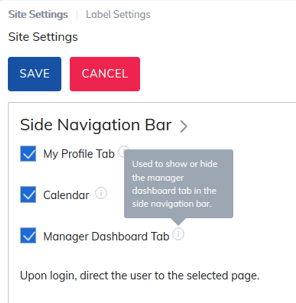
All settings are optional. The features you turn on or off will determine how the site appears and the navigation path learners experience.
Was this article helpful?
That’s Great!
Thank you for your feedback
Sorry! We couldn't be helpful
Thank you for your feedback
Feedback sent
We appreciate your effort and will try to fix the article