When viewing Reports as an Administrator, you will land on the Report List page. Several options are available in the upper-right corner of the page.

Manage
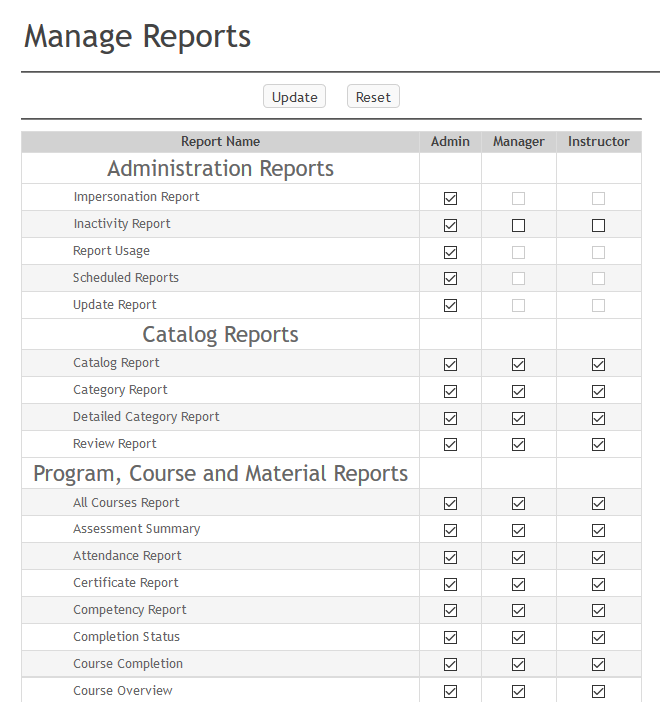
The Manage option allows Administrators to control which reports are visible to different user roles.
Please note the following role groupings:
- Marking Managers and Managers see the same reports.
- Instructors and Evaluators see the same reports.
- Site Administrators and System Administrators see the same reports.
To adjust report visibility:
- Uncheck any reports you want hidden from a role.
- Check any reports you want to make available.
- Click Update to save your changes.
Users will only see reports that are checked for their role.
Customize Field Names
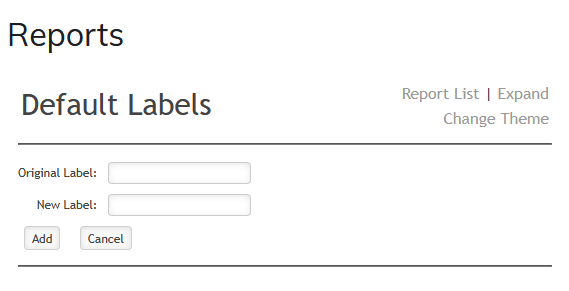
The Customize Field Names option allows administrators to rename fields within the Administrator, Instructor, and Manager report tabs.
To rename a field:
- Enter the existing field name in the Original Label field.
- Enter the new name in the New Label field.
- Click Add.
After saving your changes, the updated label will appear throughout the Reports section.
Reset Dashboard
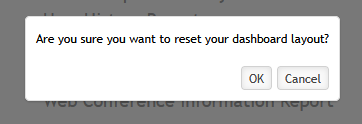
Selecting Reset Dashboard will display a confirmation message:
Are you sure you want to reset your dashboard layout?
- Selecting OK will remove all dashboard panels for the current user.
- Selecting Cancel will return you to the Report List without making changes.
Expand
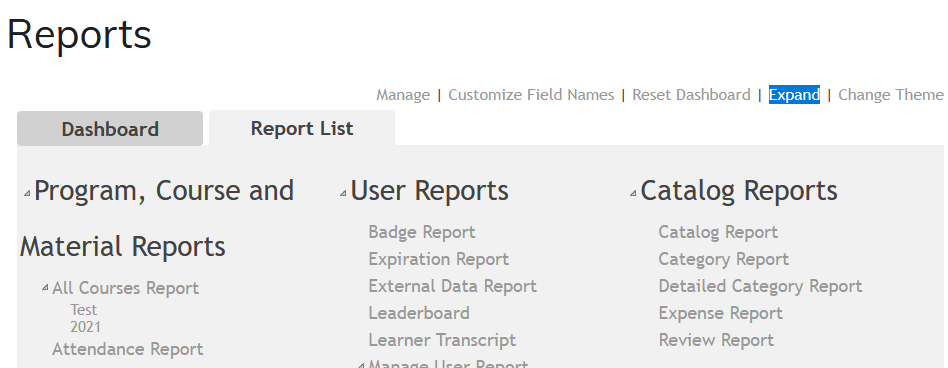
Selecting Expand will open the reports page in a new browser window or tab (depending on your browser settings).
Change Theme
The Change Theme option allows you to modify the color scheme of your reports page. Select a theme from the dropdown menu to apply it.
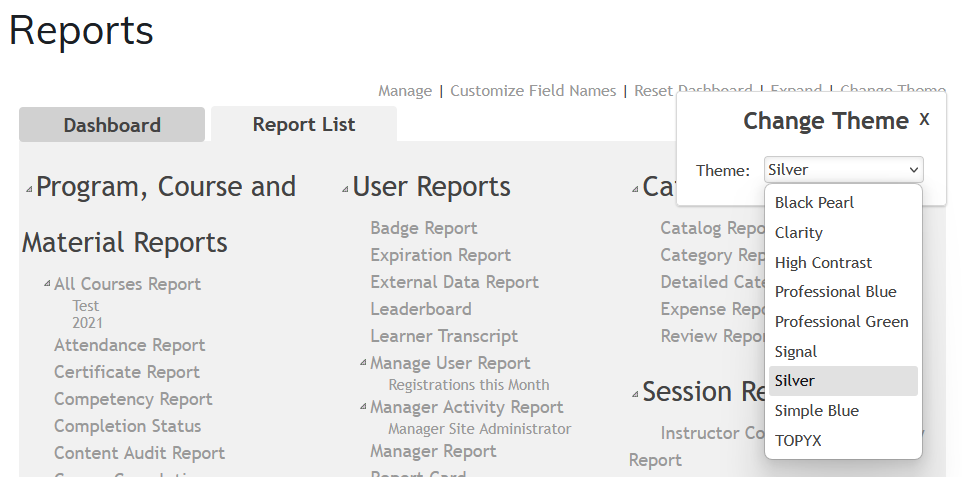
Available themes include:
| Theme | Colors |
|---|---|
| Black Pearl | Gray and black |
| Clarity | Blue and gray |
| High Contrast | Black and white |
| Professional Blue | Shades of blue |
| Professional Green | Shades of green |
| Signal | Gray |
| Silver | Silver and blue |
| Simple Blue | Blue and black |
| TOPYX | Shades of white, gray and black |
Was this article helpful?
That’s Great!
Thank you for your feedback
Sorry! We couldn't be helpful
Thank you for your feedback
Feedback sent
We appreciate your effort and will try to fix the article