The Login Activity Report provides details of the dates and times users have logged in to your site.
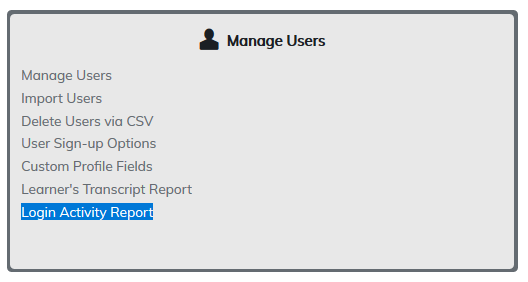
Clicking Generate will provide a report listing the login activity of all users on your site since the site has been created.
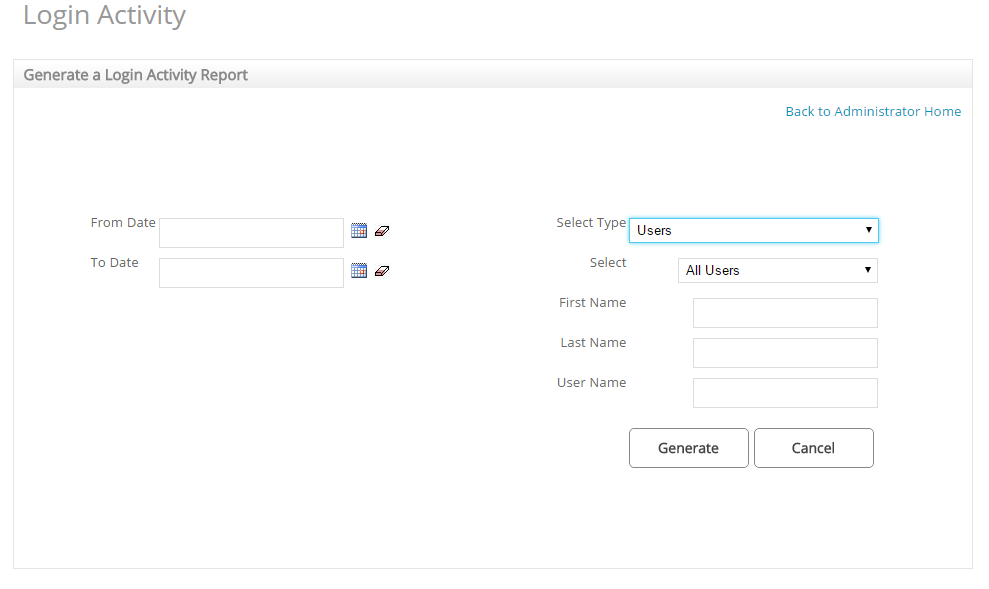
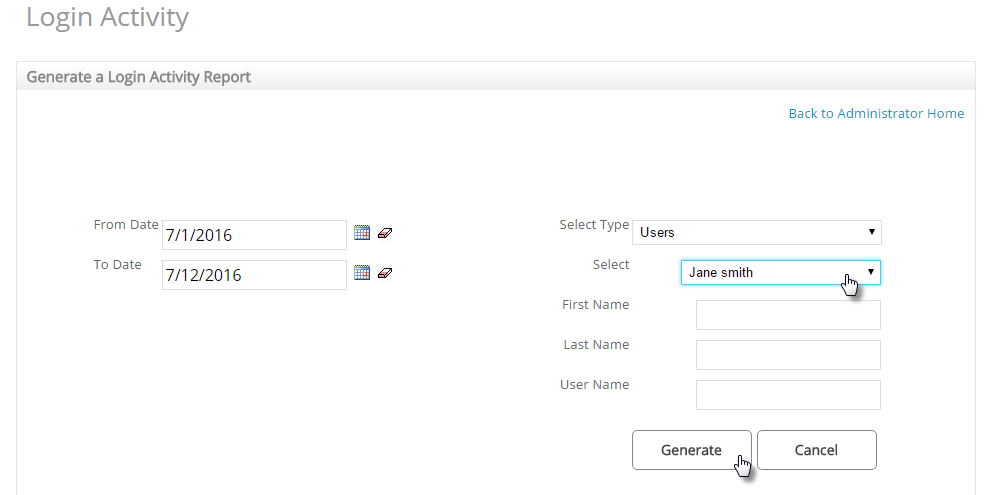
The report can be filtered by user group or by an individual user using options on the right. You can also view activity within a certain date range using date columns on the left.
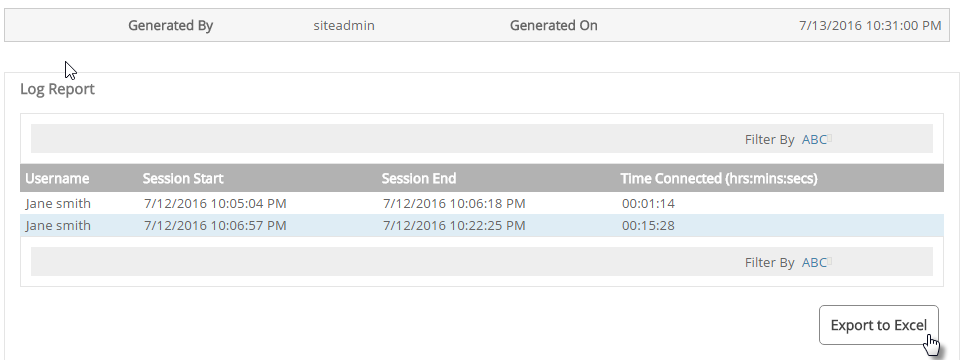
A list of dates and times the user(s) logged in will appear with the option to Export to Excel if required.
Was this article helpful?
That’s Great!
Thank you for your feedback
Sorry! We couldn't be helpful
Thank you for your feedback
Feedback sent
We appreciate your effort and will try to fix the article