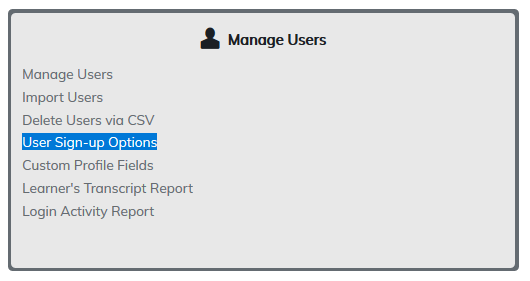
User Sign-Up Options displays all available fields presented to users when signing up to the site.
Checking the boxes to the left of the field name will make the field required and visible for a user. Admins determine what's visible and what's required to sign up on your site.
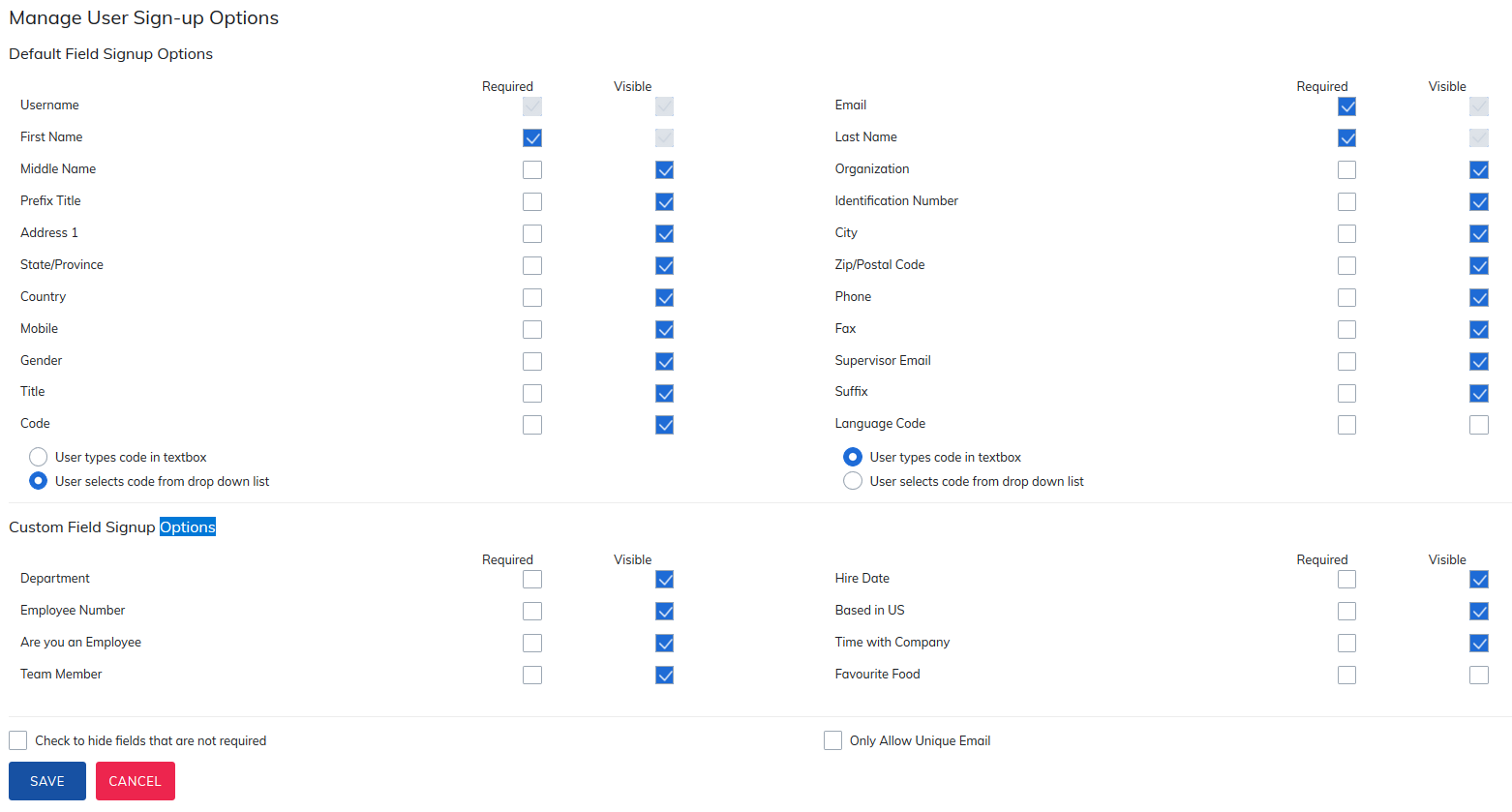
After checking the fields to be required, click Save. The page will refresh and these fields will now be required for users signing themselves up to your site.
This will also be updated for administrators, managers, or evaluators adding users to your site. Once the refresh is complete, a confirmation will appear at the top of the page.

Note: If a Supervisor Email is required, this email address will receive a copy of all registration and completion emails sent to this learner.
Two fields have multiple options:
1. Code: This field is connected to user groups. When an administrator creates a user group, a Code can be added.

When a user wants to sign themselves up to your site, if they add a code connected to a user group, the user will be added to this group. User can be asked to type in the code or select it from a drop-down list.
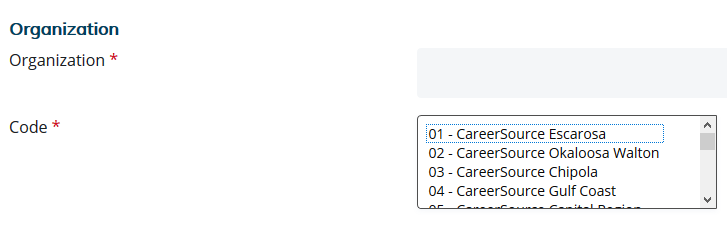
In Sign Up Options, administrators may choose to display all available codes for users signing up to the site to select from by selecting User selects code from drop down list. Alternatively, the administrators may prefer users to type the code into the text box.

2. Language Code: This behaves as the code field does, allowing administrators to ask users to type the language code into the textbox or selecting from a drop down list of all available language codes on the site.
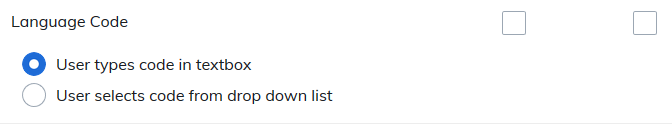
Language Code is only applicable if your site has language packs added. When languages are added, language groups may be created with the option of adding codes to each.
Login by Email or Username
This feature is only available for site using unique email addresses for all users.
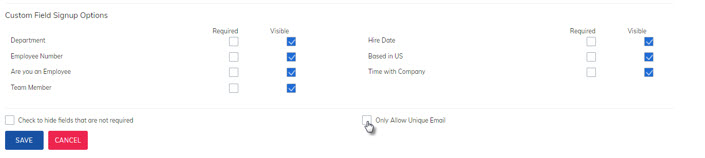
Once checked, a new option will appear to Allow Login By Email.
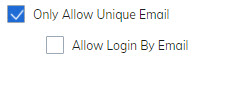
Check the box and select ‘Save’.
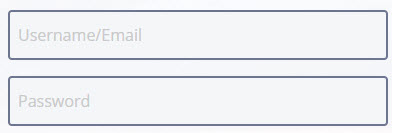
Once saved, the login box on the sign up page will be updated allowing learners to login with either their username or email.
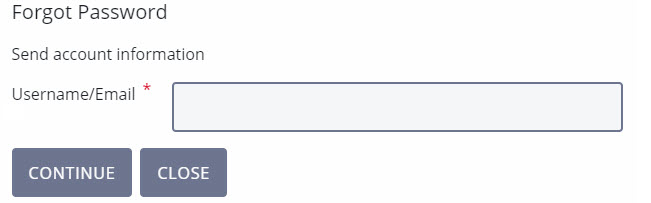
Should learners need to use the forgot password option on the login page, they will be able to receive the forgot password email by either inputting their username or their email address.
Was this article helpful?
That’s Great!
Thank you for your feedback
Sorry! We couldn't be helpful
Thank you for your feedback
Feedback sent
We appreciate your effort and will try to fix the article