This section works parallel with the Approved By feature in Edit Basic Program Information. When an Administrator is assigned, they can visit View Program Requests to approve or reject registration requests.
Note: This functionality is not available on eCommerce sites.
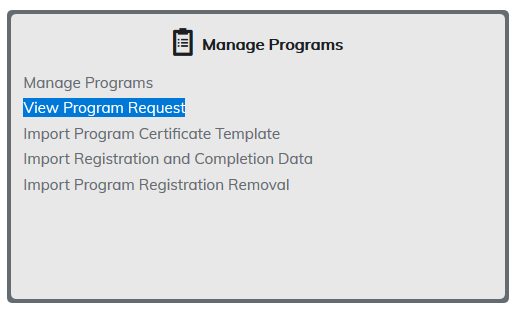
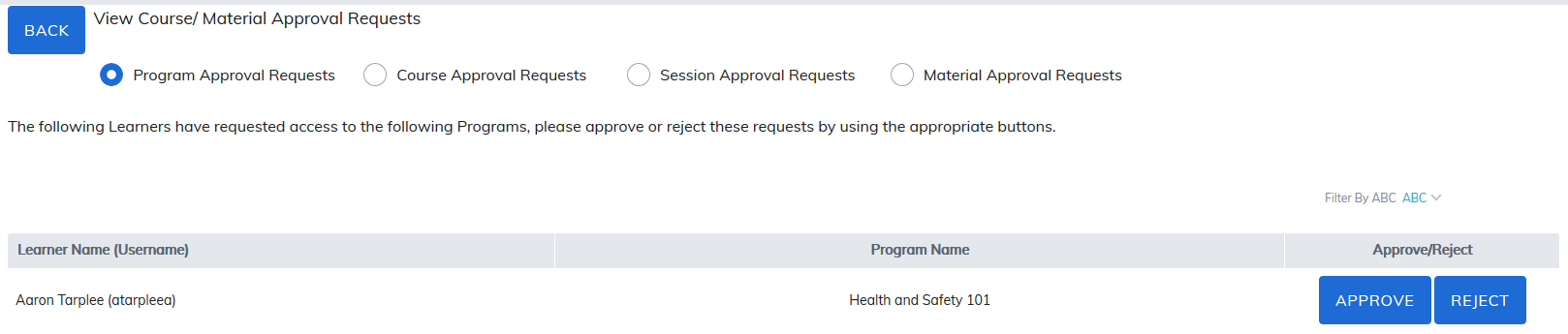
To begin, select View Program Request. A list of learners that have requested to register will display. Click on Approve or Reject to allow or deny access to the program.
The following email notifications work in conjunction with registration requests and can be turned on in Manage Email Settings.
- Request Notification - Training (Sent to Administrator, Manager or Instructor when a Learner requests to register - the designated approver is set by the admin when creating the training)
- Request Approval Notification - Training - Program/Course/Material (Sent to Learner after their request has been approved)
- Request Rejection Notification - Training - Program/Course/Material (Sent to Learner after their request has been rejected)
Was this article helpful?
That’s Great!
Thank you for your feedback
Sorry! We couldn't be helpful
Thank you for your feedback
Feedback sent
We appreciate your effort and will try to fix the article