This section allows administrators to make custom recommendations to learners based on program completions.
Note: This only applies to programs that are published to the catalog.

Select the recommendations link, choose published programs, courses, or materials, and then click on Save.
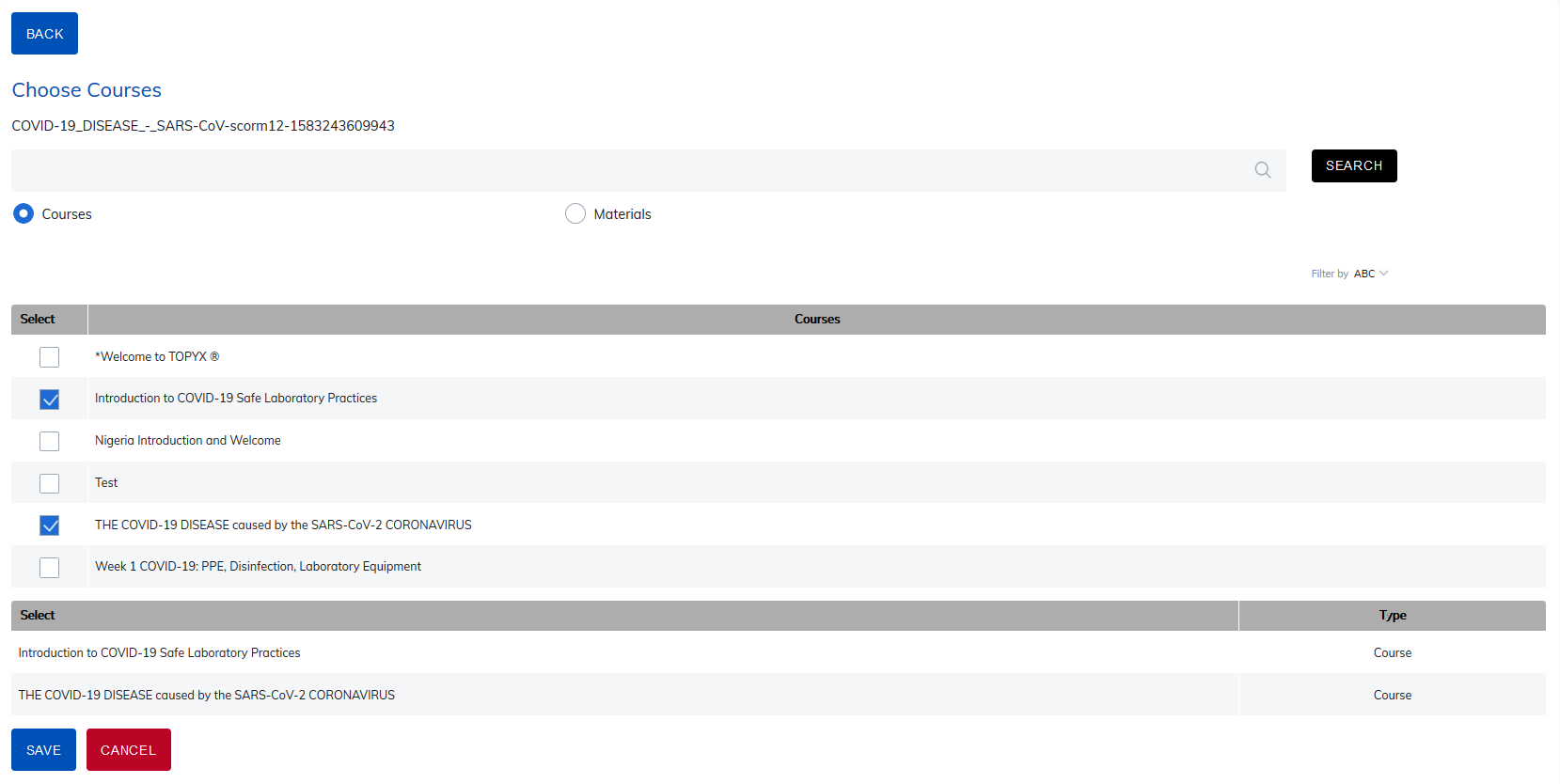
Once learners complete this program, the recommended content will display on the catalog page.
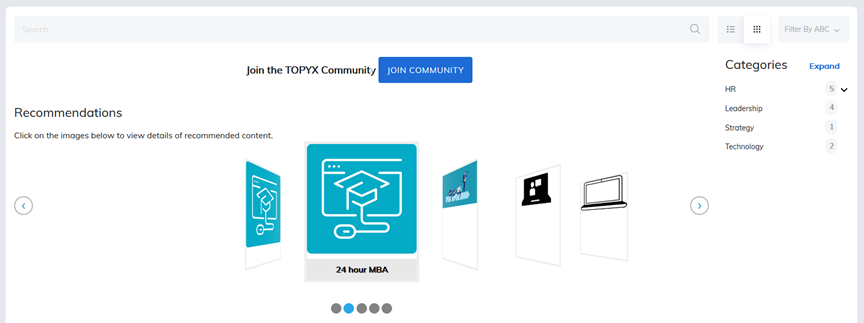
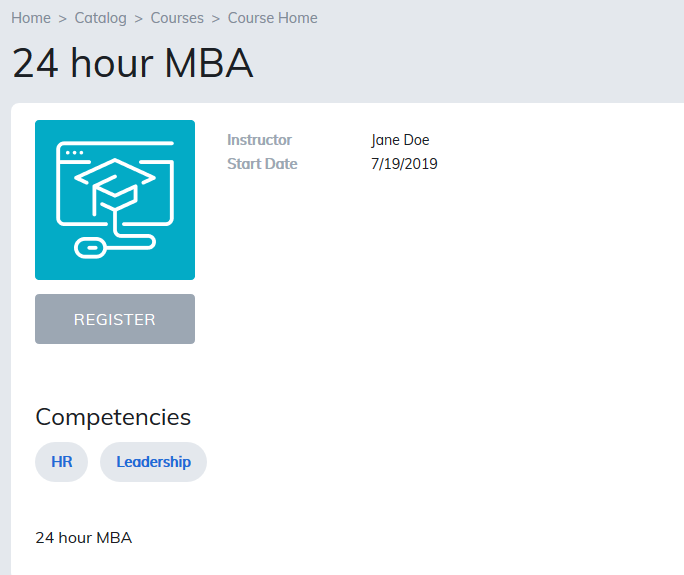
Learners simply click on the image and it will take them to the details page where they can register.
Notes
- Recommendations will only display a maximum of five items. As learners complete more items, their recommendations list will be updated with recommendations from completing the most recent programs, courses, and materials.
- It is the responsibility of the admins to add recommendations to published programs, courses, and materials.
- The recommendations cover flow will never display expired items.
- The recommendations cover flow will only display items a learner has not registered for or completed.
Was this article helpful?
That’s Great!
Thank you for your feedback
Sorry! We couldn't be helpful
Thank you for your feedback
Feedback sent
We appreciate your effort and will try to fix the article