Honor successful completions by utilizing certificates. Please refer to your welcome packet or client service manager for starter templates, instructions, and a list of custom fields.
After creating certificate templates in Microsoft Word, upload them to your site using the Import Certificate Template feature.
Note: Certificate templates are created using Microsoft Word. When a learner downloads their certificate, it is exported as a PDF.
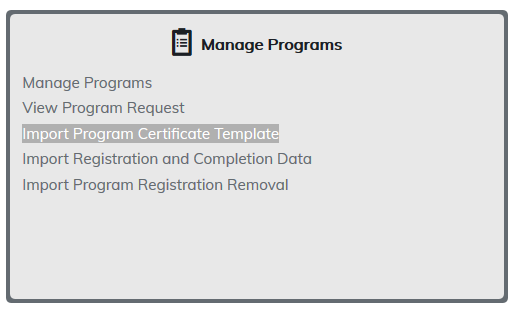
To begin, click on Import Certificate Template.
Radio button should be checked for Program Certificate Template Import and then select Choose File button. Find your file on your computer, click on Open, and then click the Import button.
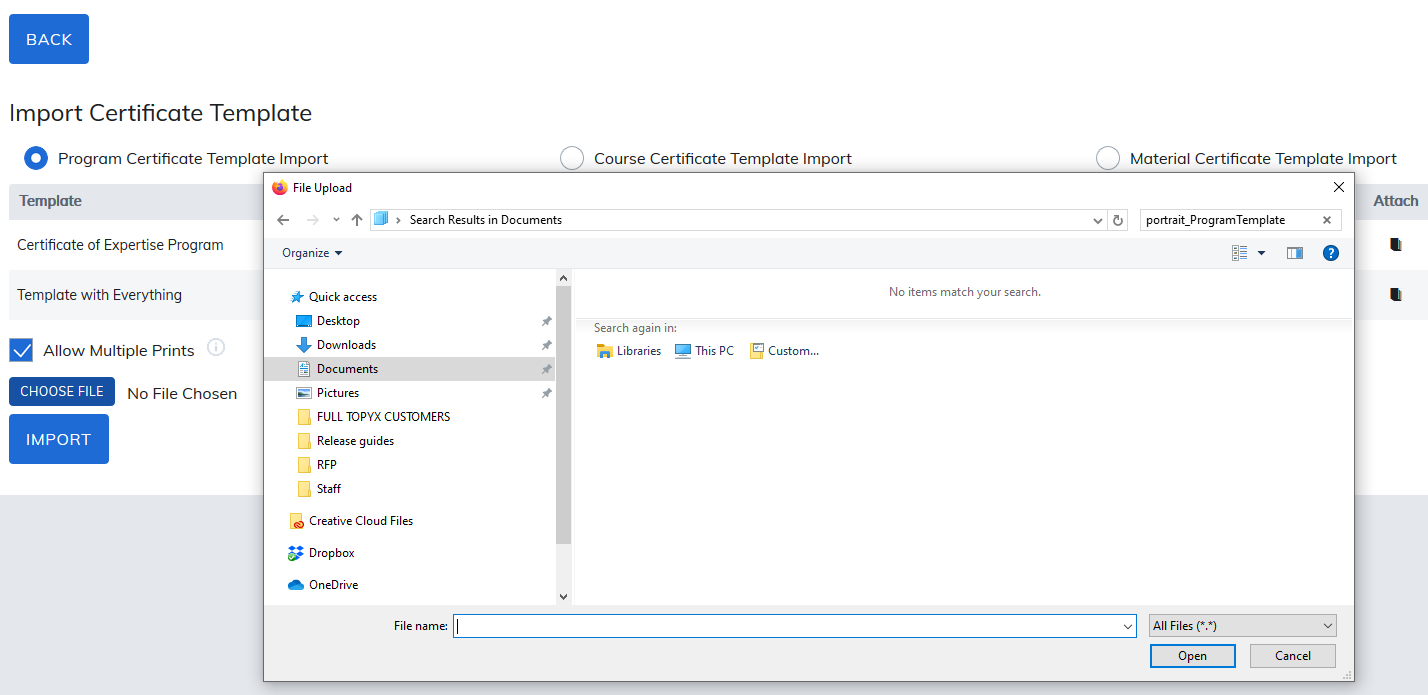
The new certificate will appear in template list and is now ready to attach to any program published to the catalog.
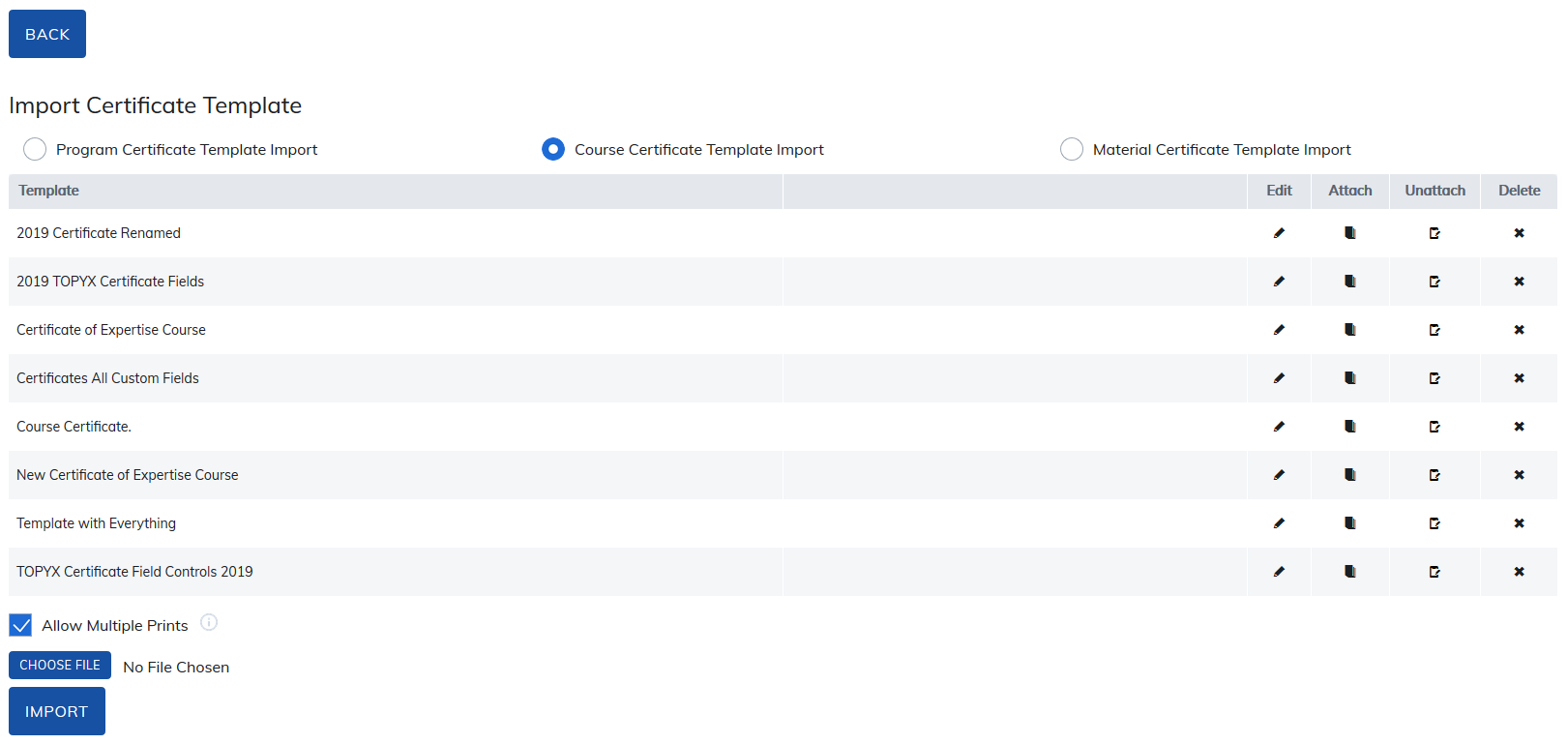
Allow Multiple Prints: This option is checked by default and will allow learners to download their certificates as many times as they want. If this box is not checked, learners can only download their certificate once.
From this section you can also see which programs are associated to each certificate.
To remove certificate from a program, select the Unattach icon for the template, then click on the Unattach button.
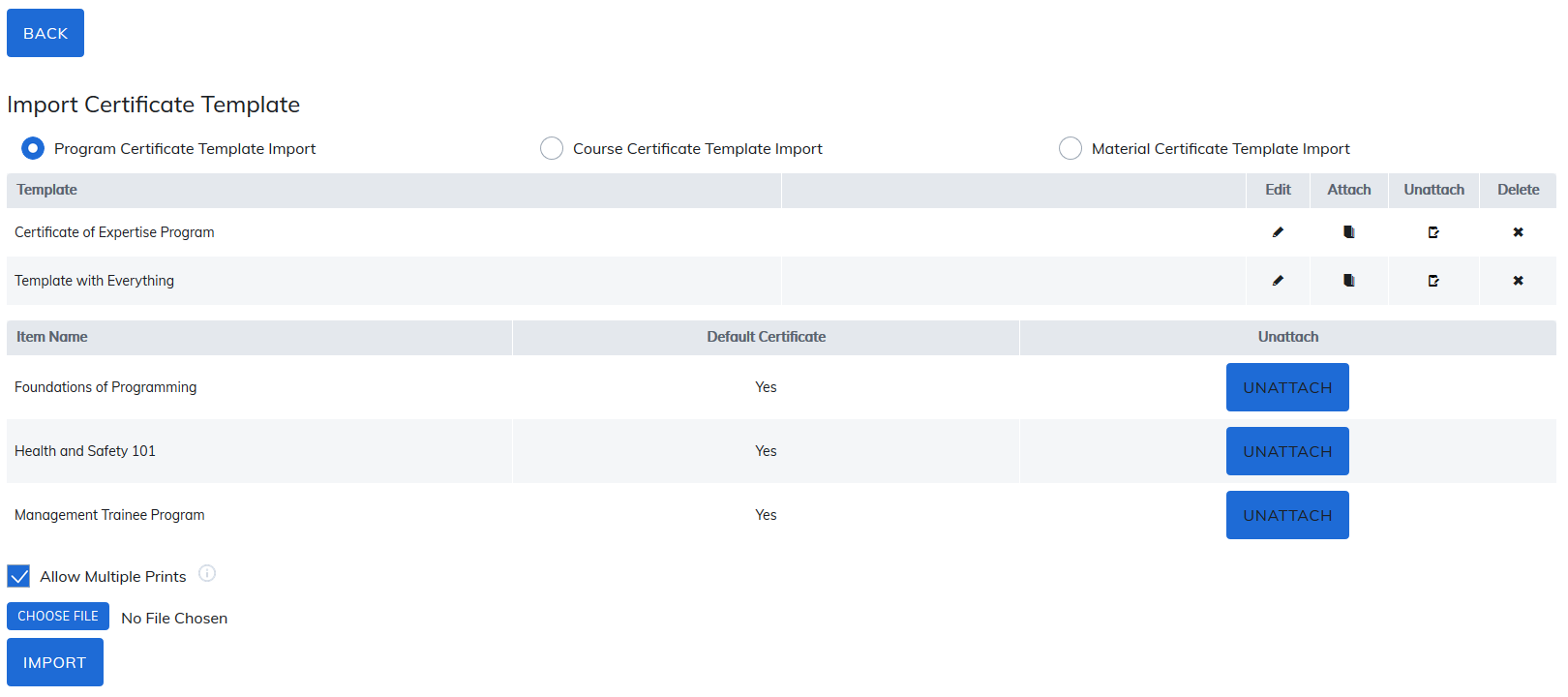
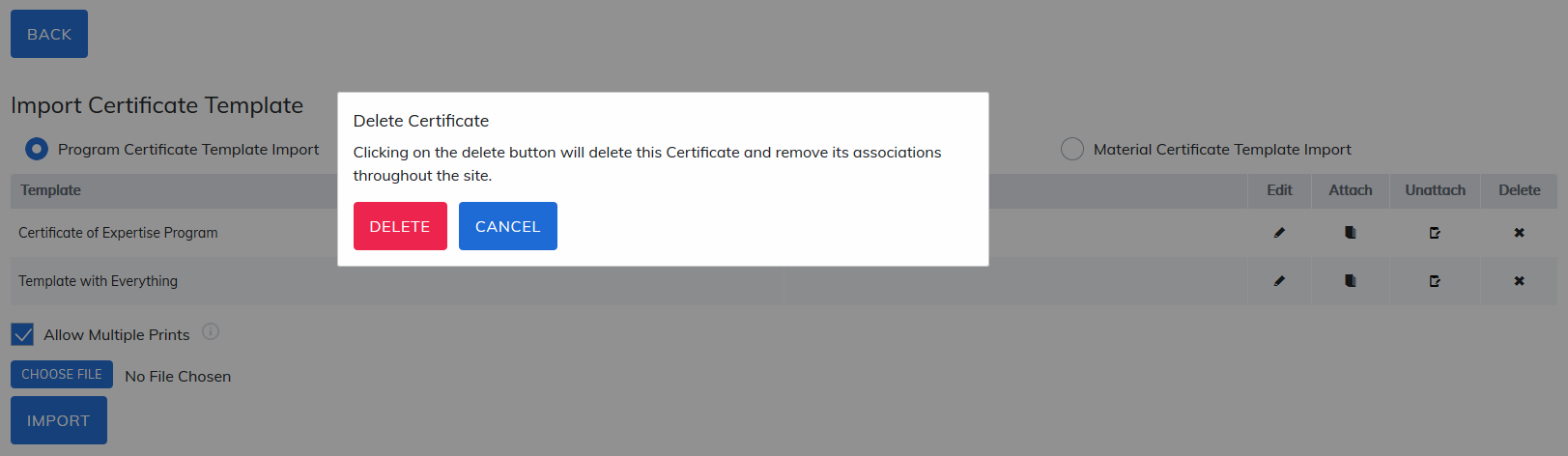
Select Delete to remove certificates from your site. If the certificate is attached to any programs, a warning message will appear and you will need to use the Edit feature to un-attach those certificates.
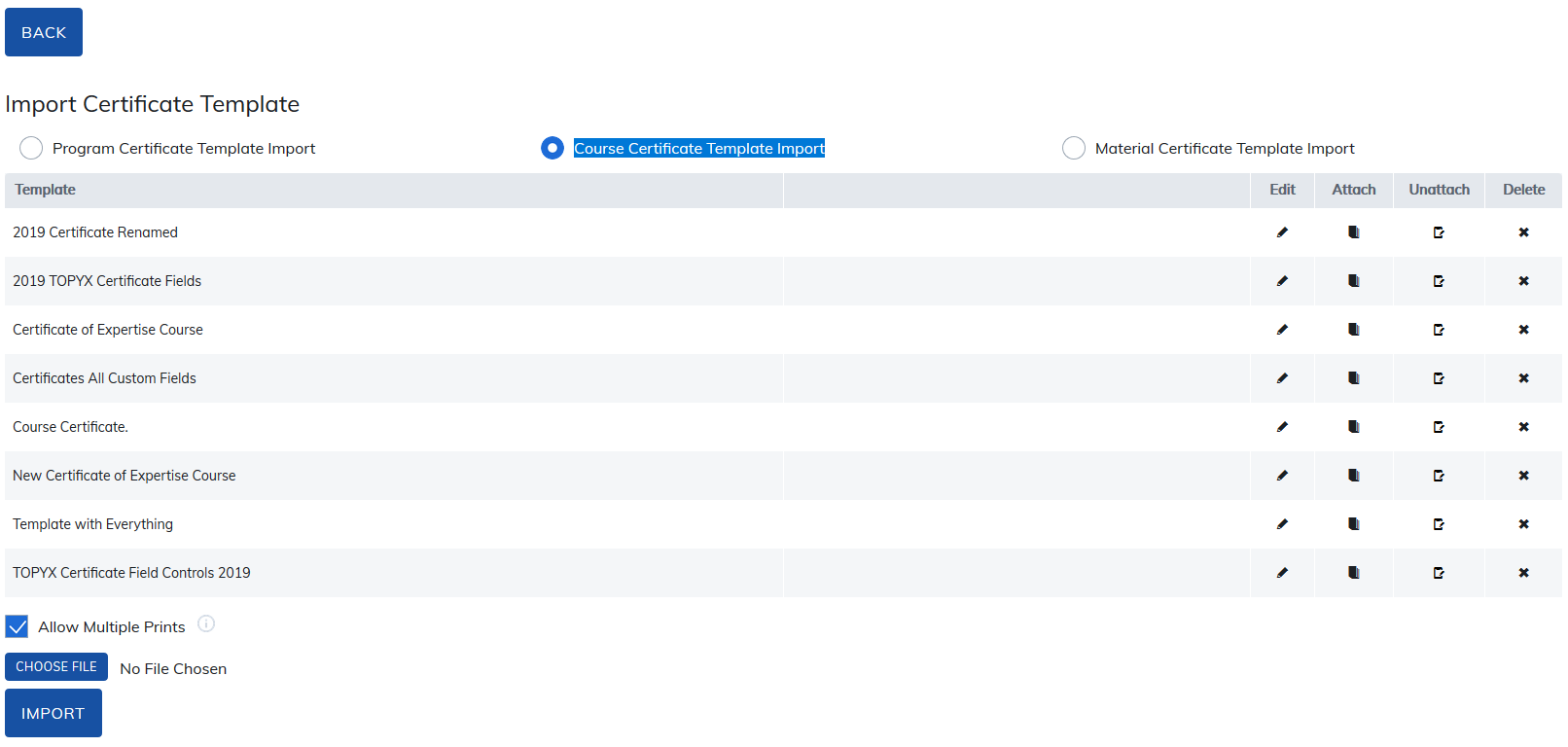
From this page you can also upload certificates for materials and courses by selecting the appropriate radio button and using same steps as listed above.
Add Profile Pictures to Certificates
You may add profile pictures to certificates. When doing so, please review the following recommendations:
- The photo should be in color, featuring a frontal view of head and shoulders, like a passport photo.
- The photo should use a light or neutral background and show very little of the background above and on either site of the head.
- The photo should not include any family members, friends, pets or other subjects.
- The profile picture dimensions are 185 x 185 pixels.
Was this article helpful?
That’s Great!
Thank you for your feedback
Sorry! We couldn't be helpful
Thank you for your feedback
Feedback sent
We appreciate your effort and will try to fix the article