The Catalog is a collection of content in which you are able to enroll either freely, with approval from an instructor, or for a price. There are differenttypes of content that can be made available:
- Subscriptions (eCommerce sites only)
- Programs
- Courses
- Materials
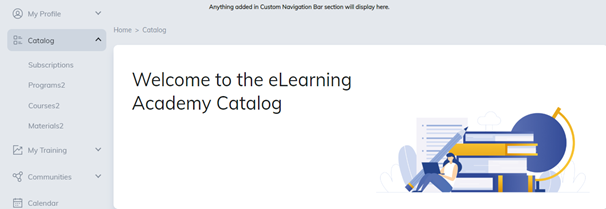
View available content by selecting catalog sub-tabs.
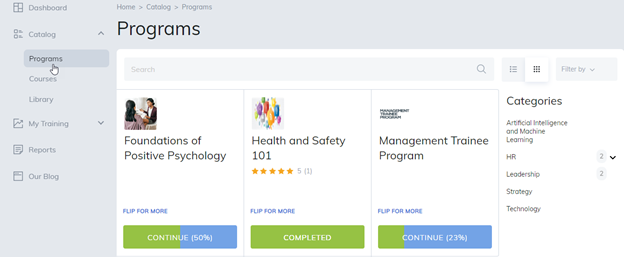
The search will locate content based on the keywords, the name of the item, and the catalog subtab you are viewing.
Example: If you are viewing the Catalog > Courses subtab, the search results will only apply to courses and display courses with the keyword in its title.
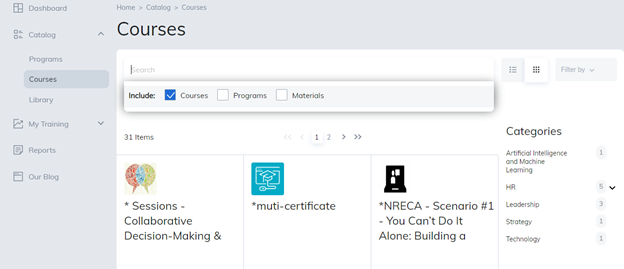
Advanced Search will display results based on keywords used in all content and their descriptions.
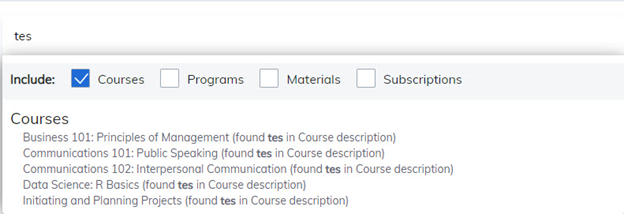
The Filter by lists content beginning with the letter of choice, for the sub-tab you are viewing.
For Example: If you are viewing the Catalog > Courses sub-tab, the filter applies only to courses.
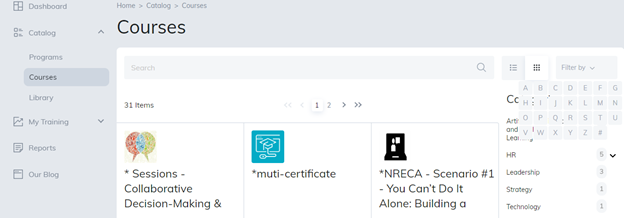
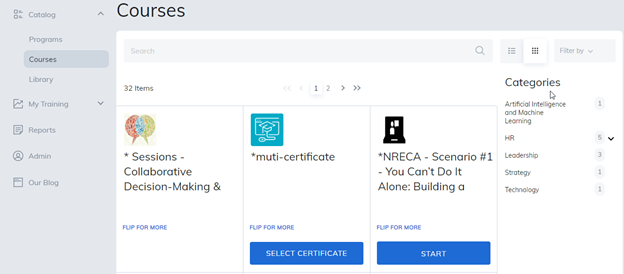
Categories are located to the right side of your catalog and when selected, will display content related to that category of training.
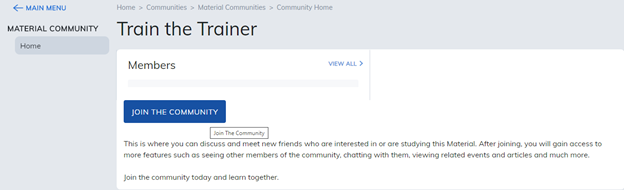
Join Community
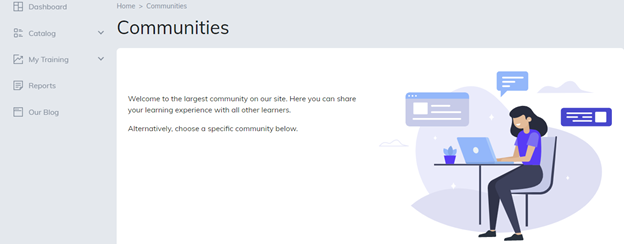
The Community feature provides social learning tools that enable users to collaborate and connect better than ever. Social learning features include forums, media galleries, community events, articles, and documents.
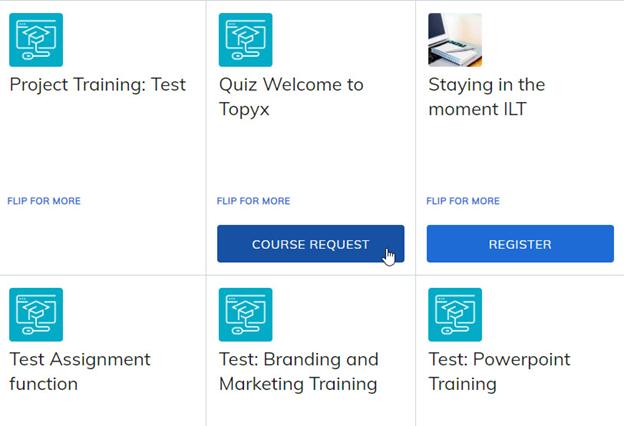
Instructors may also require that you request to register for content. In this case, a program, course, or material request button will appear.
Once your request has been reviewed by an instructor, the button will revert to start or request denied.
Reviews
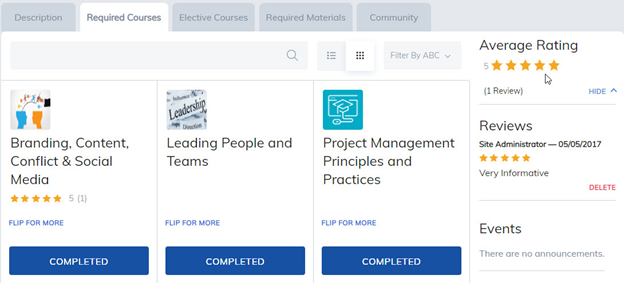
Once an item has been completed, from the content home page, users can share their feedback by submitting a review of the content.
Note: This is based on site permissions defined by your administrator. Some features may not be enabled or they may be renamed.
Was this article helpful?
That’s Great!
Thank you for your feedback
Sorry! We couldn't be helpful
Thank you for your feedback
Feedback sent
We appreciate your effort and will try to fix the article