Update existing material with revised version by using Replace Content for SCORM files and Replace Material Content for standard file types.

Two options are available depending on your content size.
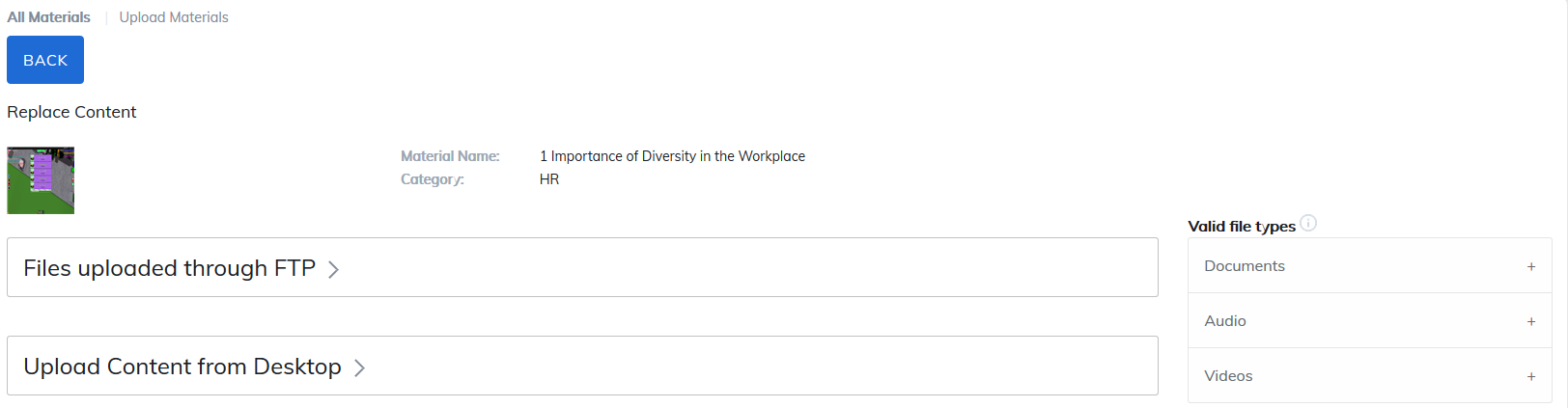
1. Files uploaded through FTP
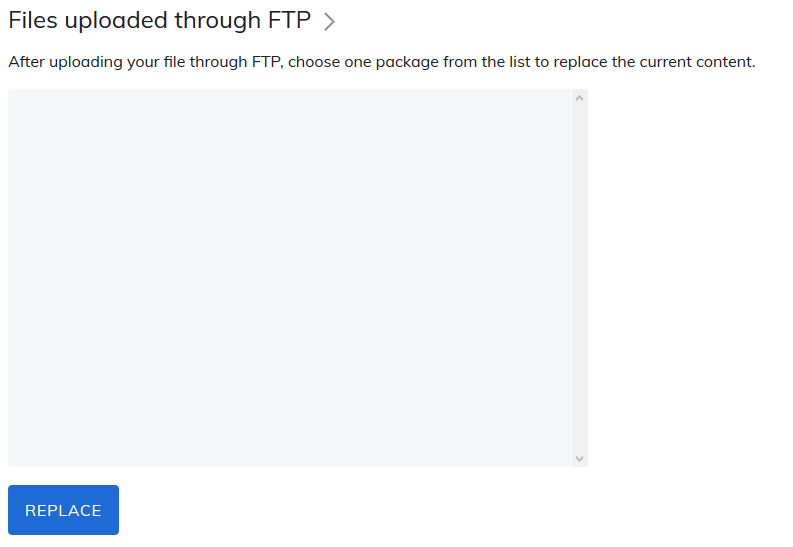
This option is for files uploaded through FTP. If your SCORM packages are large, we recommend you use this approach. After you have uploaded your file through FTP, select the file from the list and then click on the Replace button.
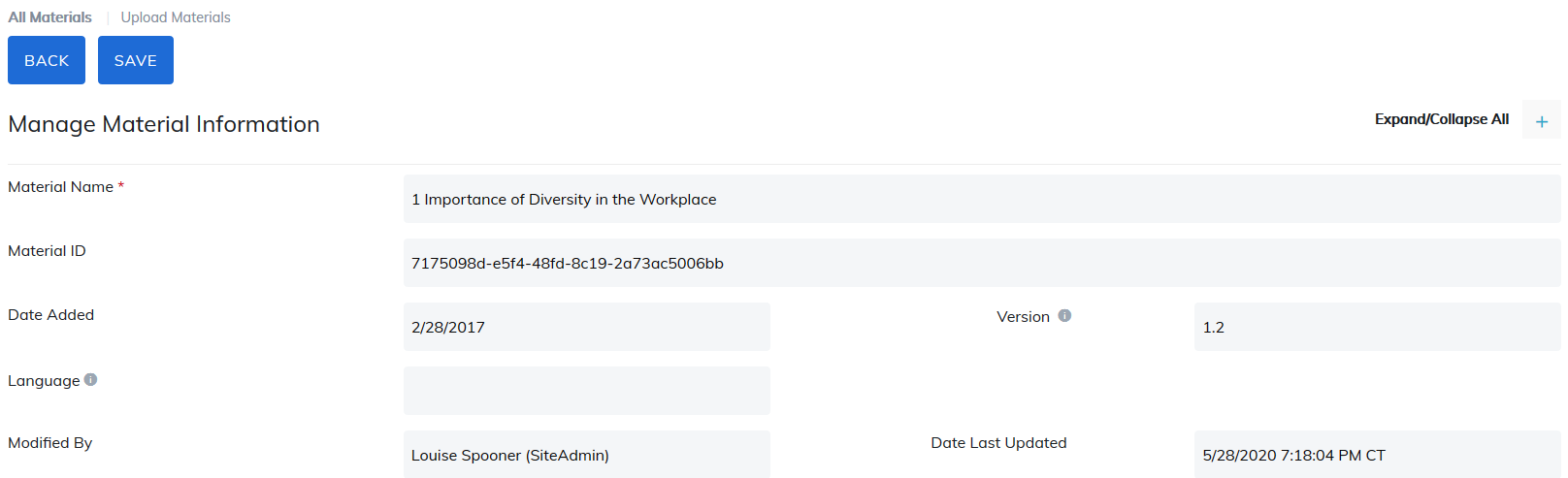
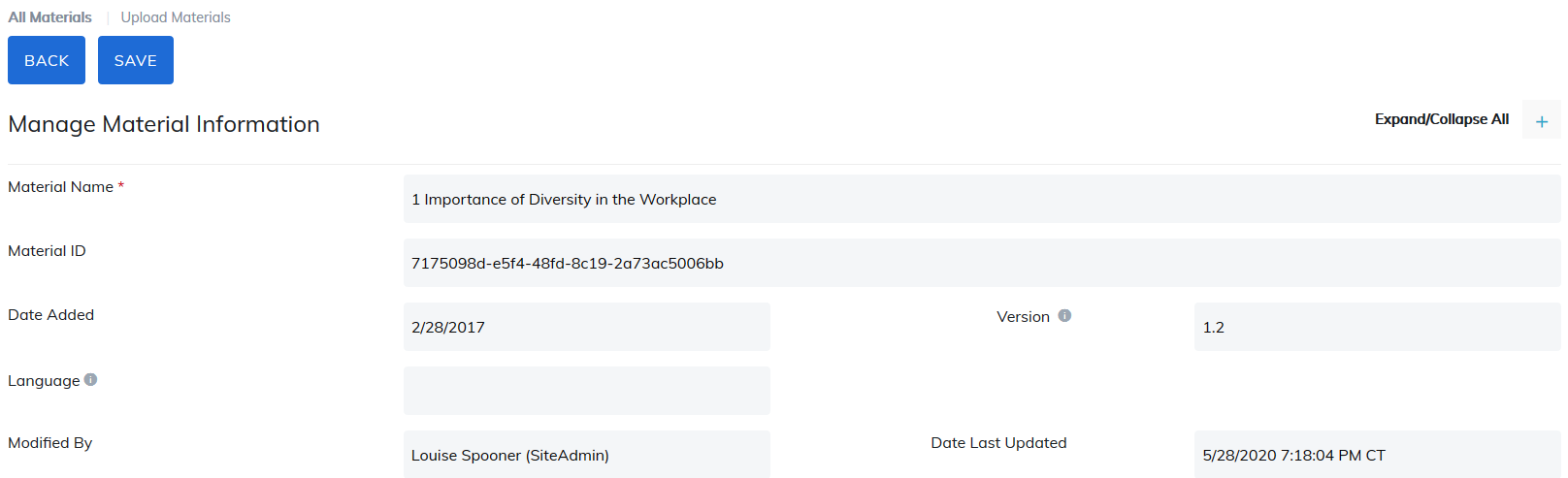
You will be brought to Manage Material Information page and then click Save button. You have just replaced existing content with your newer version.
2. Upload Content from Desktop
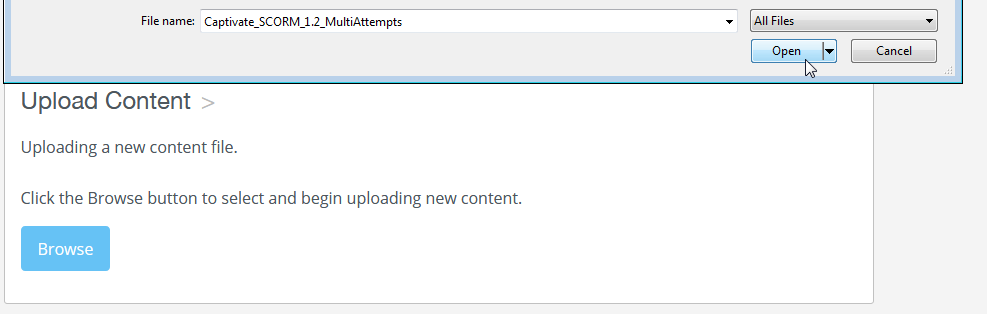
This option allows you to pull files directly from your desktop. Click the Browse button to select the file and begin uploading new content from your computer.
You will be brought to Manage Material Information page and then click Save button. You have just replaced existing content with your newer version.
Was this article helpful?
That’s Great!
Thank you for your feedback
Sorry! We couldn't be helpful
Thank you for your feedback
Feedback sent
We appreciate your effort and will try to fix the article