Add notes on activities for this material. Notes are for internal reference only and are not visible to learners or managers. Notes are visible by all administrators and if the material was uploaded by an instructor, that instructor too.

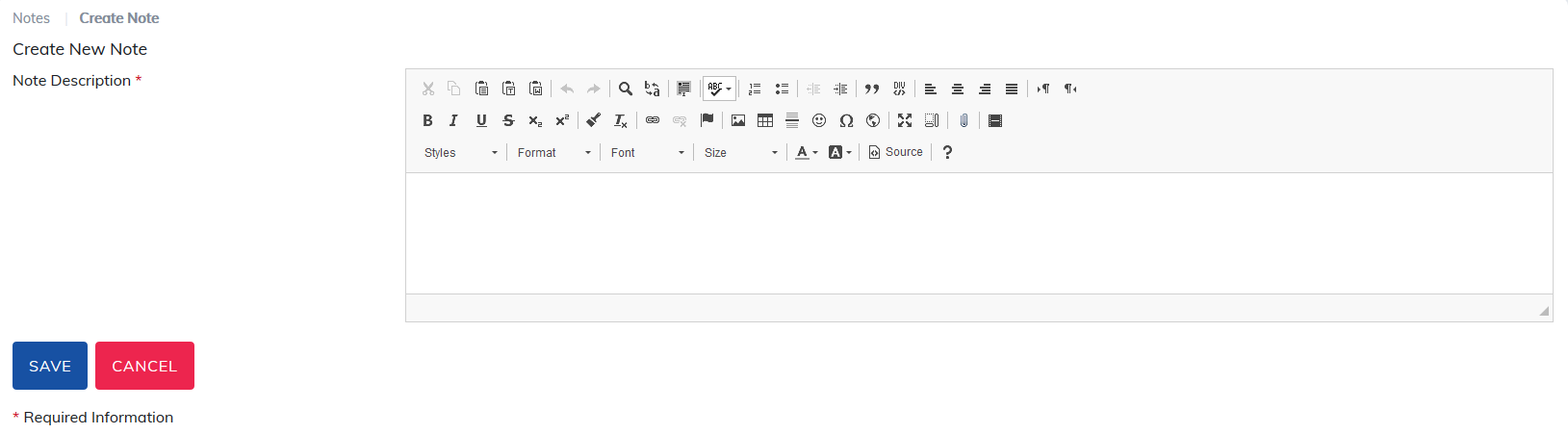
To begin, select Create Note, add details in our editor, and click Save.
Note: Be sure to use the Paste from Word or Paste as plain text options if details are copied from a webpage or Microsoft Office product.
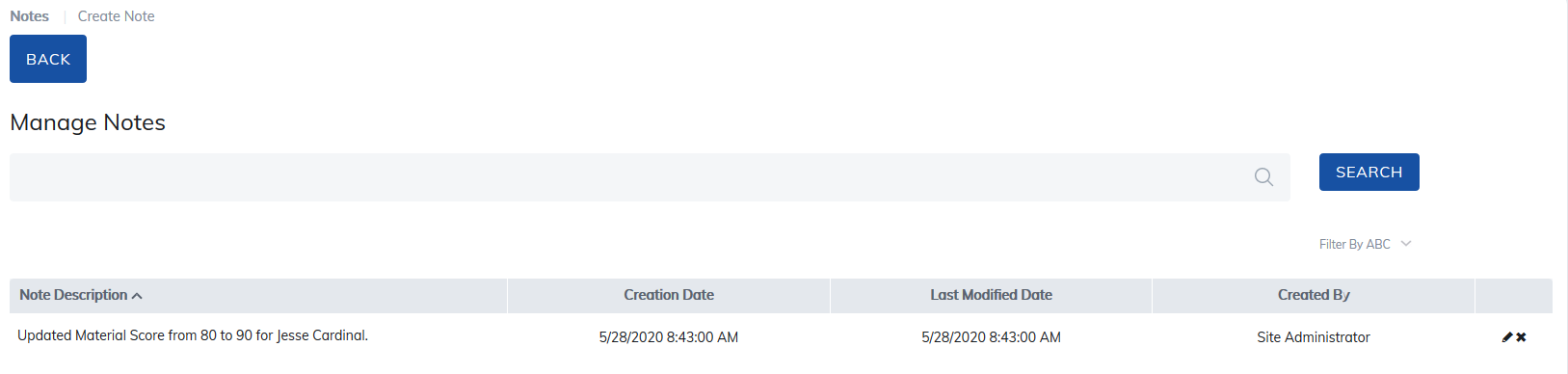
At any time, the user who created the note can make edits or delete it by choosing the pencil icon for edits, or the X icon for delete on the right side of the page.
Was this article helpful?
That’s Great!
Thank you for your feedback
Sorry! We couldn't be helpful
Thank you for your feedback
Feedback sent
We appreciate your effort and will try to fix the article