The Manage Notes section is used for adding notes regarding the learning paths and is not seen by learners.

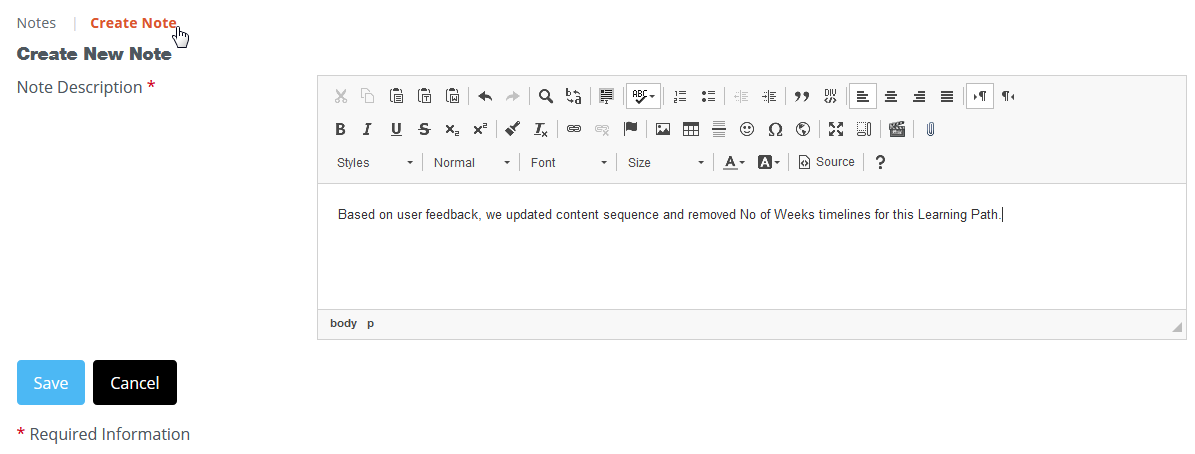
Click on Manage Notes, then use the editor to add the information you'd like.
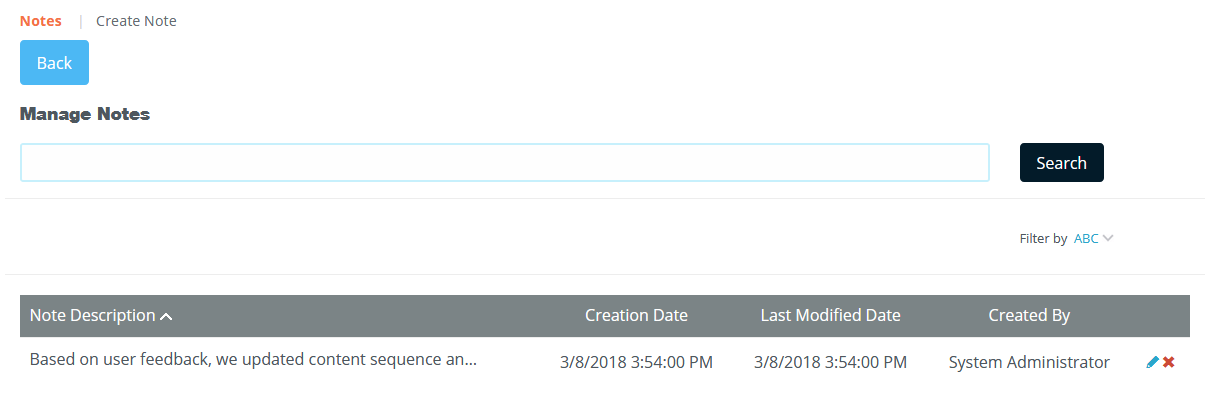
Once created, the notes page displays a description for those with access to this page.
There is also a report titled Notes Report available on the admin reporting panel to see what notes have been left on particular learning paths.
Was this article helpful?
That’s Great!
Thank you for your feedback
Sorry! We couldn't be helpful
Thank you for your feedback
Feedback sent
We appreciate your effort and will try to fix the article