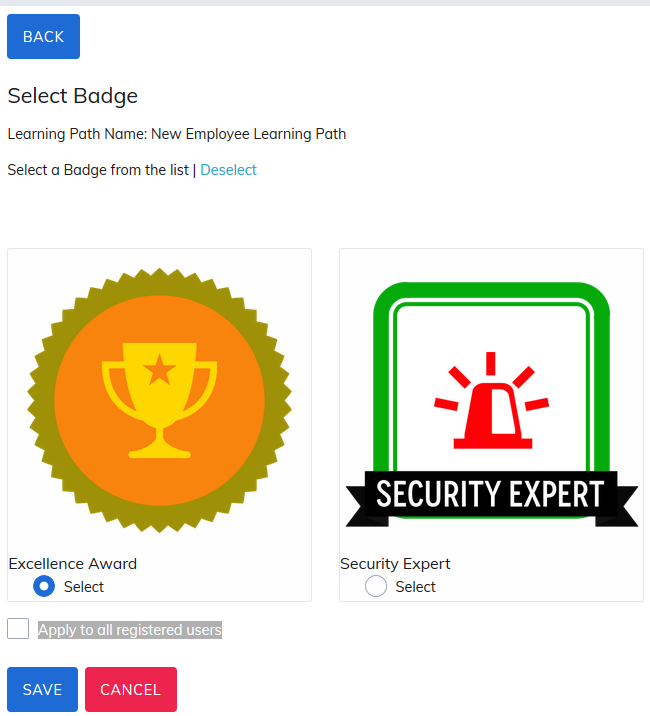
Award learners for their completion of a learning path by adding a badge. To add a badge, click on Select Badge and choose your badge.

There is an additional check mark option, Apply to all registered users. If this is not checked:
- Only new learners assigned to this learning path will receive the badge upon completion.
- Existing users already assigned will not receive this badge upon their completion.
Click Save to save changes.
Notes:
- Administrators must first create badges via the Credly account and then they can be added to the learning path. For more information on integrating Acclaim Badges with your site, visit the Manage Badge Settings section.
- Only administrators can add a badge to learning paths. Managers cannot add badges to learning paths.
There is also a report titled Badge Report available on the admin reporting panel to see what badges have been assigned to particular learning paths.
Was this article helpful?
That’s Great!
Thank you for your feedback
Sorry! We couldn't be helpful
Thank you for your feedback
Feedback sent
We appreciate your effort and will try to fix the article