The Publishing Tool for Learning Paths works similarly to the Publishing Tool located on Admin home page.

The following fields are presented:
- Title: The title of the announcement or calendar event.
- Event Type: Choose from creating an announcement, calendar event, or custom event type.
- Visible to: Learning path members will receive the announcement or calendar event.
- Date: Must be added for an event to appear on the calendar.
- Start Time: The start time of the event.
- End Time: The end time of the event.
- Time Zone: Select the time zone the event takes place.
- Enable Recurring Event: If the event is to occur on an ongoing basis, the option is available to check the event occurs in a repeating pattern, the days the event occurs, and the number of weeks.
- Lecturer: Add the name of the lecturer.
- Location: Add a location the event is occurring.
- Add Registration Link To: Adds a link to Register to selected programs, courses, and/or materials. Please remember to click Add Items.
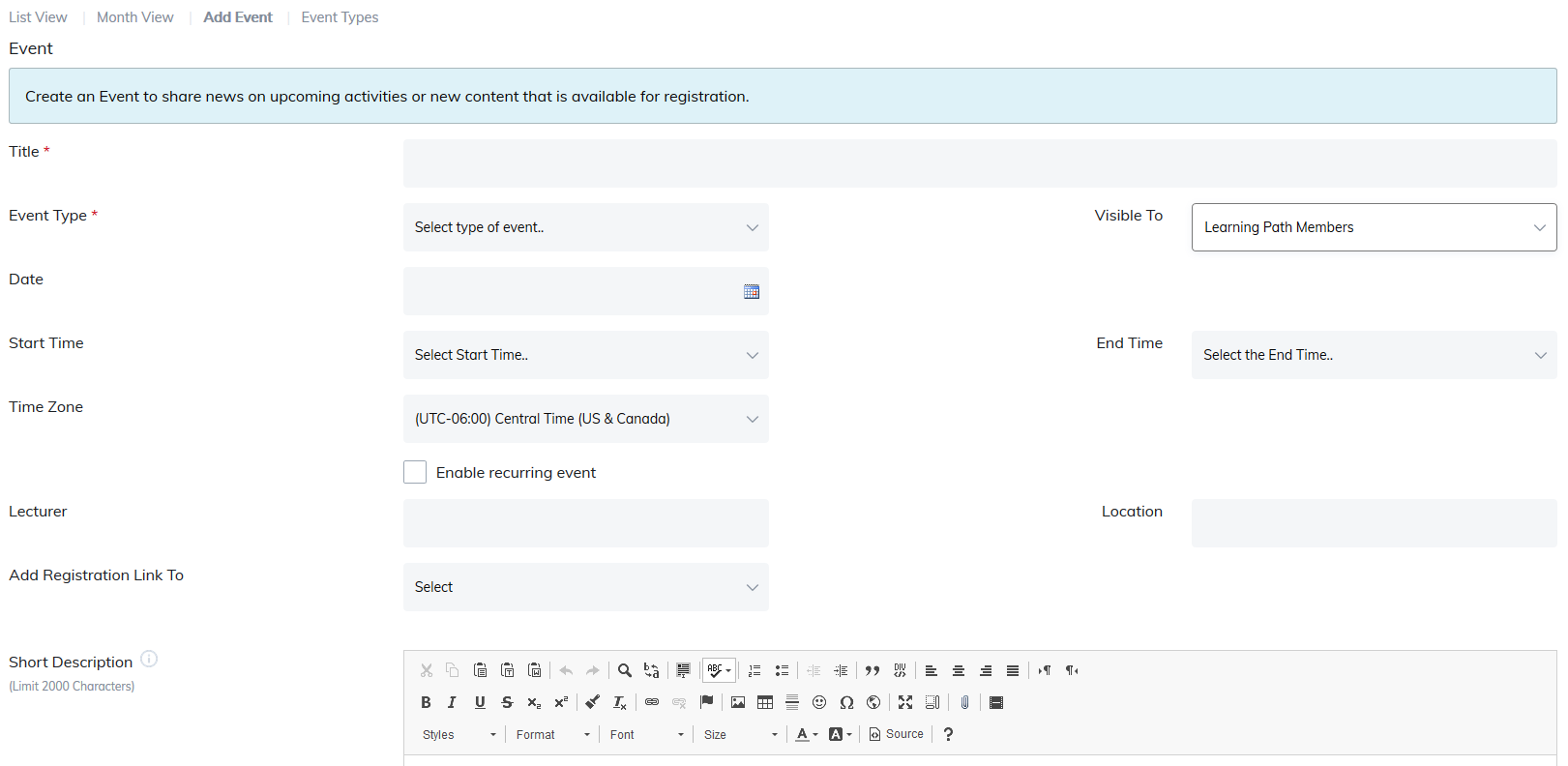
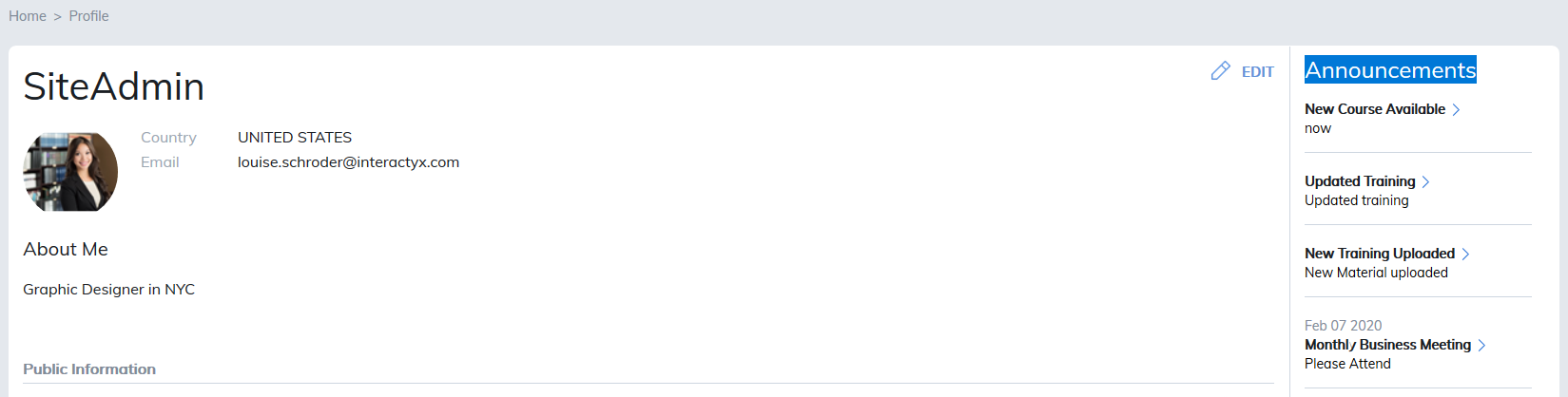
Short Description: This will appear in the email the users receive. For announcement, this appears as a summary on the learner's profile and dashboard.
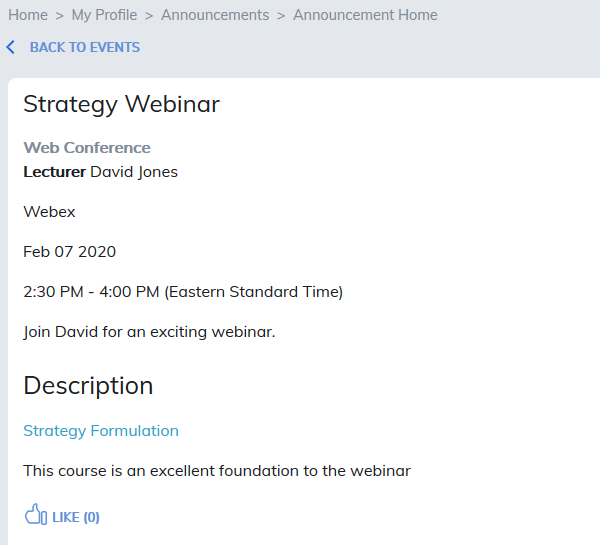
Long Description: This will appear in the email the user receives. For announcements, this appears when the user clicks on the announcements title in their profile.
Add to Calendar: This box must be checked for the event to appear on the calendar.
Background Color: The color selected will display as the background color in the calendar for the event.
Display Location: When creating an Announcement this allows you to publish/send the announcement with several options:
- Profile Page
- Community home page
- Details page
- Send a Text Message: requires a Twilio integration and users have shared their mobile numbers and given permission in their profiles to text them.
File Attachment: The Publishing Tool offers the opportunity to attach documents to announcements and calendar entries.
Find Document: Permits a document to be attached to the announcement or calendar entry.
The following file types may be added:
- txt
- doc
- docx
- xls
- xlsx
- ppt
- pptx
- rtf
- ics
Notification Email: Allows you to post announcements in the site, or send email notifications immediately or on a selected date of your choosing.

Add iCalendar to Notification Email: Adds an option for users receiving the notification email to add the event to their Gmail/Outlook calendar.
Note: Because you are creating an event within a Learning Path, the event will only be seen by learners assigned to the learning path.
Was this article helpful?
That’s Great!
Thank you for your feedback
Sorry! We couldn't be helpful
Thank you for your feedback
Feedback sent
We appreciate your effort and will try to fix the article