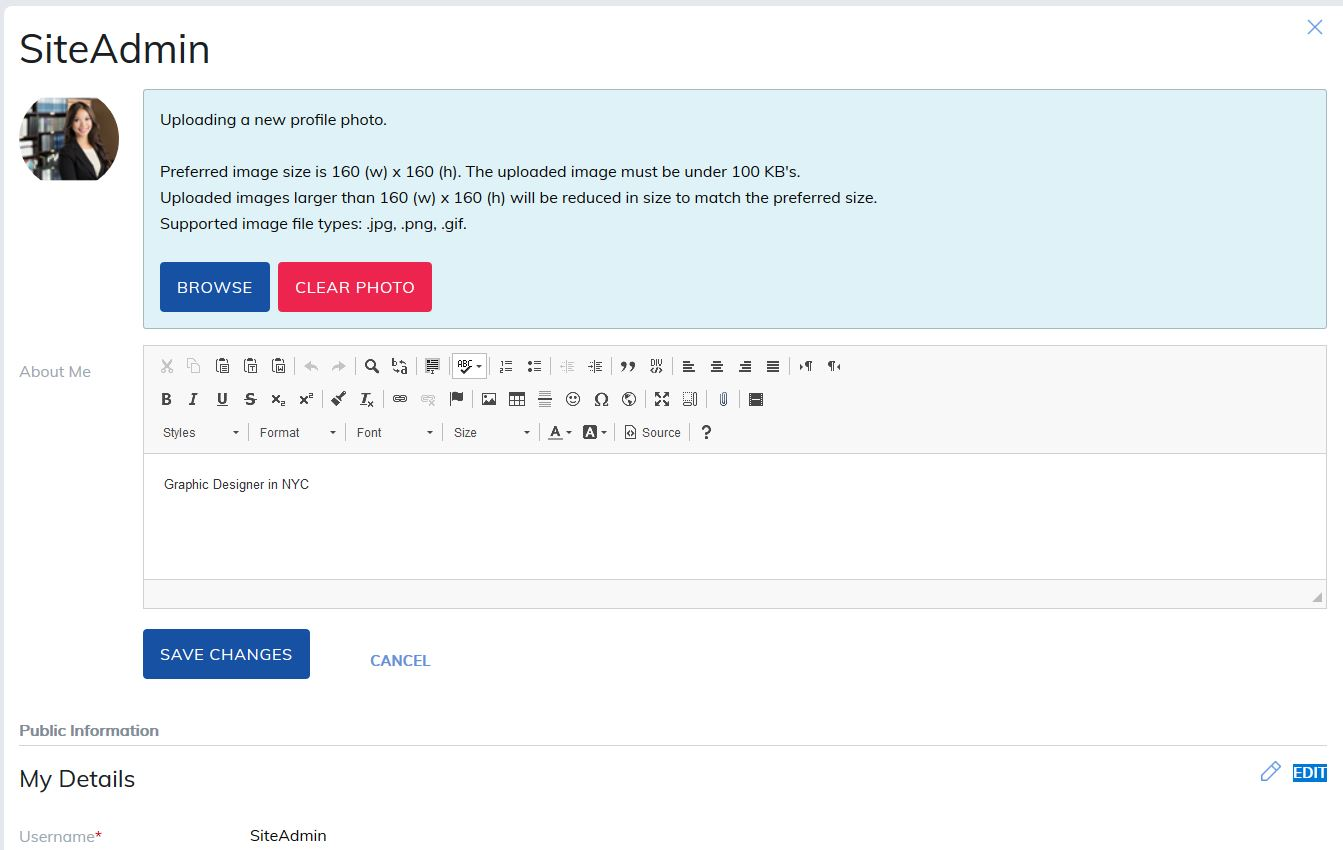
The Edit Profile page lets users update their profile information, as long as the fields are enabled for editing in Site Settings. Required fields are marked with a red asterisk. New users added to the site must also complete these fields.
Users can manage their weekly community email preferences from this page. If they add their LinkedIn, Facebook, or Twitter accounts, this information will be visible to other site members.
Administrators have additional options, including the ability to change user roles and upload Instructor Signatures, which can be used on certificates.
How to Update Your Profile
- Click the pencil icon next to the section you want to edit.
- Make your changes.
- Click Save to apply the updates.
Note: The Text/HTML editor supports files up to of 500 MB in size.
Was this article helpful?
That’s Great!
Thank you for your feedback
Sorry! We couldn't be helpful
Thank you for your feedback
Feedback sent
We appreciate your effort and will try to fix the article