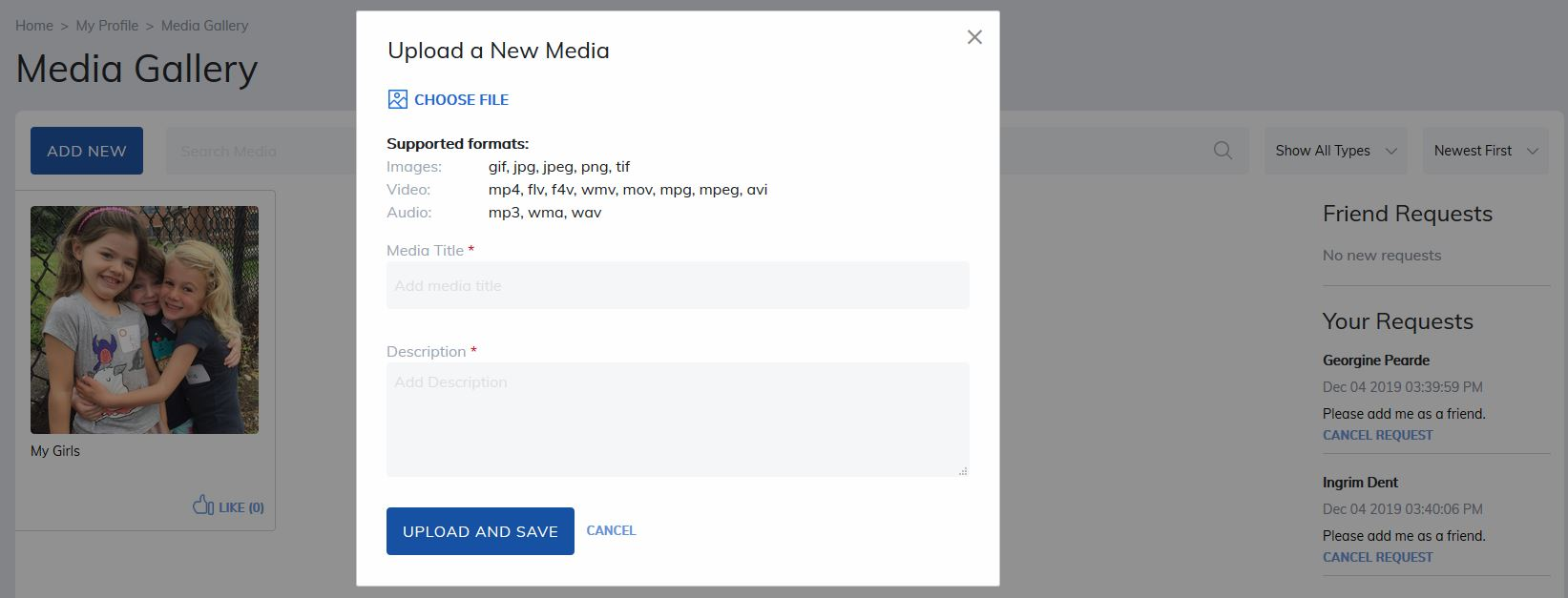
The Media Gallery allows users to upload and share photos, audio files, and videos with their friends network.
To add new content:
- Click the Add New button to open the Upload a New Media window.
- Select your file and click Upload and Save.
Your media will then be added to your gallery and visible to your friends.
Was this article helpful?
That’s Great!
Thank you for your feedback
Sorry! We couldn't be helpful
Thank you for your feedback
Feedback sent
We appreciate your effort and will try to fix the article