Edit Profile provides opportunities to share information about yourself with other site users, update your personal details and preferences.
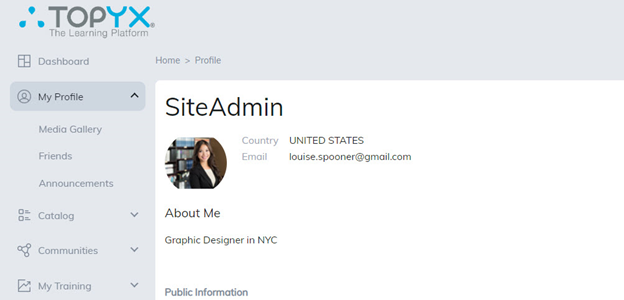
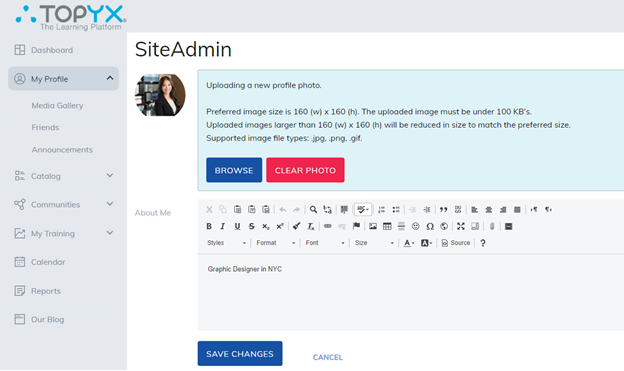
If uploading a photo, please note the following requirements:
- Image size 80 (w) x 80 (h) preferred.
- The image must be under 100 KB.
- Images uploaded larger than 80 (w) x 80 (h) will be reduced in size to match the preferred size.
- Supported Image file types .jpg, .png, .gif.
About Me
Share information about yourself with other site users by using the editor. Any information shared will be viewable to others viewing your Profile via communities or the Friends section of the profile tab.
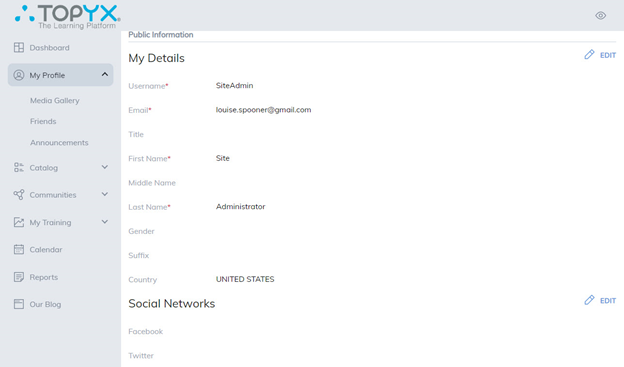
Your Details
Displays details of information provided when your account was created. Items marked with a red star are required. If the administrator permits this information can be updated. Information shared is viewable by administrators and managers. Email addresses can be viewed by others viewing a learner profile.
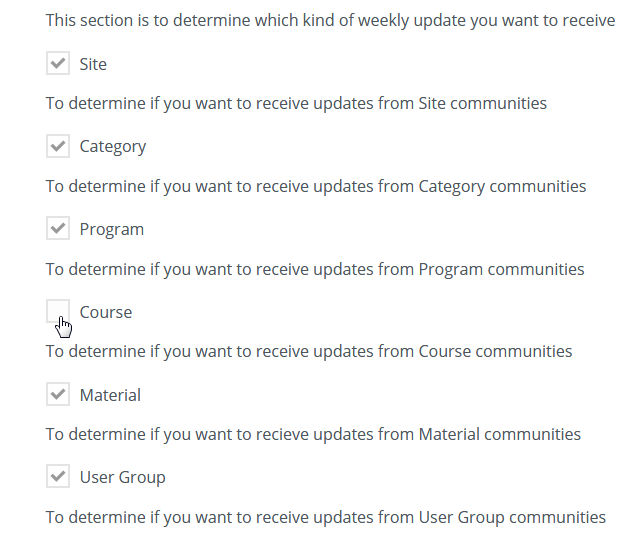
Weekly Update Notifications
If your administrator allows the community feature, you have the option to receive weekly updates regarding those communities.
Disable weekly updates by unchecking the box and then scrolling down to Save your changes.
Add Other Social Networks
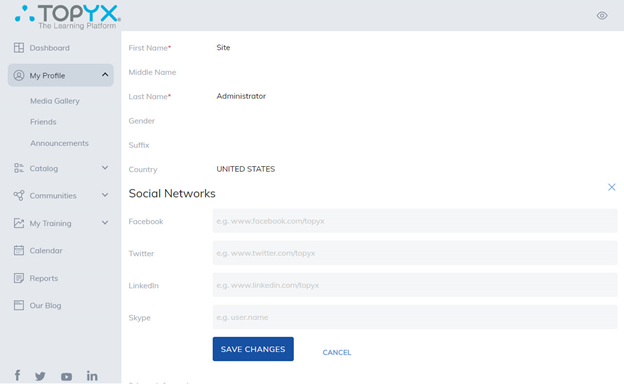
Share social networking accounts with friends by copying and pasting account URLs or usernames.
Change Password
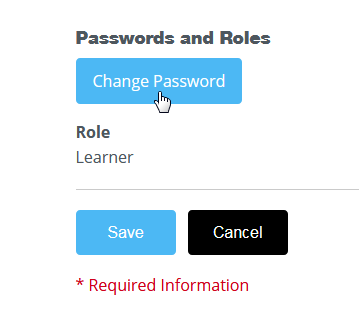
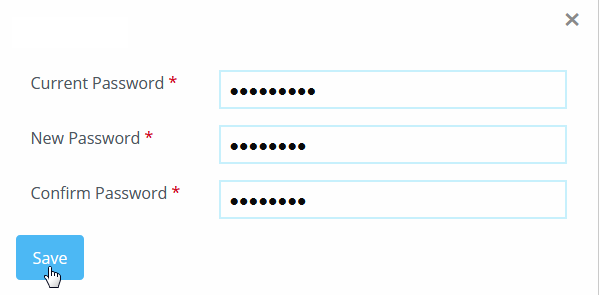
When made available, you can change your password at any time. Select the Change Password button, enter your current password, then your new password, and then click on Save.
We strongly recommend that you change your password the first time logging into the platform.
Was this article helpful?
That’s Great!
Thank you for your feedback
Sorry! We couldn't be helpful
Thank you for your feedback
Feedback sent
We appreciate your effort and will try to fix the article