Create Quiz is used to create quizzes.
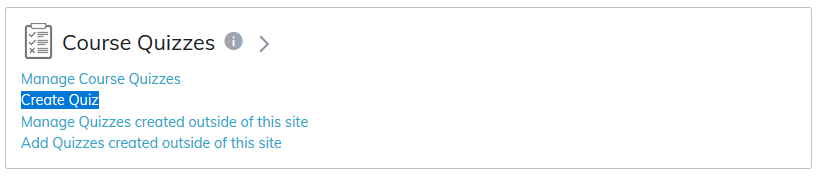
There are various options when adding a Quiz. Click the question mark icon to help guide you through the process.
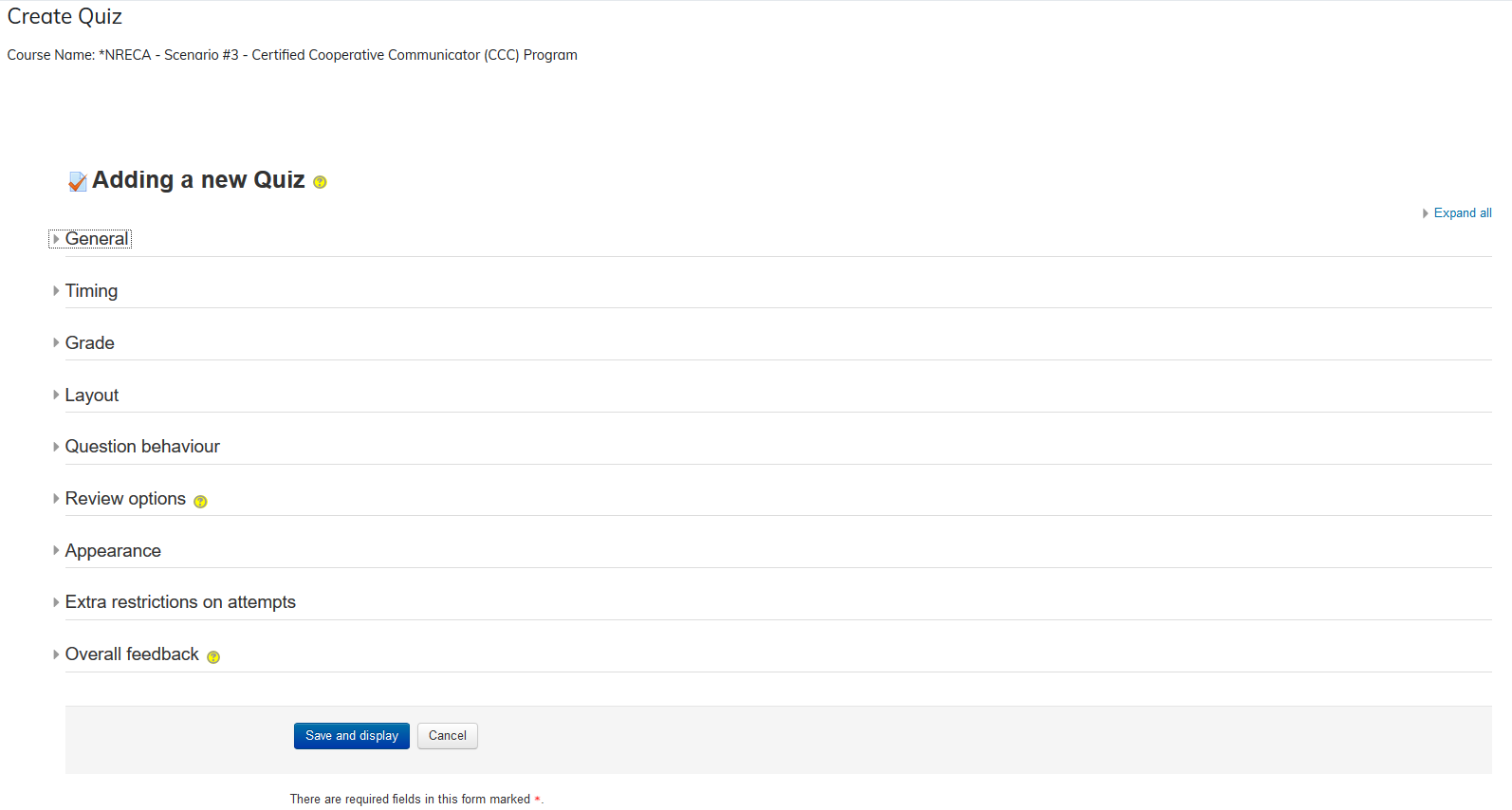
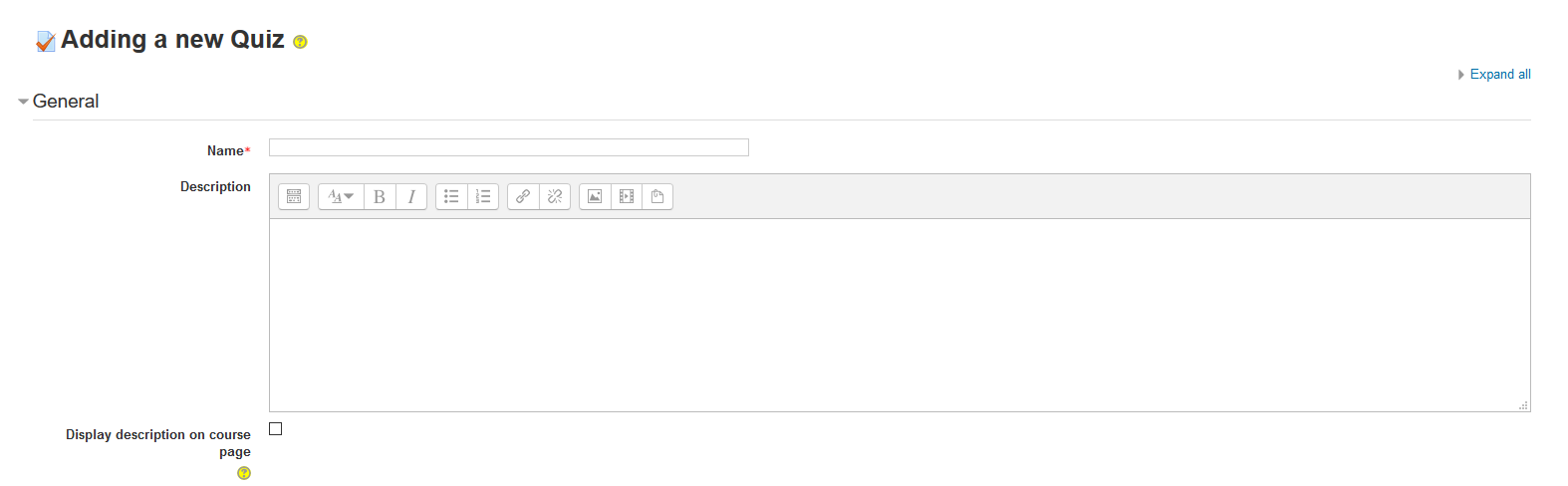
General: Give your quiz a name and a short description.
Note: If video is added to the editor, it needs to be 2MB or less.
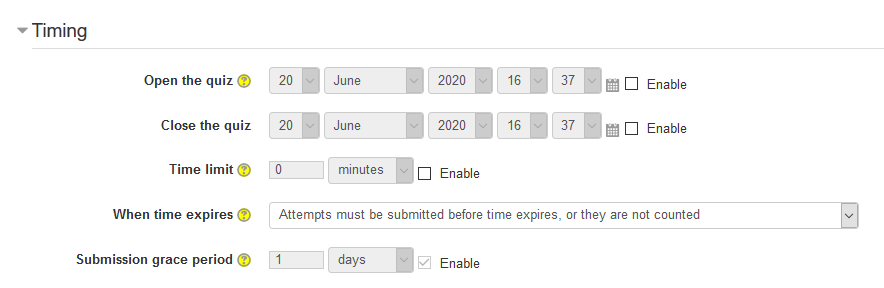
Timing: You can give your quiz open and closed dates.
- Set a timer: Limits how long a learner has to take the quiz.
- Grace periods: Add padding if learners don't complete the quiz in the set amount of time.
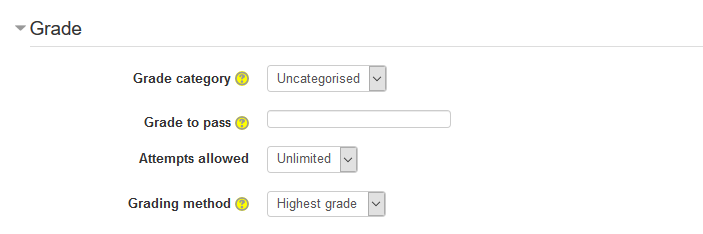
Grade: Set the grading options and requirements for the quiz.
Learners may be allowed to have multiple attempts at a quiz. This can help make the process of taking the quiz more of an educational activity rather than simply an assessment.
There are different ways you can use the grades to calculate the learner's final grade for the quiz.
- Highest grade: The final grade is the highest (best) grade in any attempt.
- Average grade: The final grade is the average (simple mean) grade of all attempts.
- First grade: The final grade is the grade gained on the first attempt (other attempts are ignored).
- Last grade: The final grade is the grade gained on the most recent attempt only.
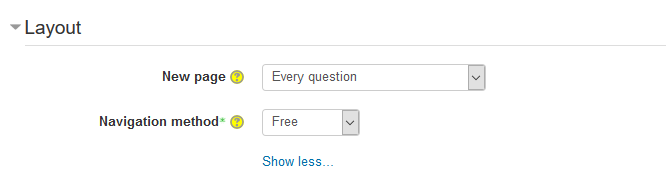
Layout: Allows you to select the number of questions per page and the navigation method.
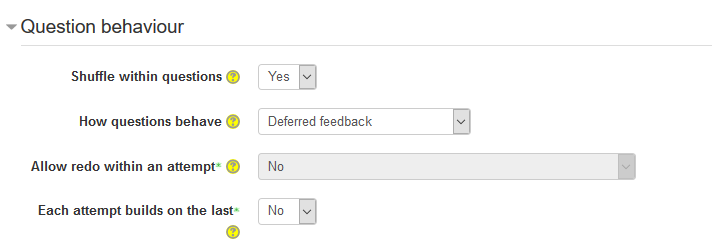
Question Behavior: Allows you to determine the behavior of questions in the quiz.
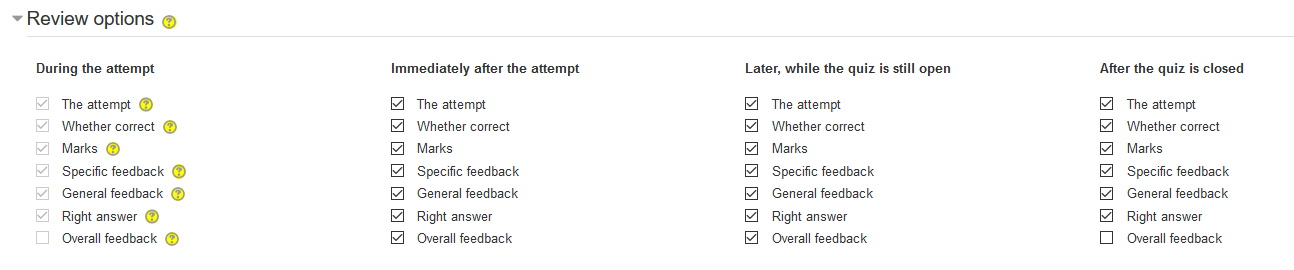
Review Options: The section allows you to select review options for the learner. These options control what information learners can see when they review a quiz attempt or look at the quiz reports.
- Immediately after the attempt means within two minutes of the attempt being finished by the user clicking 'Submit all and finish'.
- Later, while the quiz is still open means after this, and before the quiz close date.
- After the quiz is closed means after the quiz close date has passed. Note: If the quiz does not have a close date, this state is never reached.
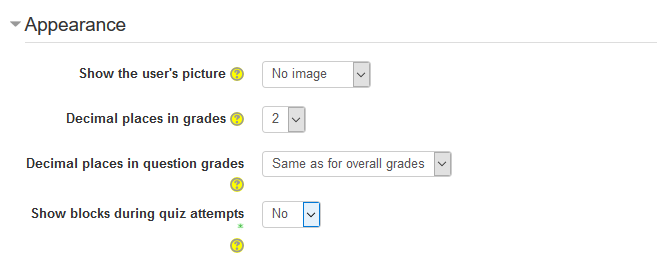
Appearance
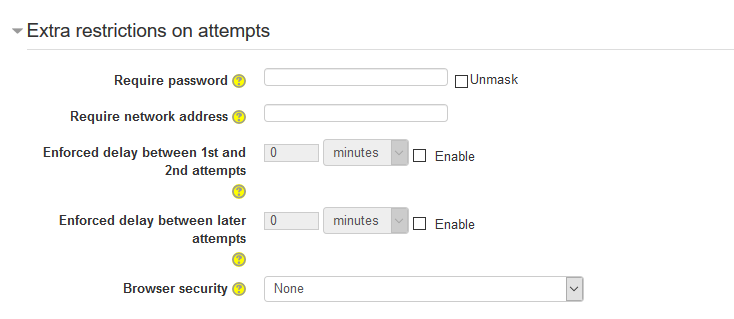
Extra restrictions on attempts
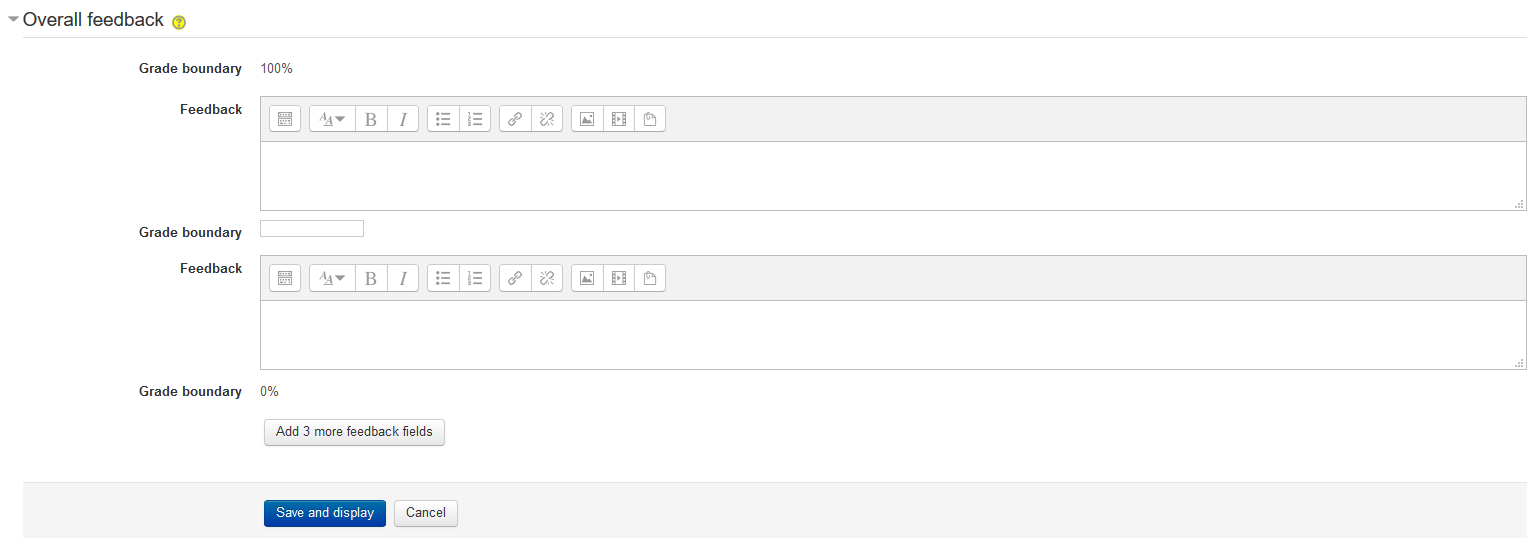
Overall feedback
Was this article helpful?
That’s Great!
Thank you for your feedback
Sorry! We couldn't be helpful
Thank you for your feedback
Feedback sent
We appreciate your effort and will try to fix the article