You can use Microsoft Teams with your TOPYX Elements, Essentials or Expanded site.
To set up MS Teams on your TOPYX site, please follow these directions:
1. A Microsoft Teams account is required
- Create a conference - MS Teams Meeting
2. Enable LTI on your TOPYX site by going to the Admin Panel in Site Settings >Advanced.
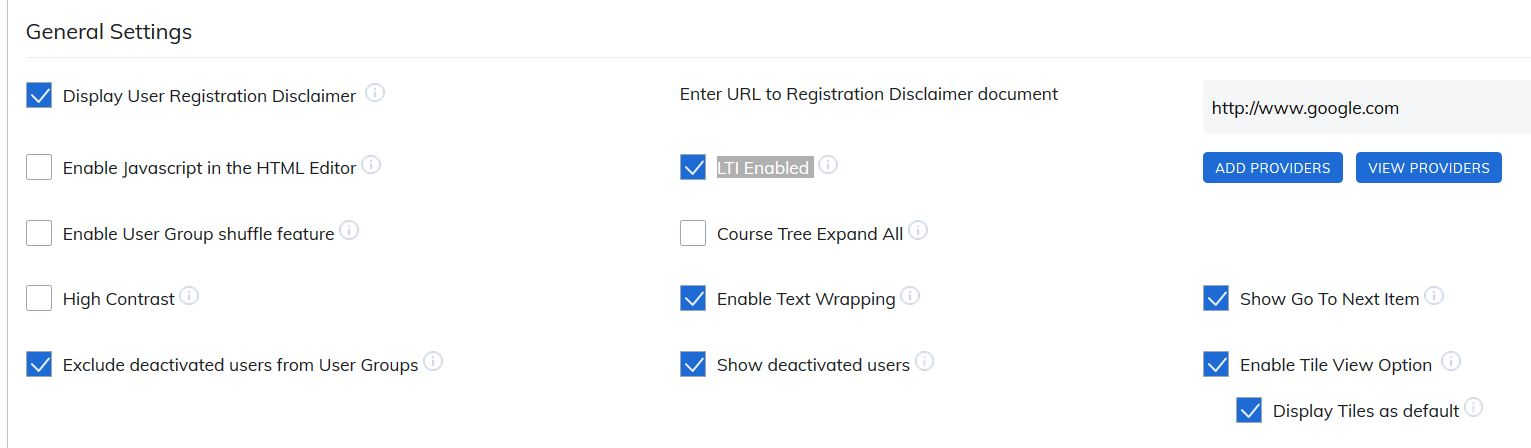
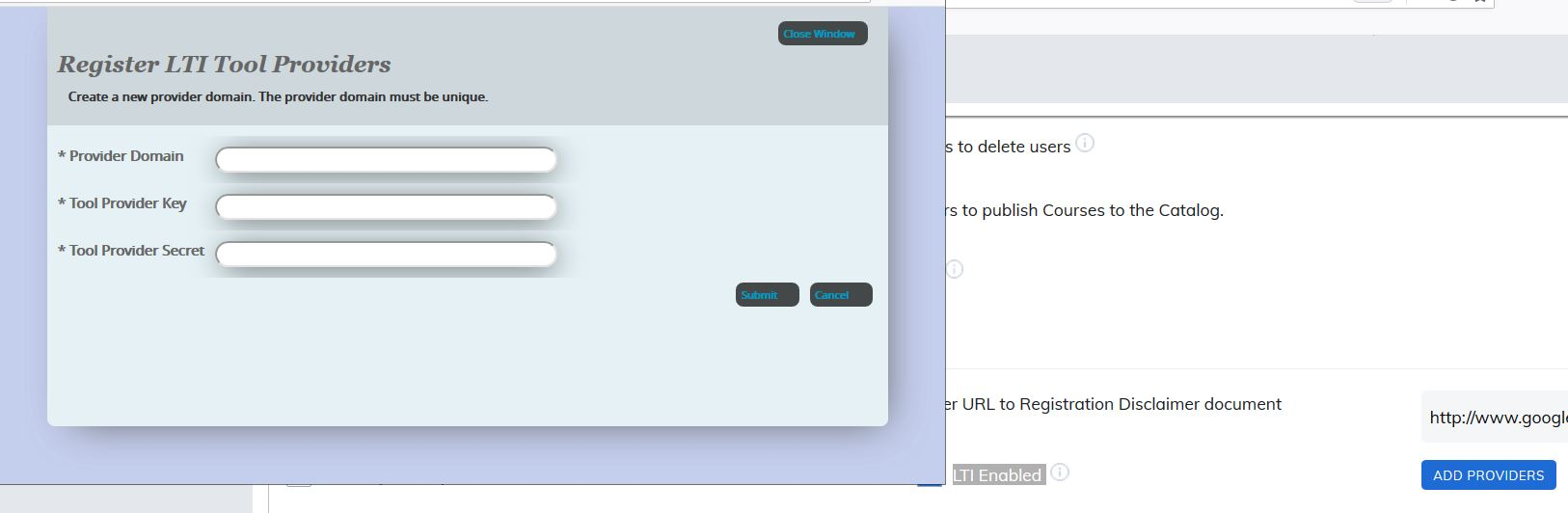
3. Add your MS Teams credentials in the Add Providers link.
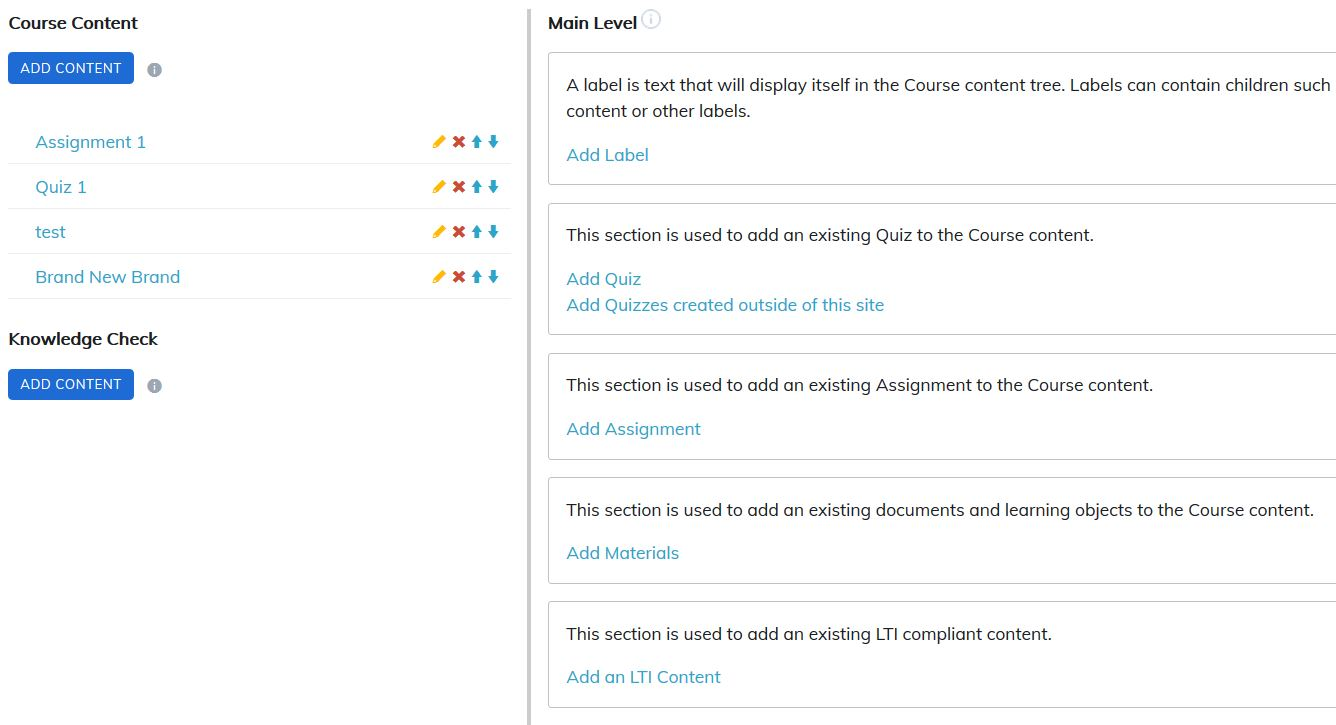
4. In your Manage Course area under course content, you will now be able to add your pre-created MS Teams conference via the Add an LTI Content option.
Note: Microsoft Teams does not report back to LMSes at this time. If you want your webinar reporting in TOPYX, please use one of the other options if you are a TOPYX Expanded user.
Was this article helpful?
That’s Great!
Thank you for your feedback
Sorry! We couldn't be helpful
Thank you for your feedback
Feedback sent
We appreciate your effort and will try to fix the article