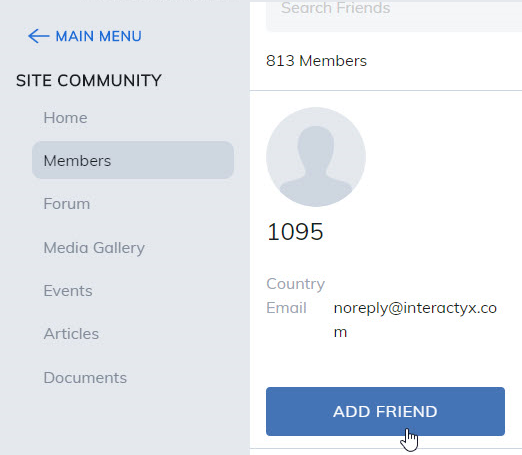
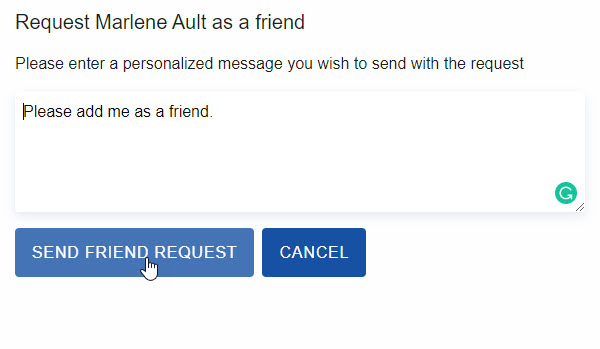
This feature can be made visible by your administrator. When allowed, users can enter into a community and from the members wall, click on a user. This will take you to that user's profile page where you can send a friend request. Once your request is accepted, friends can share social media and files added to their media gallery.
Friends
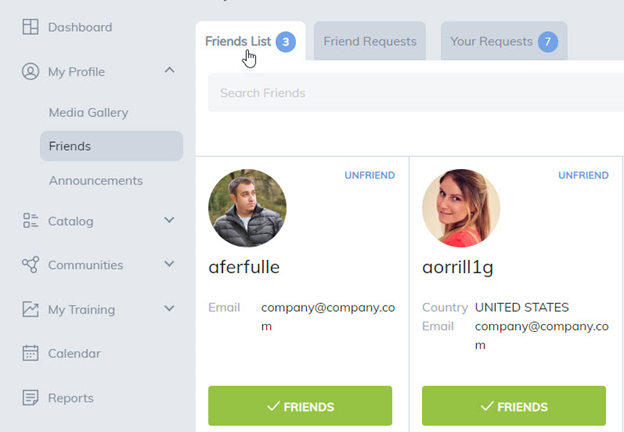
Selecting the Friends link will display friends you have already connected with. Clicking on UnFriend next to their picture will remove the user as a friend.
Friend Requests
Friend Requests will display any users requested to be friends.
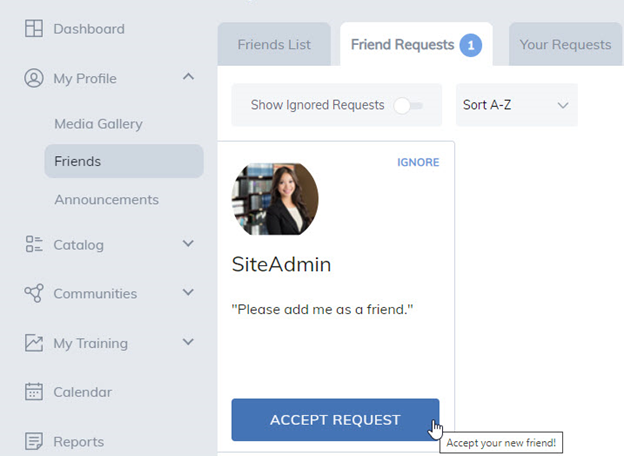
- Clicking on the Accept Request button will add them as a Friend.
- Clicking on the Cancel Request button will ignore the request and the user will not be notified their request has been ignored.
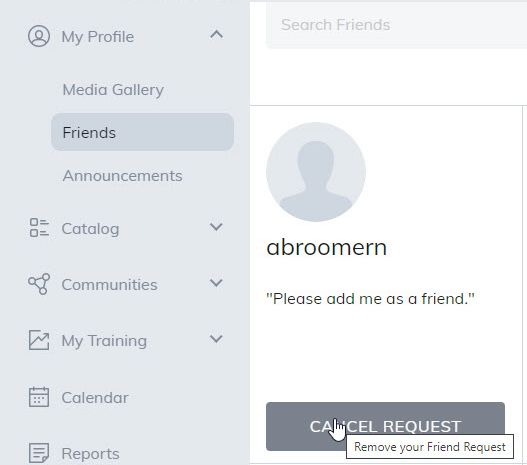
Your Requests
Your Requests displays any users you've requested to be friends with that have not been accepted yet.
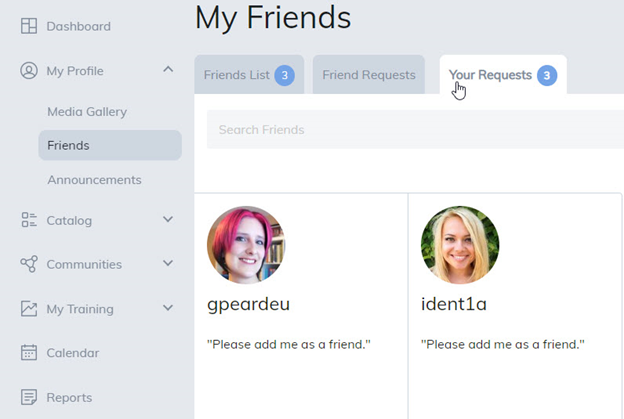
Was this article helpful?
That’s Great!
Thank you for your feedback
Sorry! We couldn't be helpful
Thank you for your feedback
Feedback sent
We appreciate your effort and will try to fix the article