The catalog is a collection of content in which you are able to enroll either freely, with approval from an instructor, or for a price.
There are different types of content that can be made available:
- Subscriptions
- Programs
- Courses
- Materials
Subscriptions contain a collection of different content that is updated on a regular basis.
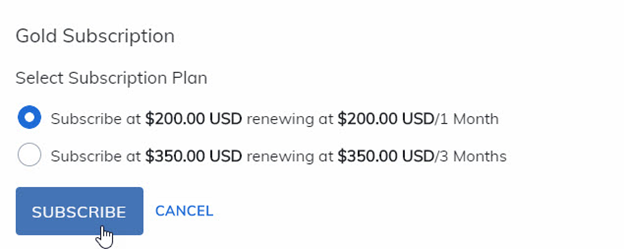
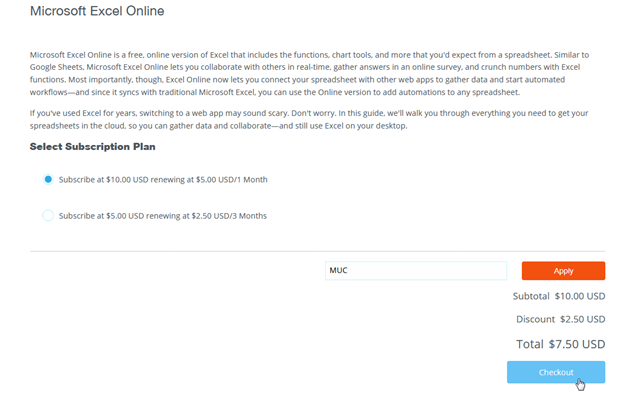
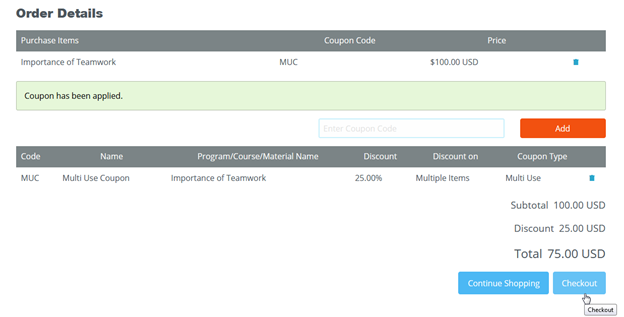
Select the Subscribe button and choose your subscription plan. If you have a coupon, enter the coupon code, press Apply, and then select Checkout.
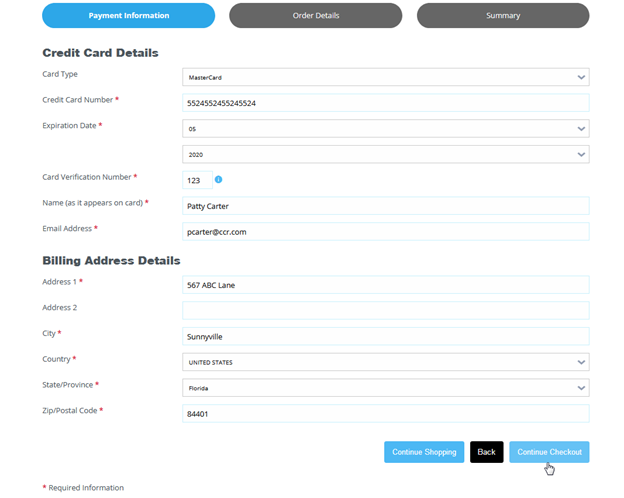
Fill in your billing details, select Continue Checkout, confirm the information you entered is correct and then press Finish and Pay.
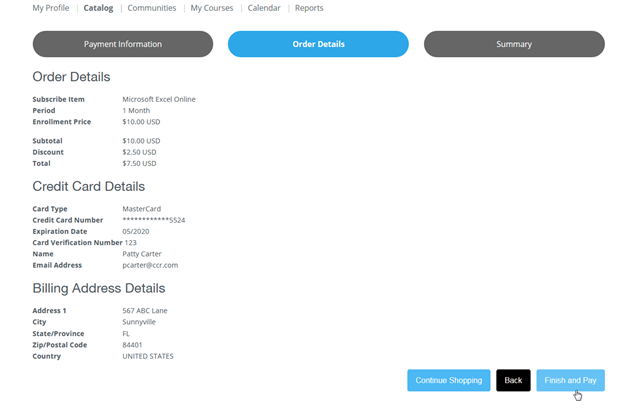
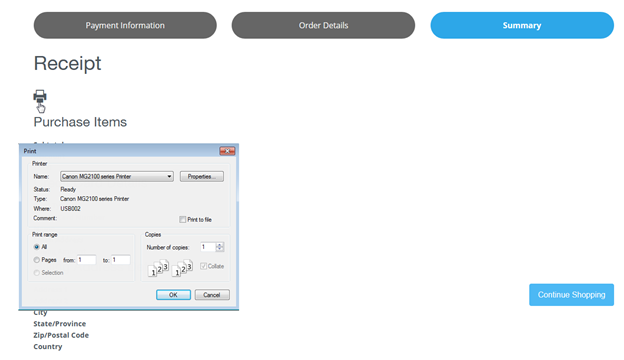
A summary of your transaction details will display, along with an option to Print a Receipt.
Purchase notifications are emailed if they are enabled by your administrator.
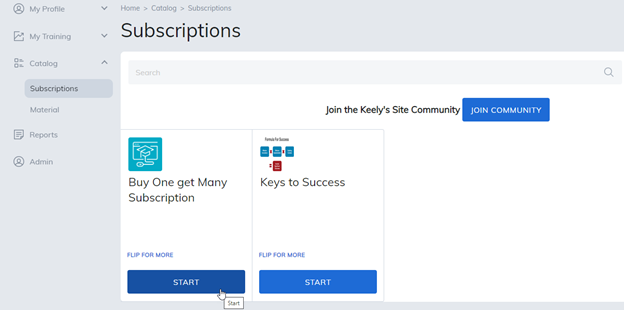
Once you've subscribed, select the Start button to access subscription content.
Shopping Cart
To add a program, course, or materials to your shopping cart from an internal or external catalog, select the Purchase button.
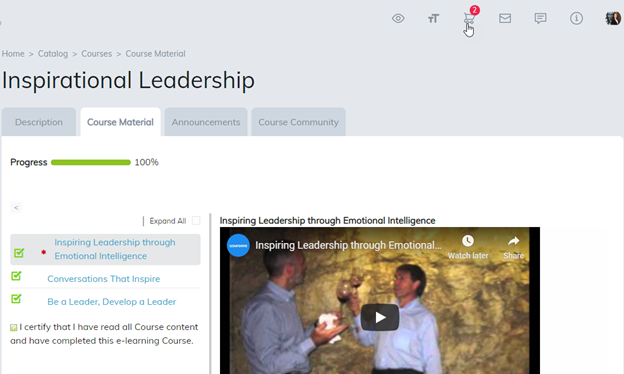
The purchase button will revert to In Cart and you can access your shopping cart by selecting a cart icon in the upper right-hand corner of the site.
When purchasing items, use the same steps as defined above to proceed through the checkout process.
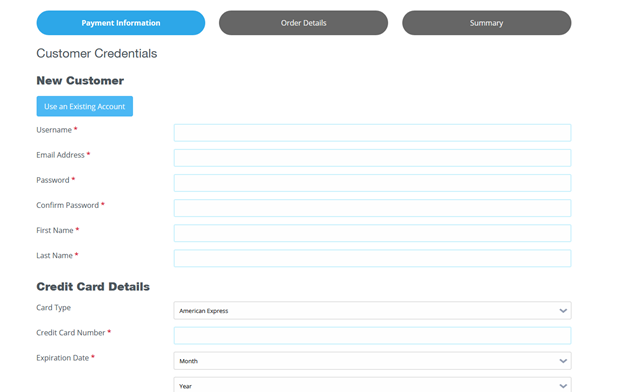
If you are new to the platform and do not have an account, you can create your new account as you proceed to the checkout. Please note, if you need a refund, please contact your administrator.
Note: This is based on site permissions defined by your administrator. Some features may not be enabled or they may be renamed.
Was this article helpful?
That’s Great!
Thank you for your feedback
Sorry! We couldn't be helpful
Thank you for your feedback
Feedback sent
We appreciate your effort and will try to fix the article