Online materials are a way to deliver e-learning content and resource material. Materials will be in the form of the following formats: videos, standard file types, interactive SCORM, and the platform will track your progress.
To enroll, select the Catalog tab in the main navigation bar, then click on the Materials sub-tab and press the Register button.
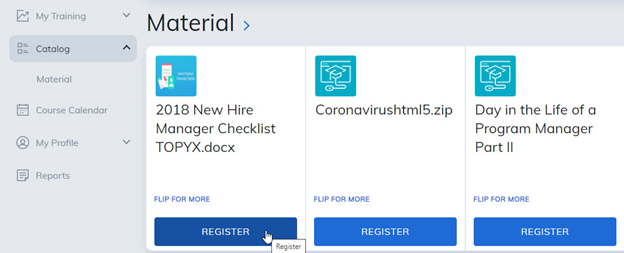
After you have registered for your material, standard file types will allow you to download and save the material. Videos, PDF, and SCORM will be presented in a new tab or pop-out window.
Visit the community to interact with other members enrolled in the same material.
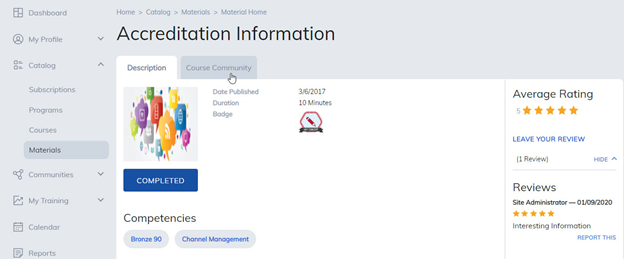
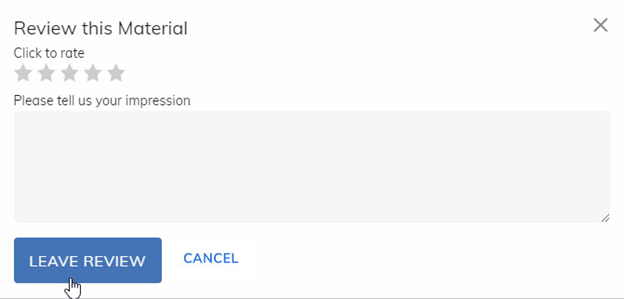
After completing your material, feel free to share a review.
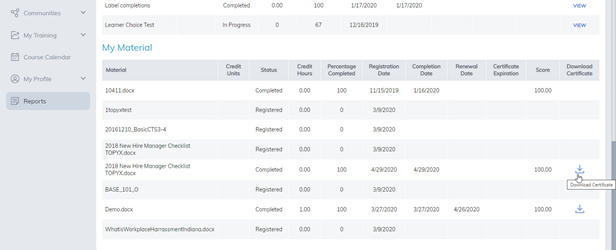
If your material has a certificate attached, once you have completed the material, go to the Reports tab and download your certificate of completion.
Note: This is based on site permissions defined by your administrator. Some features may not be enabled or they may be renamed.
Was this article helpful?
That’s Great!
Thank you for your feedback
Sorry! We couldn't be helpful
Thank you for your feedback
Feedback sent
We appreciate your effort and will try to fix the article