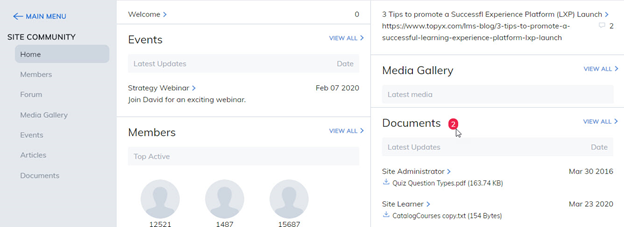
The community feature provides social learning tools that enable users to collaborate and connect better than ever. Social learning features include forums, media galleries, community events, articles, and documents.
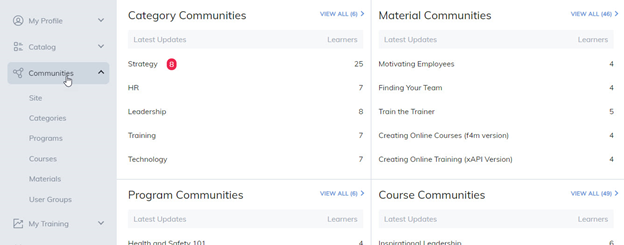
Users can access their communities from various pages and upon entry, will see a red indicator denoting new activity since their last visit.
Here are a few ways you can join a community:
Navigation Bar - Communities tab
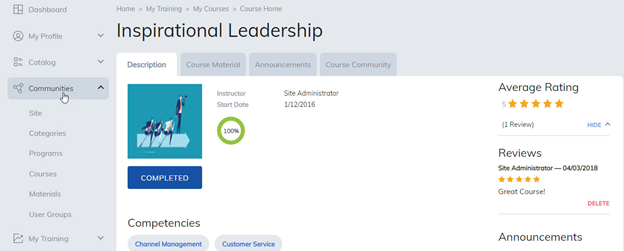
Content Home Page
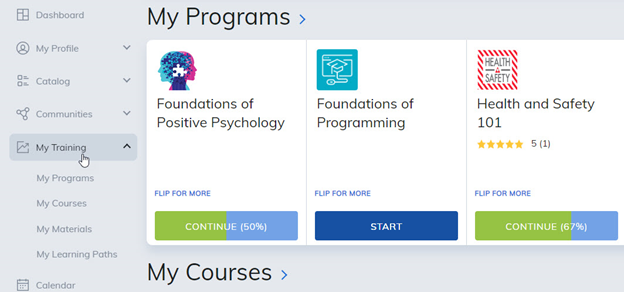
Navigation Bar - My Training tab
Once you have entered into a community, the red indicators denote new items since your last visit, be sure to check them out!
Was this article helpful?
That’s Great!
Thank you for your feedback
Sorry! We couldn't be helpful
Thank you for your feedback
Feedback sent
We appreciate your effort and will try to fix the article