To Moderate Communities, go to the Communities tab on the side navigation list. Then click Moderate Communities.
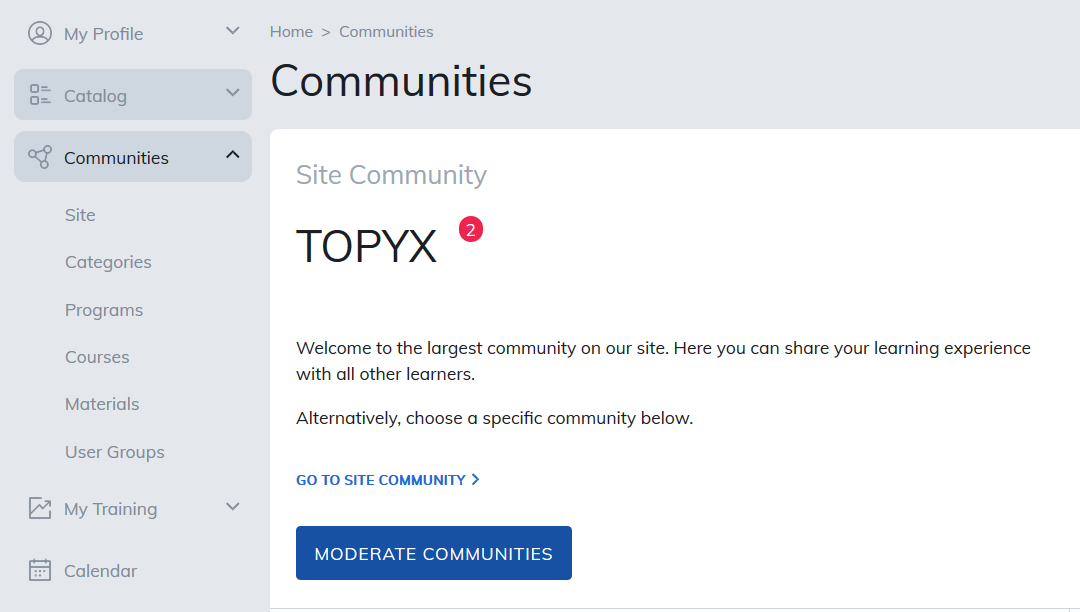
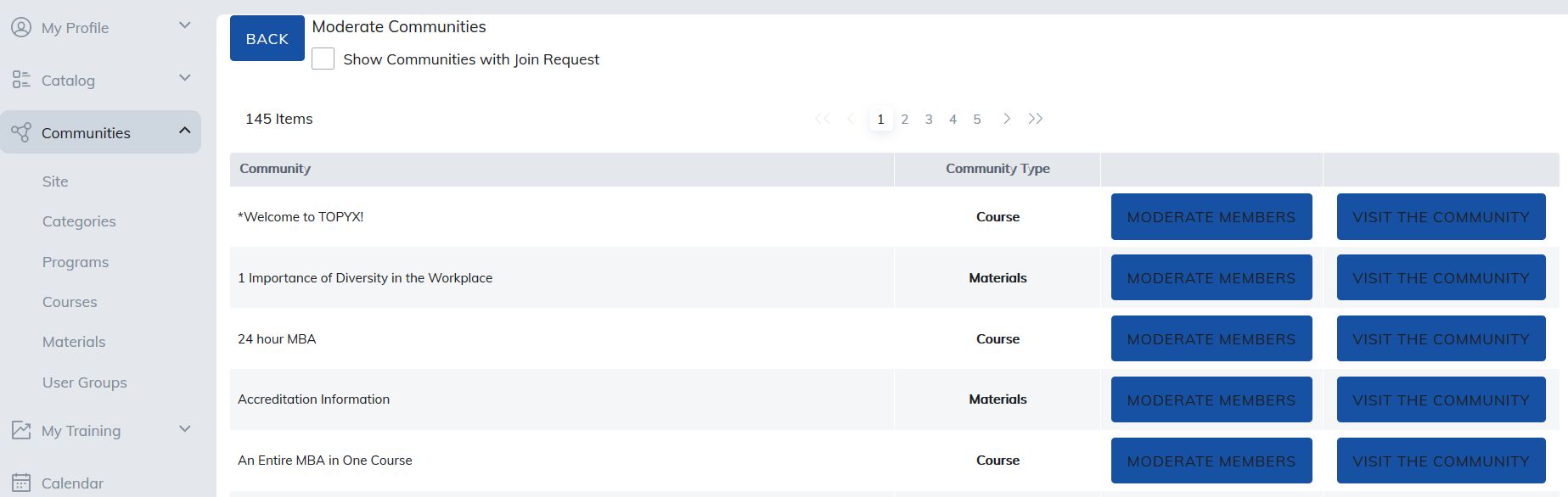
Once you click the Moderate Communities button you will see the communities you can moderate.
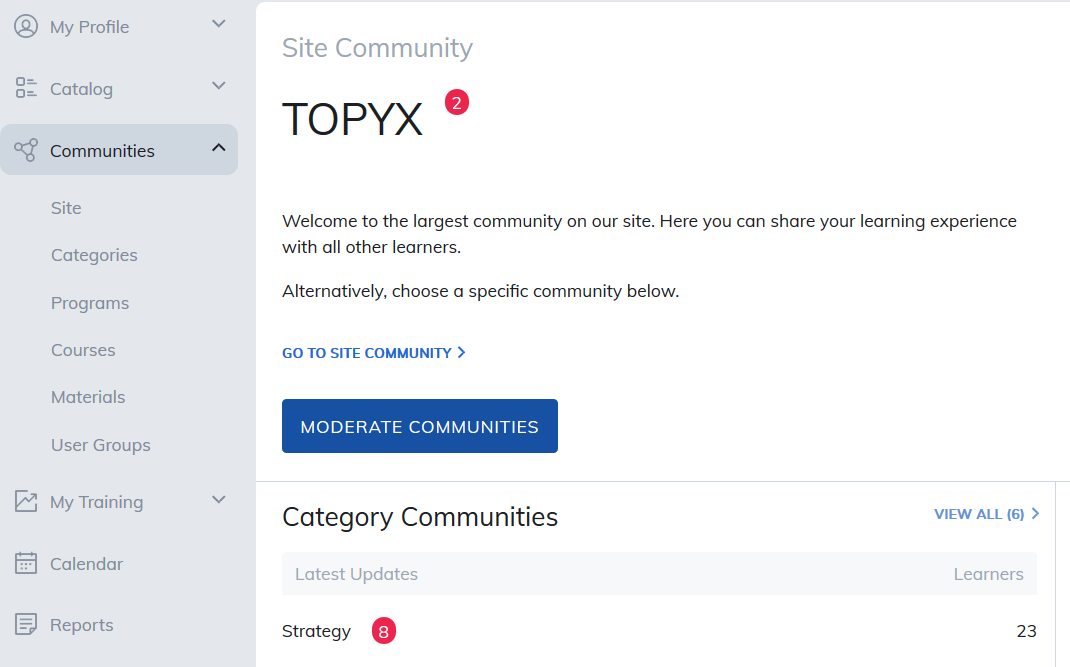
When viewing the Community Tab, users will notice which Communities have activity to be viewed by red dots with numbers showing how many updates have occurred.
Was this article helpful?
That’s Great!
Thank you for your feedback
Sorry! We couldn't be helpful
Thank you for your feedback
Feedback sent
We appreciate your effort and will try to fix the article