The Forum Widget allows you to start a dialog over a particular topic and is useful to share information with community members.
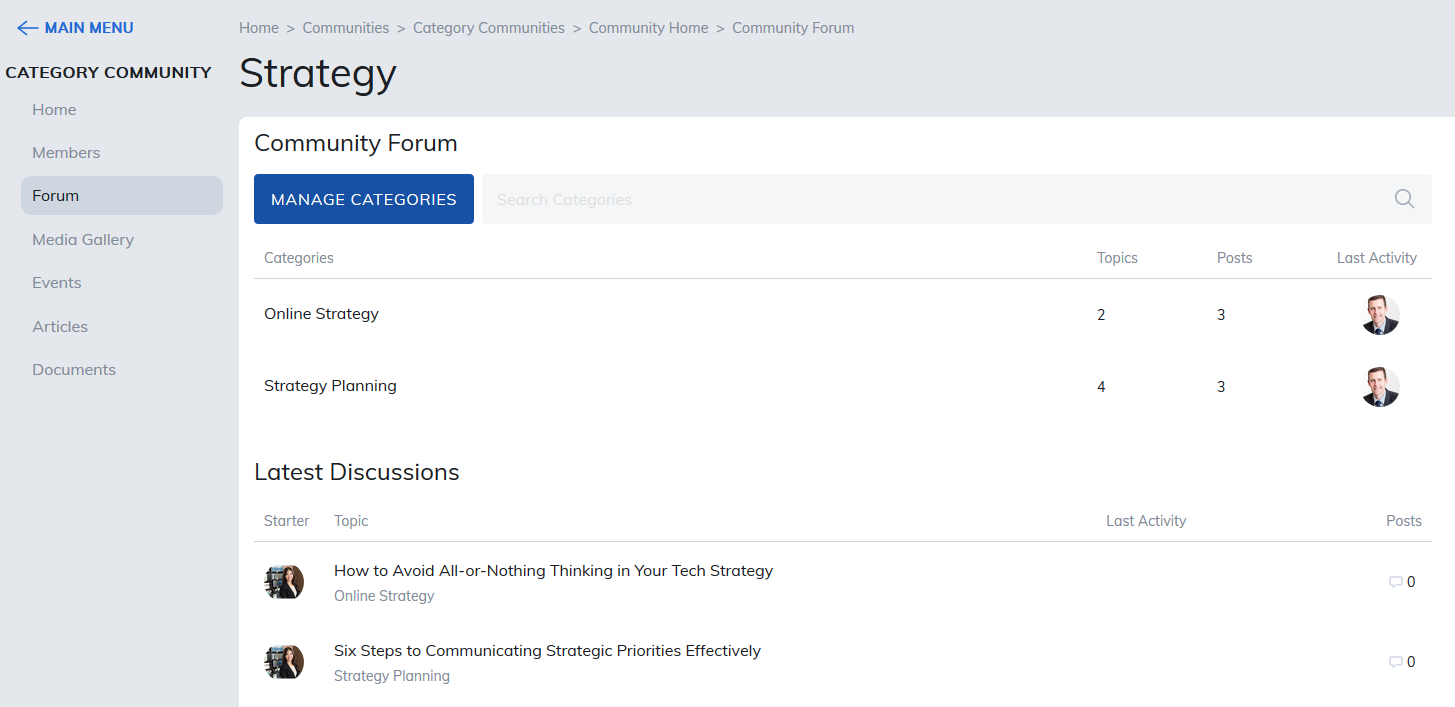
If there are topics already posted to for Forum, clicking on Topics will display a list of the discussions underway. You can view and reply to any posts or create a new Forum.
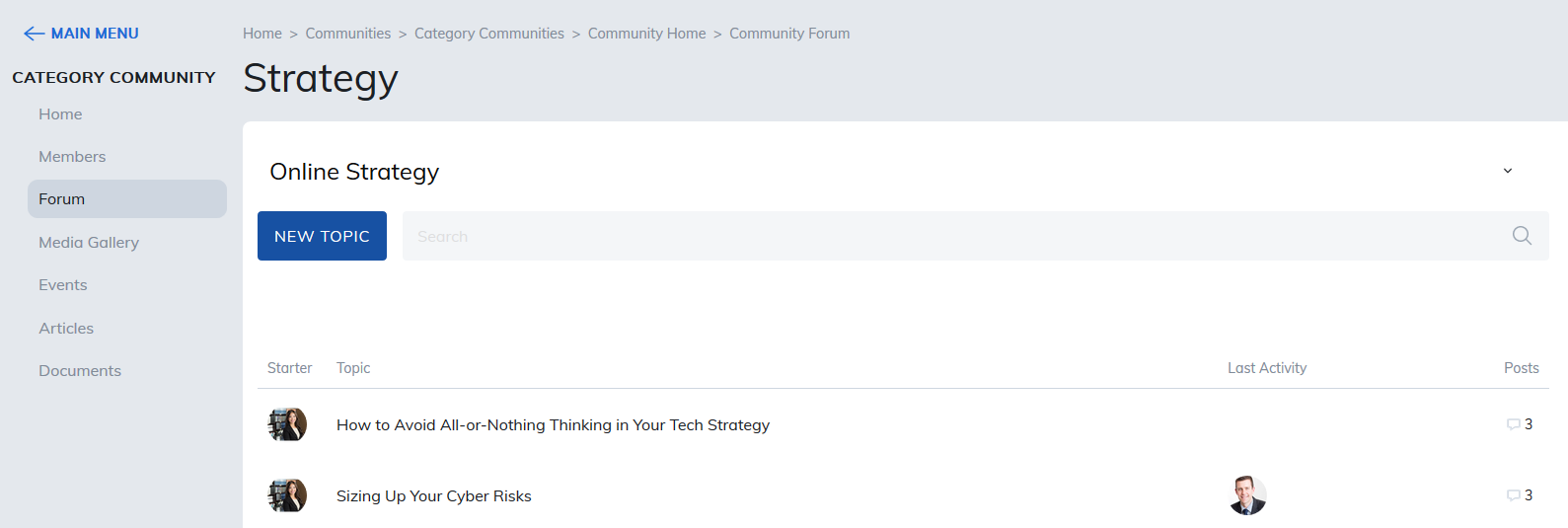
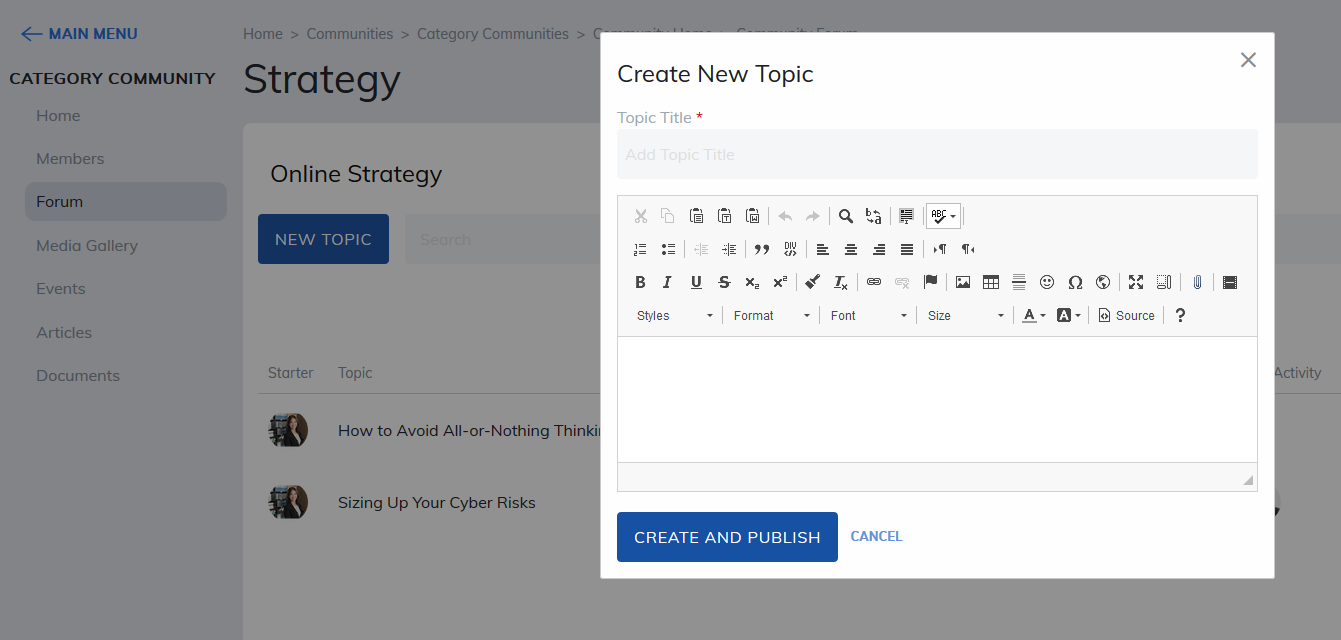
You need to be in a Forum Category. To create a new topic once you are in the category of your choosing, click on New Topic and fill in the area to name the topic and add the detail of the discussion in the editor provided. Then click Create and Publish to save.
Was this article helpful?
That’s Great!
Thank you for your feedback
Sorry! We couldn't be helpful
Thank you for your feedback
Feedback sent
We appreciate your effort and will try to fix the article