Creating Events to appear in the communities takes place using the publishing tool.
Administrators, Instructors and Managers can create Events to be posted on Learners profile pages, selected community pages and send an accompanying email to a Learner too.
To use this feature, simply go to the Administrator home page and select the Publishing Tool.
Choose Add Event.
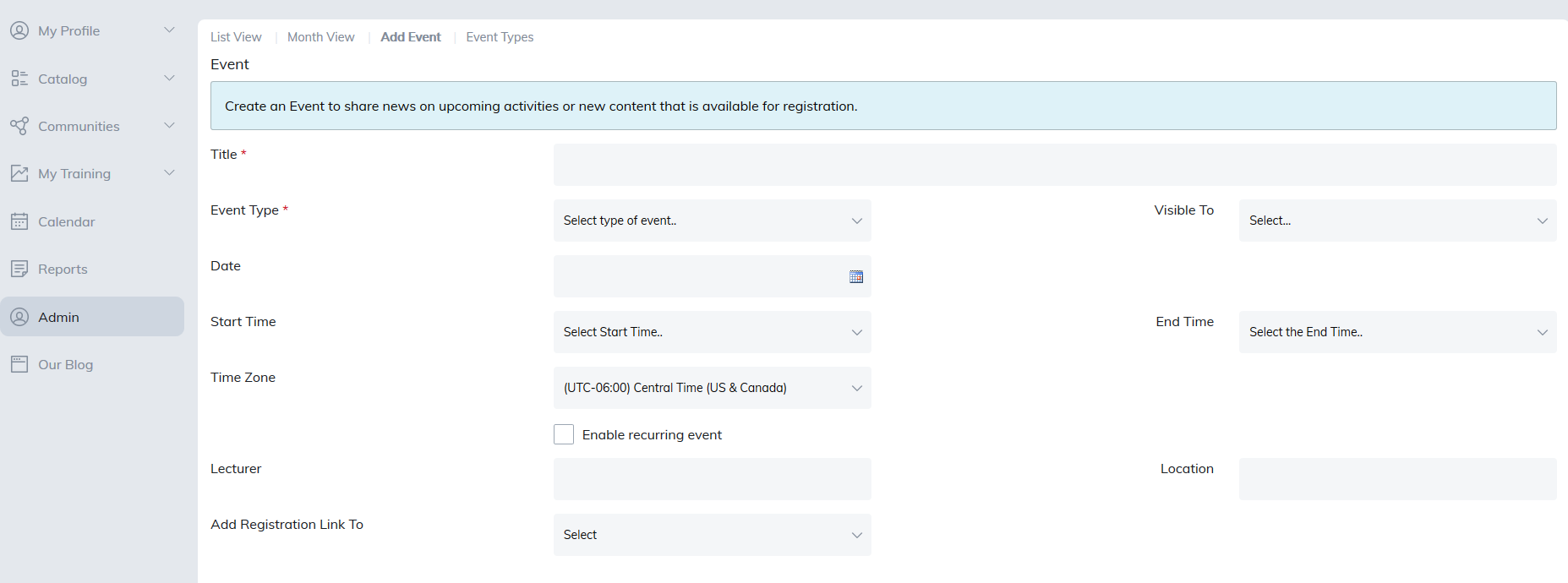
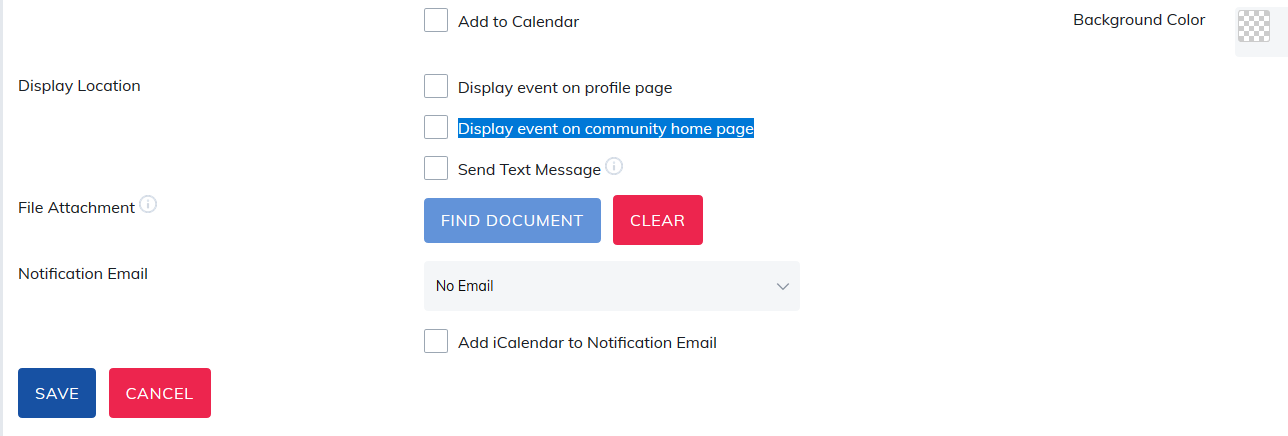
Checking the Display event on community home page option and selecting to save and notify will publish the announcement to your chosen community.
Was this article helpful?
That’s Great!
Thank you for your feedback
Sorry! We couldn't be helpful
Thank you for your feedback
Feedback sent
We appreciate your effort and will try to fix the article