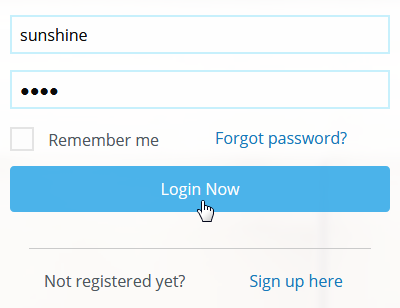
Welcome to your Learning Management System! To log in, please enter the username and password provided by your administrator.
Self Registration
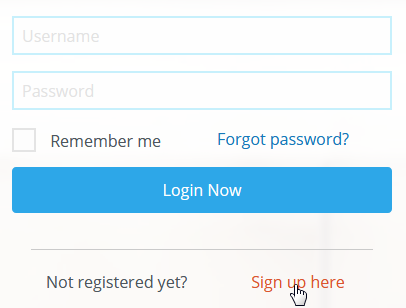
If you have not received a username and password, you can self register by selecting the Sign up here link.
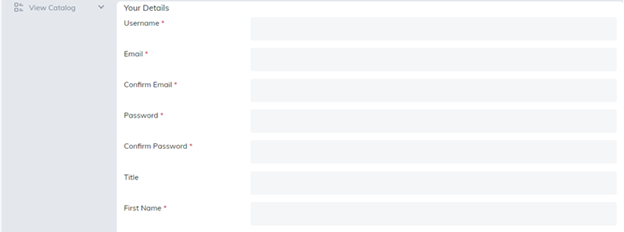
Fields followed by a red asterisk will be required to create an account.
Please note:
- Only letters, numbers, hyphens ("-"), and underscores ("_") are allowed in the username.
- Usernames cannot contain a space, apostrophes, or commas
- First Name can contain alpha characters only
- Last Name can contain alpha characters only
Once your account is created you will be logged directly into the Learning Management System.
We recommend you change your password. To change your password, go to My Profile tab, select Edit Profile link, and then scroll down to Change Password button.
When there is no sign up available
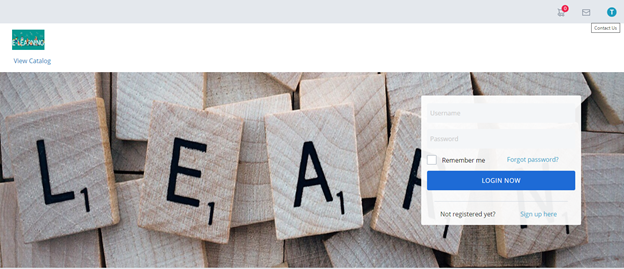
If the site does not allow self registration, you will need to contact your administrator for assistance by using the Contact Us option or contacting them directly.
Was this article helpful?
That’s Great!
Thank you for your feedback
Sorry! We couldn't be helpful
Thank you for your feedback
Feedback sent
We appreciate your effort and will try to fix the article