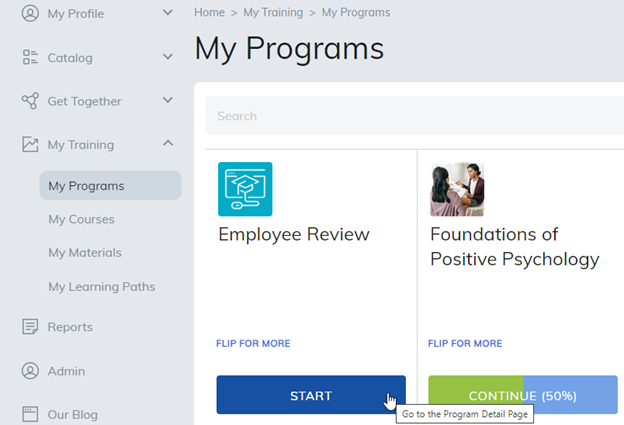
This section will display programs you are currently enrolled in. Clicking on Start will take the learner to the program home page.
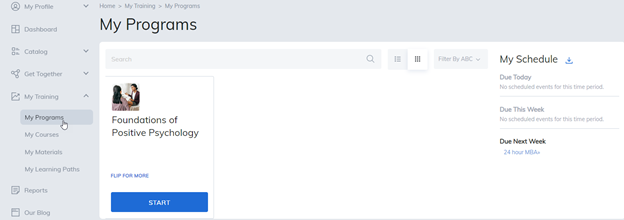
From the program home page, learners can view the requirements of the program. For example, the number of required courses and materials to be completed in addition to any available electives.
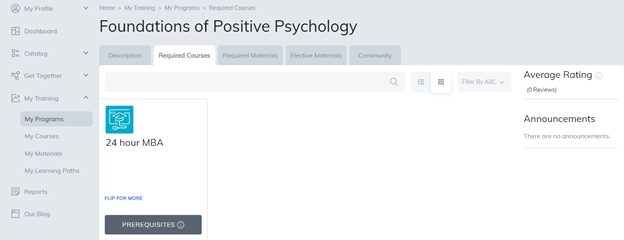
To access items within the program, press the Start button.
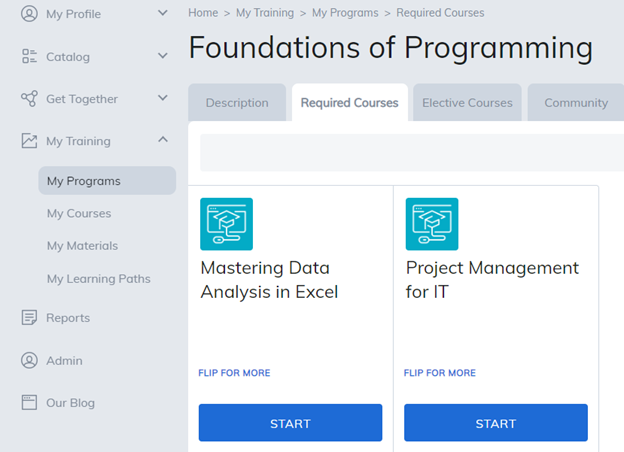
The learner will now be viewing the course material page where they can complete their training.
Was this article helpful?
That’s Great!
Thank you for your feedback
Sorry! We couldn't be helpful
Thank you for your feedback
Feedback sent
We appreciate your effort and will try to fix the article