Coupons allow you to offer customers discounts at checkout. Coupons can also be used to assign users to specific user groups while applying those discounts.
To create a coupon with this additional functionality, click Manage Coupons from your Admin page.

Once you have created your coupon and selected the desired discounts to be applied to subscriptions, programs, courses and/or materials, you will see a user group section option. Please select the add/remove user group link.
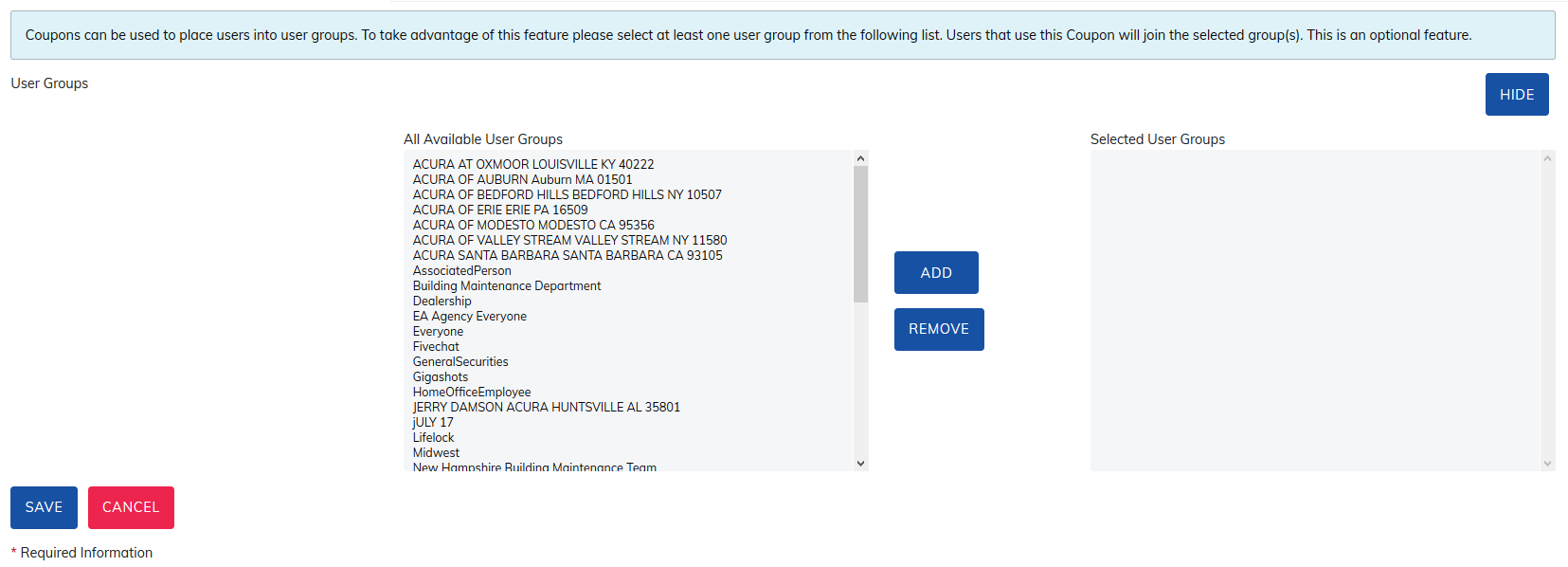
All user groups and sub-user groups existing on your site will be displayed. Please select at least one user group and save your coupon. When users use this coupon, they will now be placed in the user group(s) selected.
Was this article helpful?
That’s Great!
Thank you for your feedback
Sorry! We couldn't be helpful
Thank you for your feedback
Feedback sent
We appreciate your effort and will try to fix the article