The Calendar displays upcoming announcements and course-related events created through the Publishing Tool. You can view the Calendar in two formats: Day View or Month View.
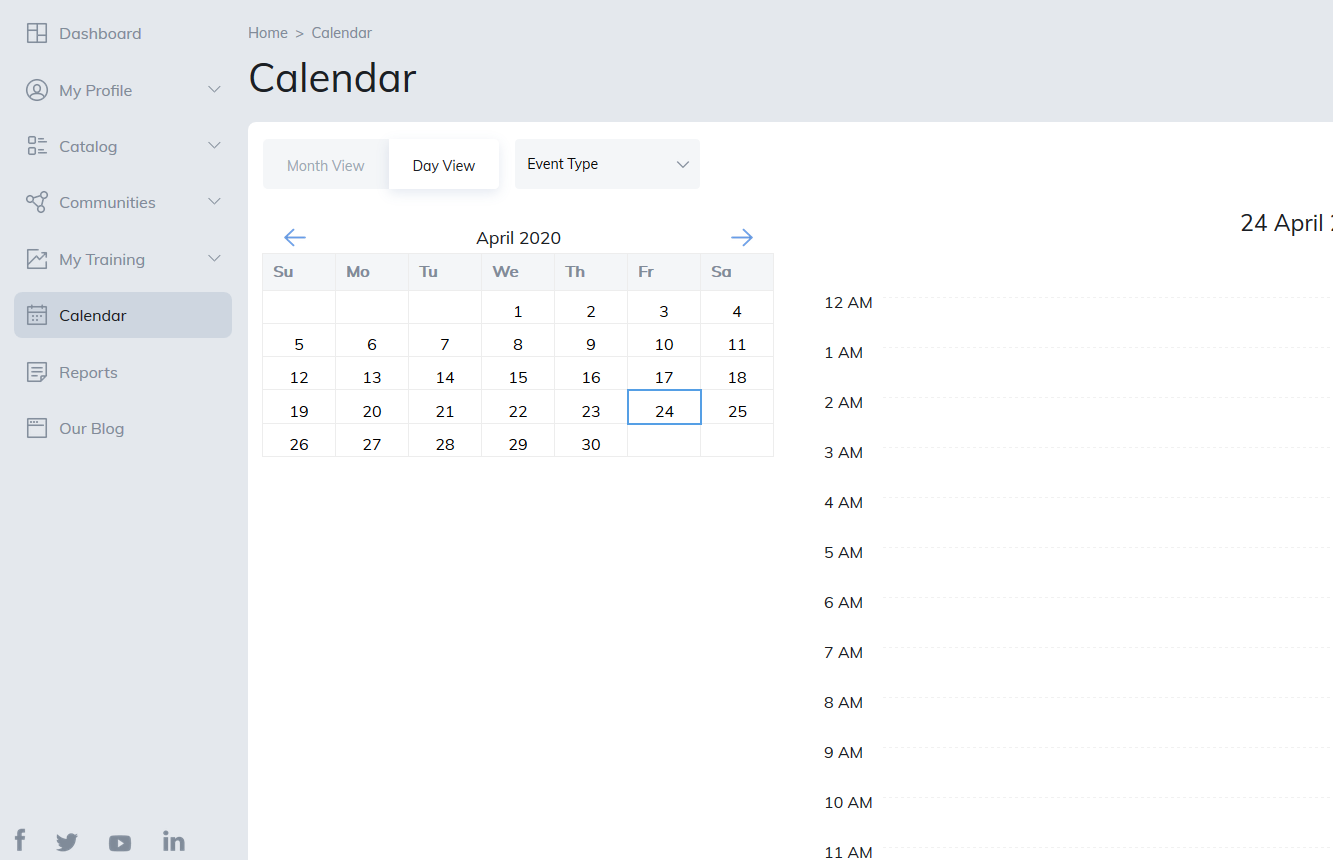
Day View
Day View displays one day at a time, organized into hourly time slots.
You can adjust the display to show a 5-day or 7-day week view by selecting the corresponding option. This allows you to view multiple days (up to seven) on a single screen.
Month View
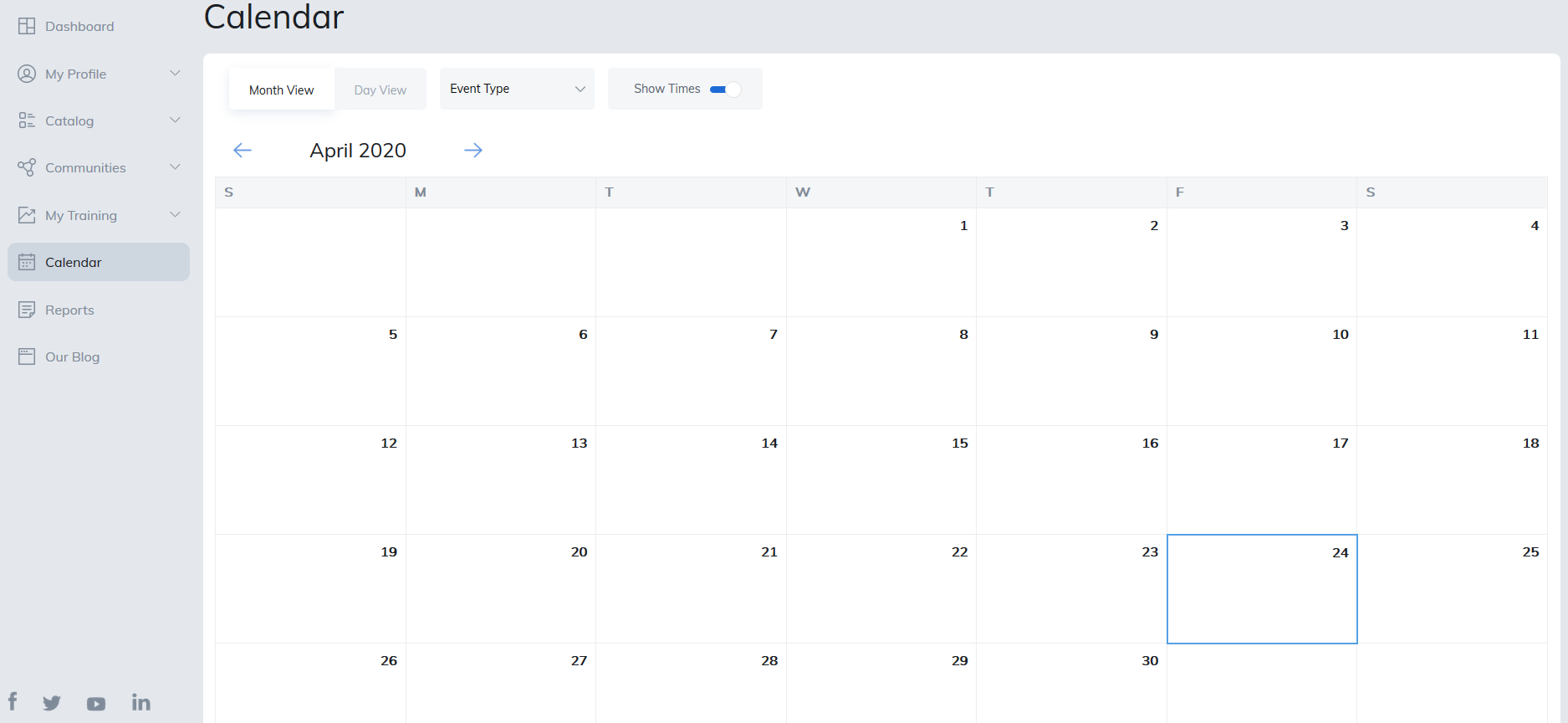
Month View displays all events scheduled for the selected month. Click on any event to view its details and register, if registration is available.
Was this article helpful?
That’s Great!
Thank you for your feedback
Sorry! We couldn't be helpful
Thank you for your feedback
Feedback sent
We appreciate your effort and will try to fix the article